The Ultimate Guide to Avoiding Common Web Design Mistakes: Expert Insights
Expert advice to steer clear of web design pitfalls. Create user-friendly, visually appealing websites that engage visitors and boost conversions.

A great website is the heart of any business's online presence, combining style and function effortlessly.
But, common mistakes in website design can hinder the user experience, drive visitors away, and impact your business’s success. From cluttered layouts to slow loading times, these errors often stem from a lack of planning or an overemphasis on aesthetics at the expense of usability.
To help you avoid these pitfalls, Fiverr’s experts have shared their insights on the most frequent website design mistakes and how to avoid them. Let’s dive in.
💡TL;DR
Do’s
- Prioritize whitespace for readability
- Use responsive web design
- Compress images to enhance load times
- Ensure clear and visible CTAs
- Follow accessibility standards (e.g., WCAG)
- Maintain consistent branding
- Optimize for SEO with meta tags and keywords
- Use analytics to refine the site
Dont's
- Overload pages with too many elements
- Ignore mobile optimization
- Use unoptimized large files
- Leave users guessing next steps
- Exclude users with disabilities
- Mix fonts and colors inconsistently
- Neglect search engine optimization
- Forget to track user behavior
Mistake #1: Overloading the layout
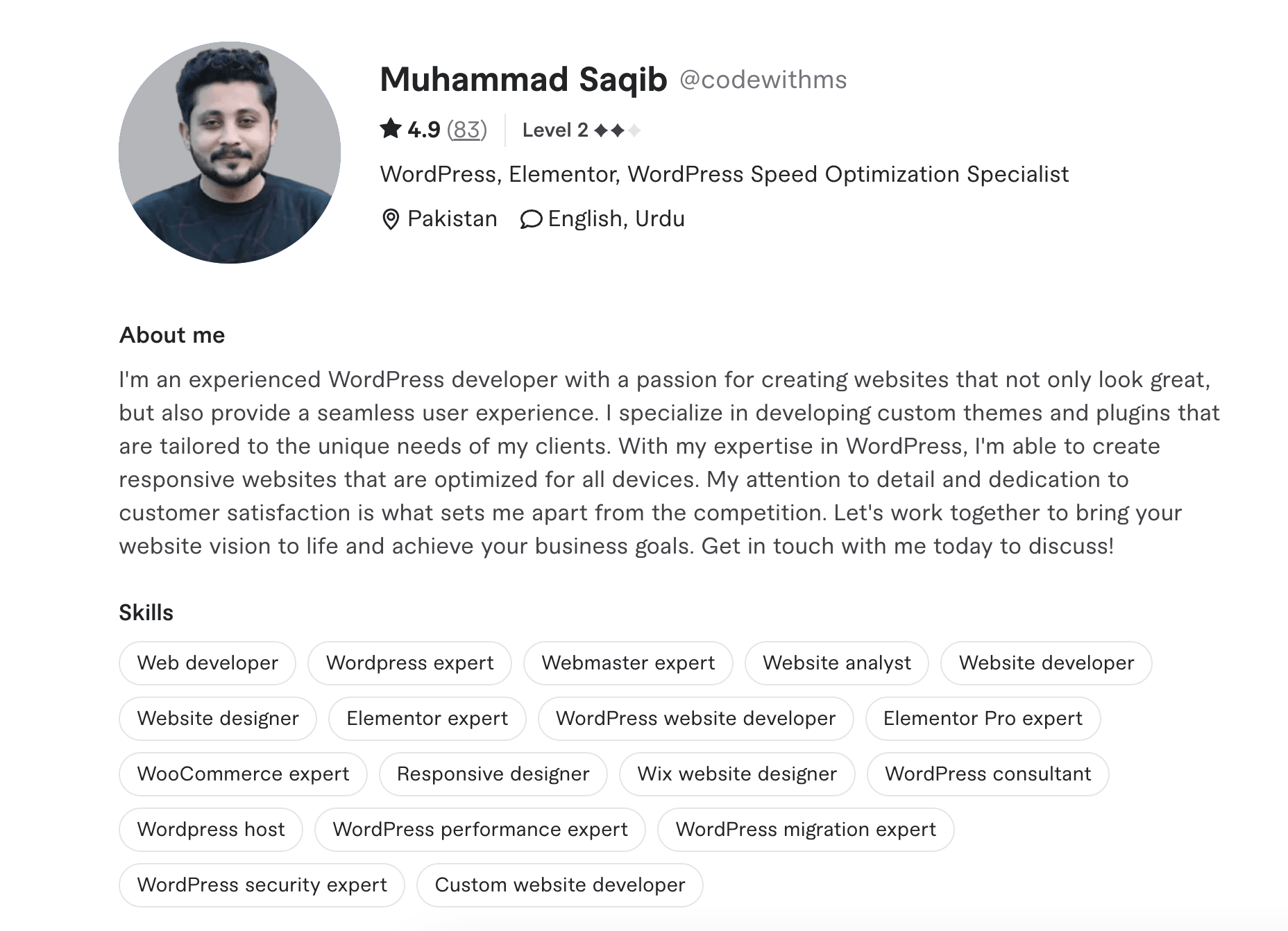
It’s easy to think that packing your website with content will impress visitors, but too much of a good thing can have the opposite effect.
One expert, Muhammad Saqib, explains:

“A cluttered layout not only confuses users but detracts from the core message of a website. Prioritizing simplicity and readability ensures visitors engage with your content effectively.”
So, what’s the solution? Use whitespace, or negative space, strategically to guide users’ attention and highlight your most important content (both written website content and visual elements). A clean layout with a clear visual hierarchy improves navigation and creates a more engaging user experience.
Mistake #2: Ignoring mobile responsiveness
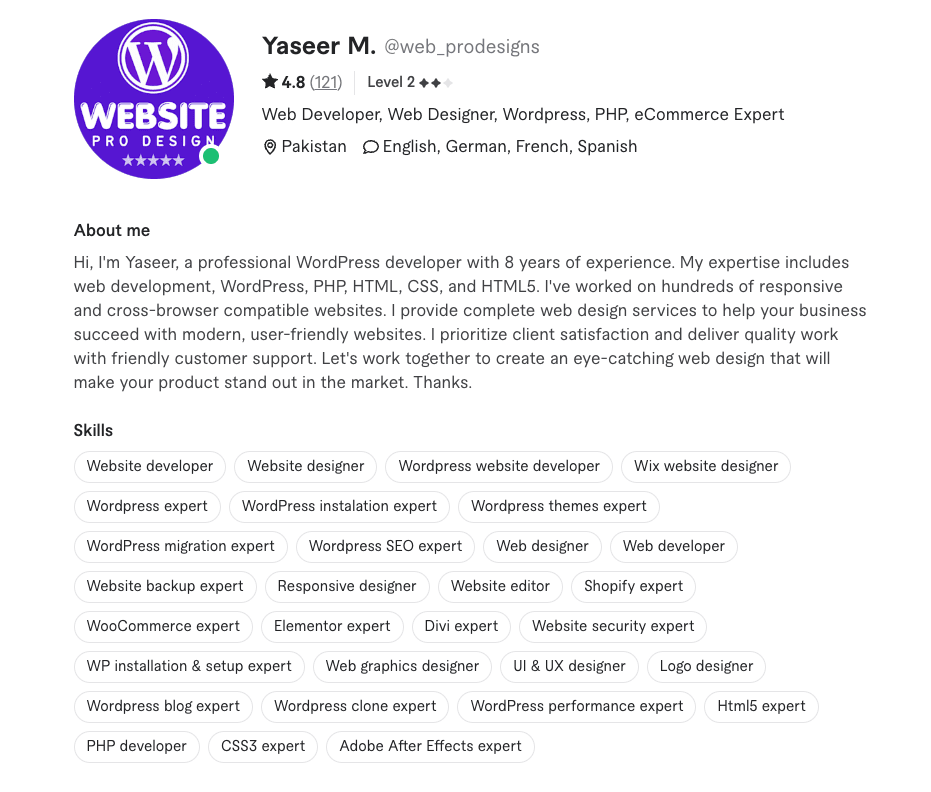
Not having a responsive design is a huge mistake—especially considering most web traffic comes from mobile devices.

“Responsive design is non-negotiable in today’s landscape, and testing your site on multiple devices is key to ensuring accessibility for all users.”
So, what’s the solution? Use responsive frameworks and touch-friendly navigation to create a consistent user experience across all devices.
Mistake #3: Neglecting speed optimization

Slow load times can severely impact user retention and search engine rankings. Large, unoptimized images, excessive scripts, and bloated designs often contribute to this issue.

“Compress media files and minimize unnecessary plugins to boost performance. A fast website retains users and enhances SEO rankings.”
So, what’s the solution? Optimize your website with caching, content delivery networks (CDNs), and lightweight code for faster load times, improved website performance, and a better user experience.
Mistake #4: Weak or missing calls-to-action (CTAs)

A website without strong CTAs leaves users uncertain about their next steps. As a result, you may miss valuable conversion opportunities. A CTA should be visually distinct and strategically placed to guide visitors toward actions like making a purchase or signing up for a newsletter.
Muhammad Rashid, a web design specialist, emphasizes:

“Strategic placement of action-oriented CTAs is essential to guide visitors towards conversions.”
So, what’s the solution? Experiment with different placements, colors, and phrases to help identify the most effective CTAs for your audience.
Mistake #5: Overlooking accessibility

Accessibility is a crucial yet often overlooked aspect of website design. Failing to accommodate users with disabilities not only excludes a significant portion of the audience but can also lead to legal complications.
Ronnie Abs, an accessibility advocate, points out:

“Website design must be inclusive. Following WCAG standards, such as incorporating alt text and ensuring keyboard navigation, makes your site usable for everyone.”
So, what’s the solution? Incorporate features like screen reader compatibility, color contrast checks, and keyboard-friendly navigation so that your website is accessible to all users.
Design a website that impresses and performs
Avoiding common web design mistakes is key to creating a site that stands out. By focusing on simplicity, responsiveness, and accessibility, you can build a visually captivating website.
These expert tips will help you deliver an outstanding user experience, keep visitors engaged, and turn your website into a powerful tool for lead generation.