 August 3, 2026
 10 minute reading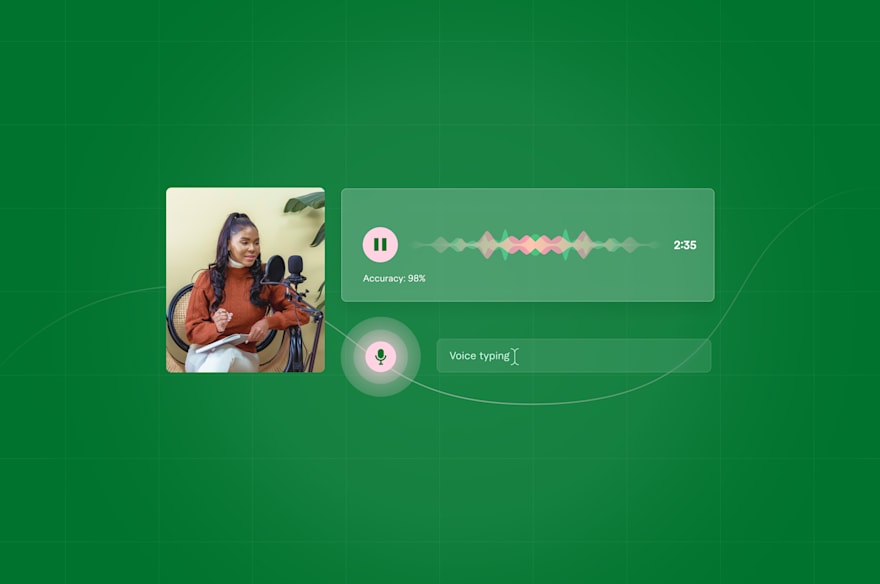
Of all the labor-intensive business tasks out there, manual audio transcription takes the cake.
SMBs cannot afford to waste time on a monotonous job that already has a high margin of human error—especially when there’s an AI solution in the market.
AI-powered speech recognition services can save you from fast-forwarding through hours of audio to find what you’re looking for. These tools instantly perform speech-to-audio transcription and boost your business’s productivity.
Need real-time transcriptions of business meetings? Or maybe you want to turn podcasts into blog posts? Either way, speech recognition software is 20-30x faster than manual transcription.
In this article, we review the top 10 speech recognition software in the market for small business owners. These AI tools have higher accuracy and better performance than default dictation software on operating systems like Apple MacOS (Siri) and Windows 11 (Cortana).
Let’s dive in.
Look for a professional Chatgpt developer on Fiverr



Level 2
I will do ai mobile app development, android, ios app development as flutter developer
Offers video consultations



Level 2
I will do ai mobile app development, ai chatbot, ai app developer
Offers video consultations


Vetted Pro
Our agency will build an ai mobile app with ai integrations, gpt claude or gemini
Offers video consultations



Level 2
Our agency will ai mobile app development, ai website, app developer, ai chatbot, ai agent
Offers video consultations



Top Rated
I will develop ai powered mobile, web and automation applications
Offers video consultations

Top Rated
I will do ai mobile app development, ai website, app developer, ai chatbot, ai agent
Offers video consultations








Vetted Pro
Our agency will do ai mobile app development, ai chatbot development as an ai app developer
Offers video consultations


Level 2
I will develop ai mobile app, ai integration ios app, android app, mobile app developer
Offers video consultations

Level 2
I will do ai mobile app development ai android app ai ios app creation as flutter app
Offers video consultations




Level 2
I will develop ai software, saas or ai mobile app as full stack ai developer
Offers video consultations

Top Rated
I will develop a custom flutter ai app with ai agents and chatbots
Offers video consultations

Vetted Pro
I will do ai mobile app development, ai saas app, ai website, flutter app developer
Offers video consultations


Level 2
I will do ai mobile app development, ai website, android app, ios app, ai integration
Offers video consultations



Level 2
I will do ai mobile app development,ai website,ai app developer,ai chatbot,ai agent
Offers video consultations



Vetted Pro
Our agency will build ai app, ai mobile app ai chatbot ai powered app ai agent ai website
Offers video consultations


Vetted Pro
Our agency will develop ai app, ai saas, ai website and ai mobile app
Offers video consultations

Vetted Pro
Our agency will provide ai powered mobile and web application development with openai chatgpt
Offers video consultations

Vetted Pro
I will do ai mobile app development, ai chatbot, react native, flutter as ai developer
Offers video consultations

Top Rated
I will develop ai mobile apps, ai agents, ai chatbots and custom ai solutions
Offers video consultations





Level 2
I will do ai mobile app development, ai chatbot and flutter ai app
Offers video consultations


Vetted Pro
I will create chatgpt gpt3 gpt4 integrations and chatbots for you
Offers video consultations


Top Rated
I will do ai mobile app development open claw custom gpt claude code ai app developer
Offers video consultations

Level 2
I will develop custom trained ai chatgpt mobile app, ai saas app website, ai chatbot
Offers video consultations

Level 2
I will do ai mobile app development, ai automation, ai chatbot, ai mobile app
Offers video consultations



Level 2
I will develop an ai mobile app using flutter for ios and android
Offers video consultations

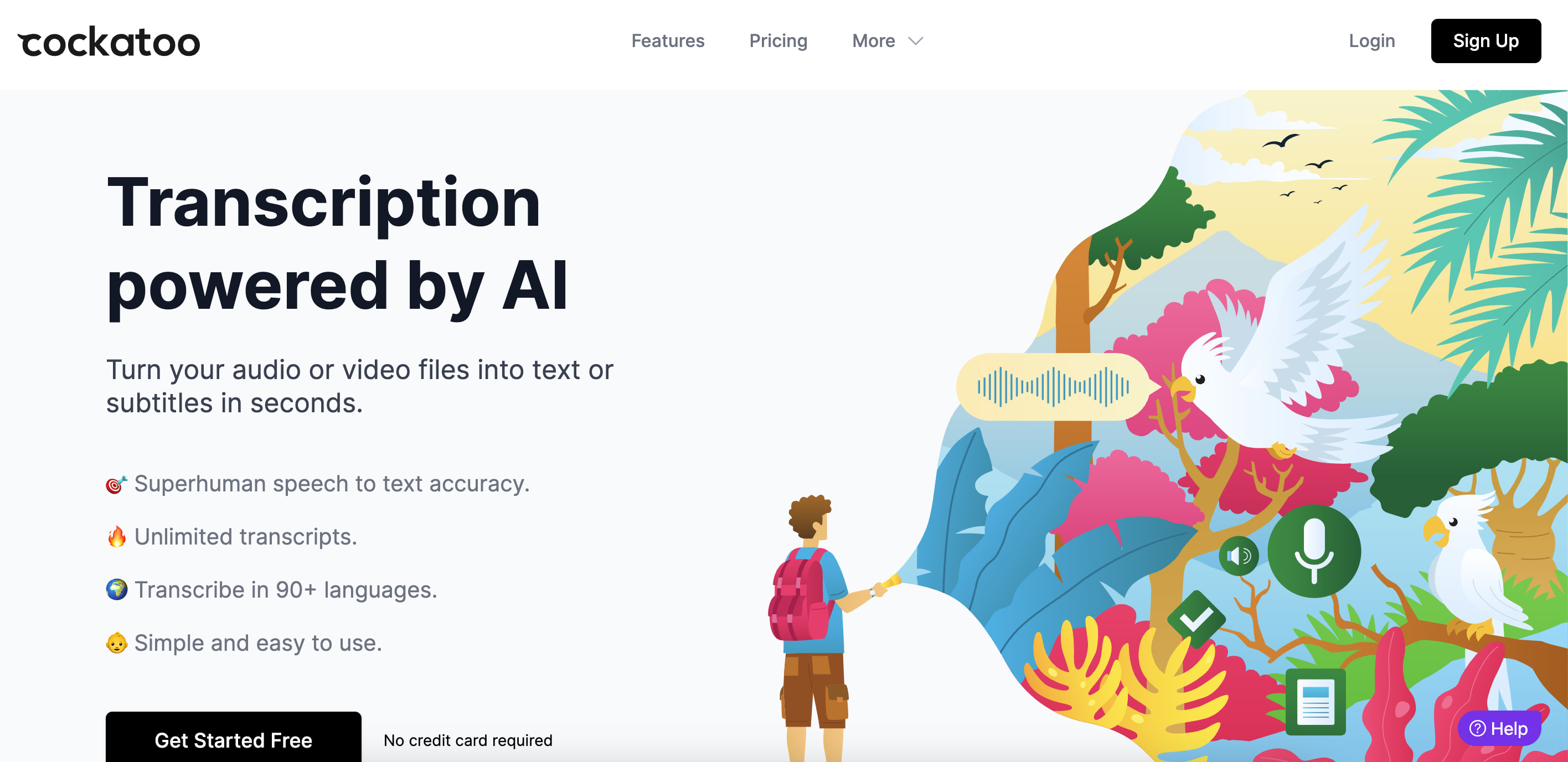
1. Cockatoo
Pricing
- Pro: $15 per month billed annually. Transcribe up to 10,000 minutes of audio or video monthly
- Business: $29 per month billed annually. Unlimited minutes of transcription
Pros
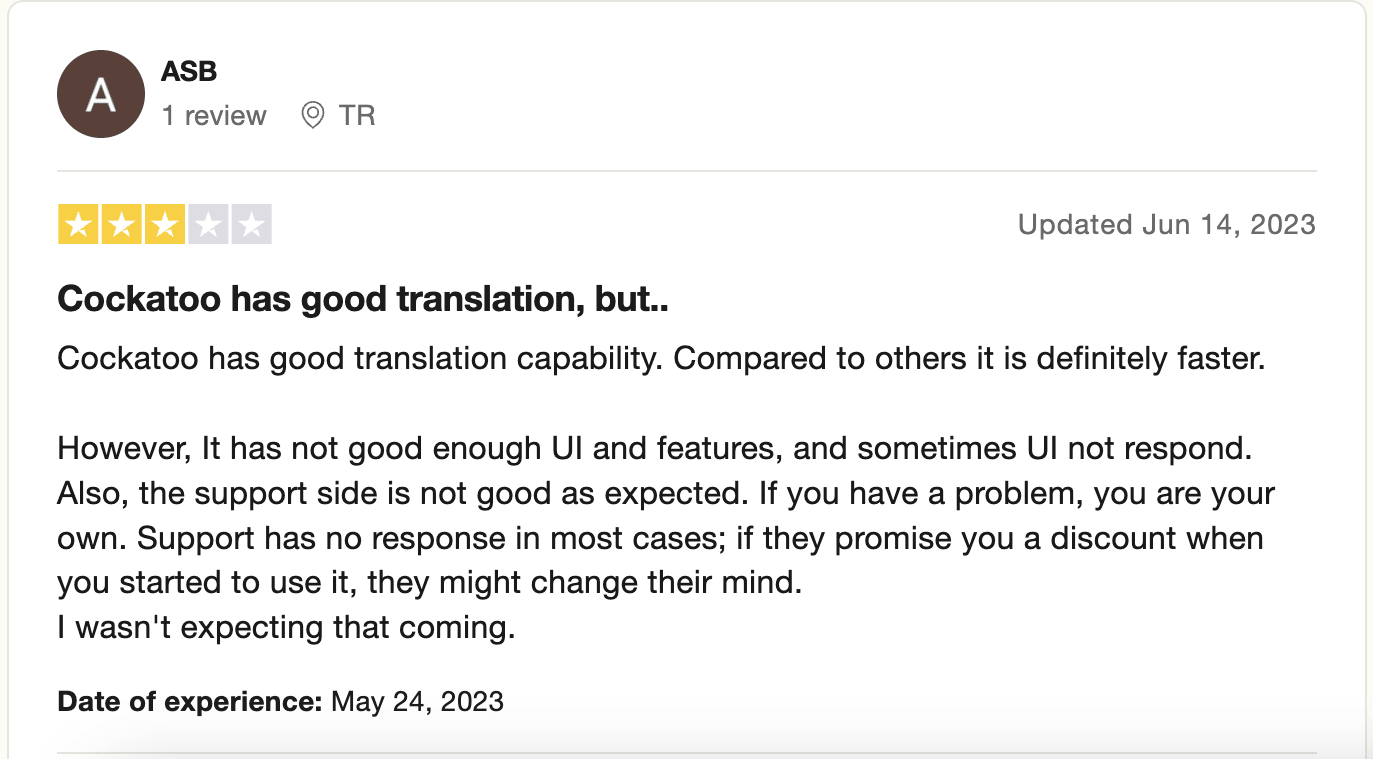
- High-speed transcription, 1 hour of audio is transcribed in 2-3 minutes.
- Uses machine learning to deliver 99% accuracy
- Built-in text editor to edit your transcriptions
- Supports 90+ languages
- Export as captions (SRT format) or text files
- Includes timestamps
- Includes punctuation
- High level of user data privacy through cryptography technology
- More affordable than similar tools in the market
Cons
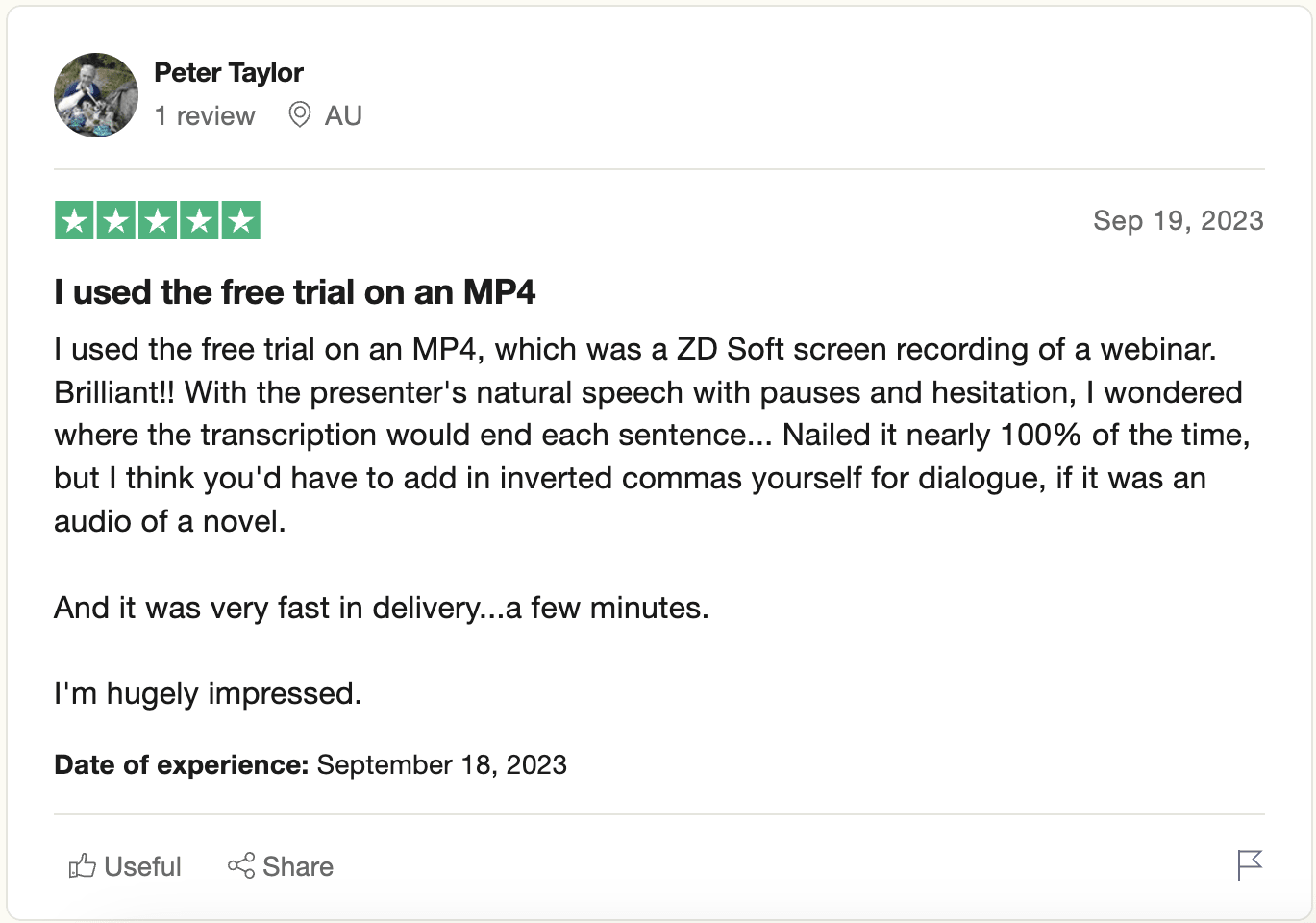
- No live dictation features
- User interface can be slow and glitchy at times
- No real-time transcription
Best for
But if you’re looking for more advanced virtual meeting features like real-time transcription, multiple speaker recognition, or summarizing data—you’re be better off with an advanced tool like AssemblyAI.
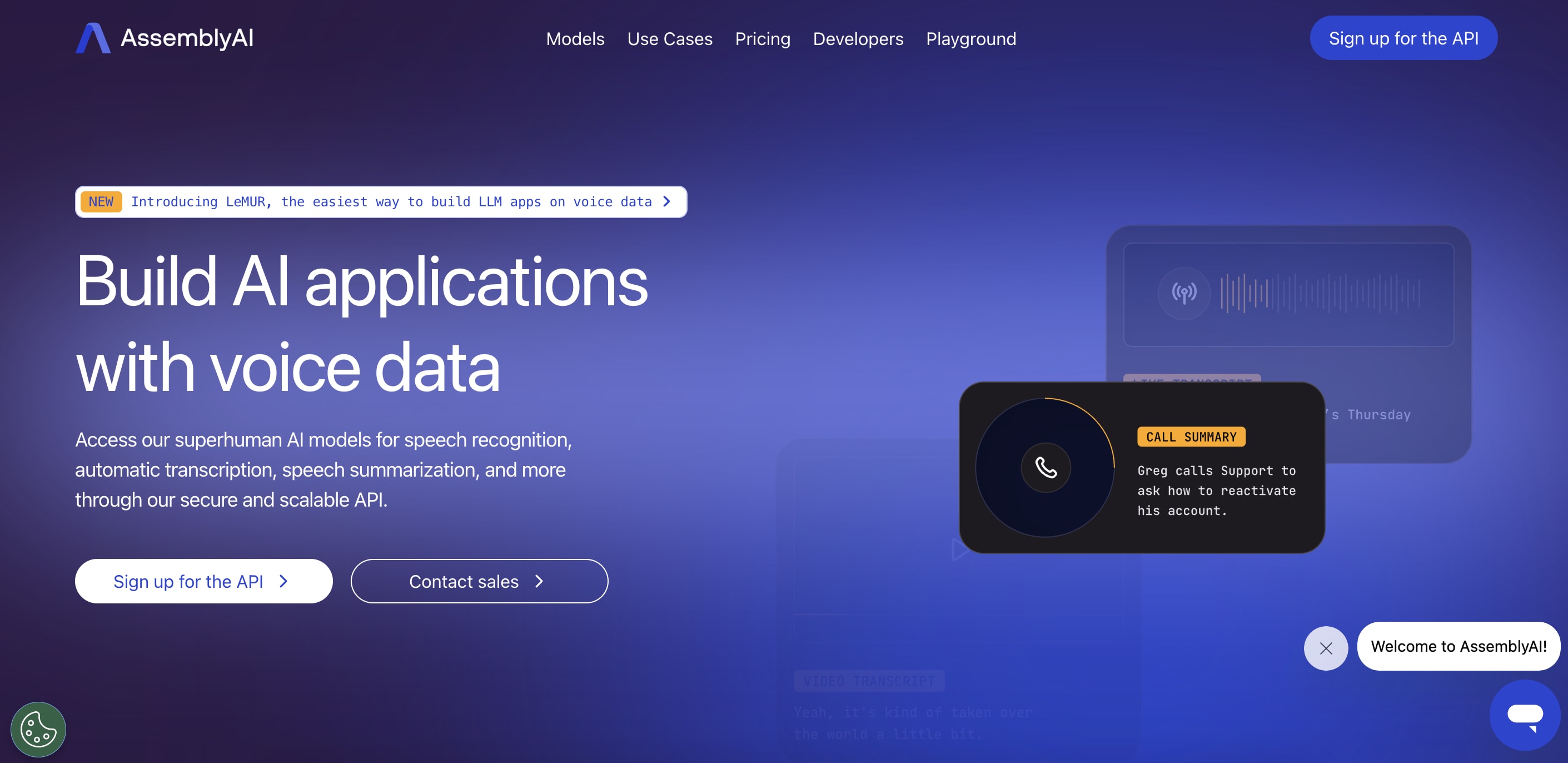
2. AssemblyAI
Pricing
- Core Transcription: $0.650016 per hour. Includes speech recognition and speech diarization (identifying who said what with multiple speakers)
- Real-time Transcription: $0.75024 per hour. Speech recognition with <600 ms of latency
Pros
- Easy to set up and implement in daily workflows
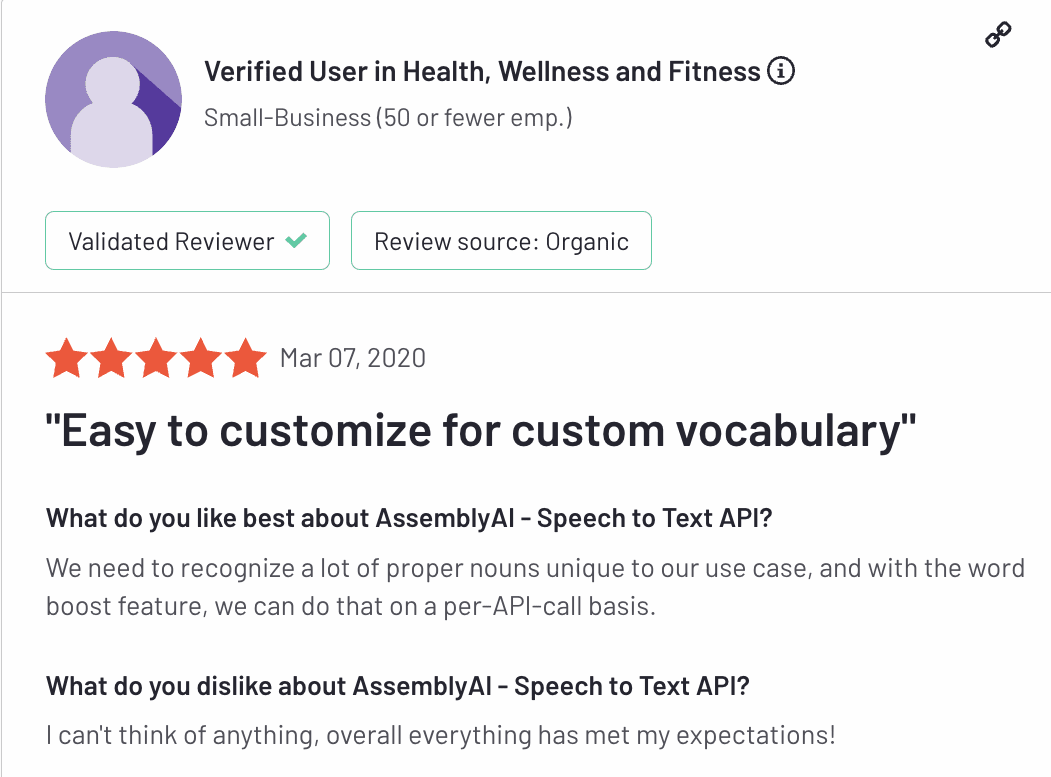
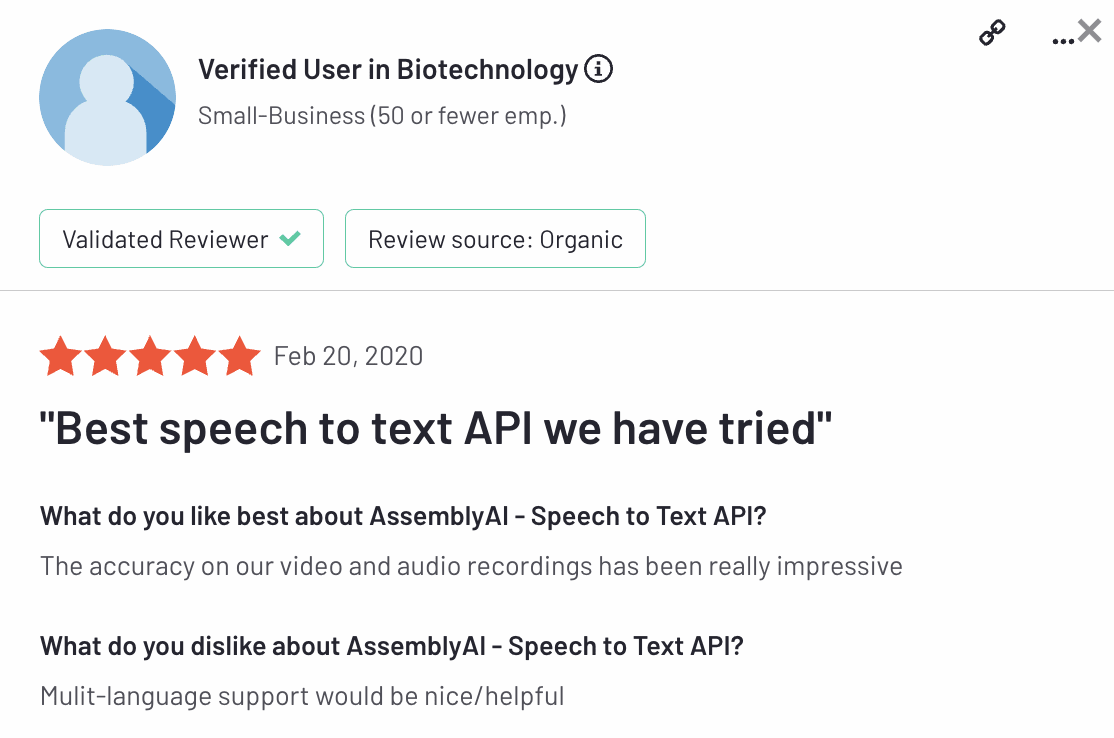
- Impressive accuracy
- Helpful and fast customer support
- Multiple Speaker Recognition
- Profanity filters
- Can include custom vocabulary
Cons
- Isn’t affordable for low usage
- Inadequate multilingual support
Best for
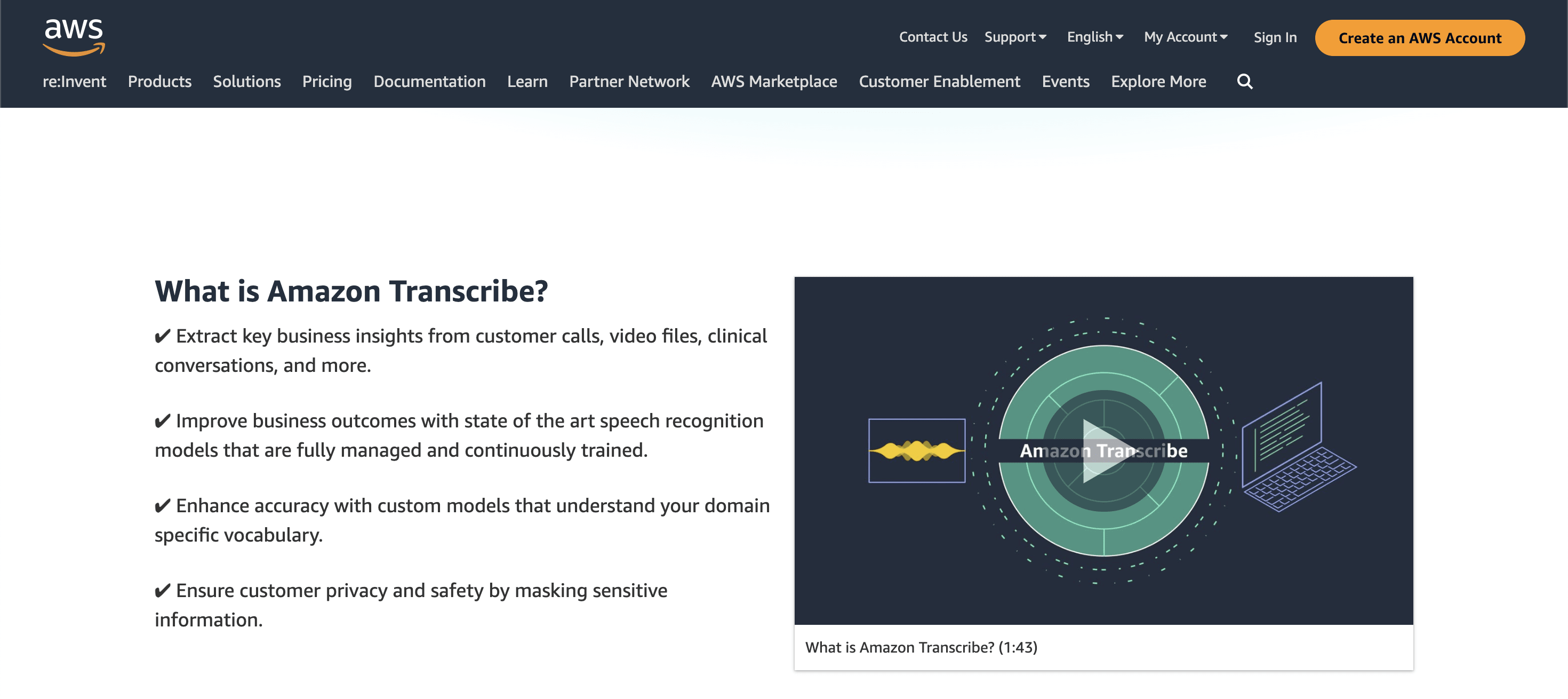
3. Amazon Transcribe
Pricing
- Tier 1: $0.02400 for the first 250,000 minutes
- Tier 2: $0.01500 for the next 750,000 minutes
- Tier 3: $0.01020 for the next 4,000,000 minutes
- Tier 4: $0.00780 for over 5,000,000 minutes
Pros
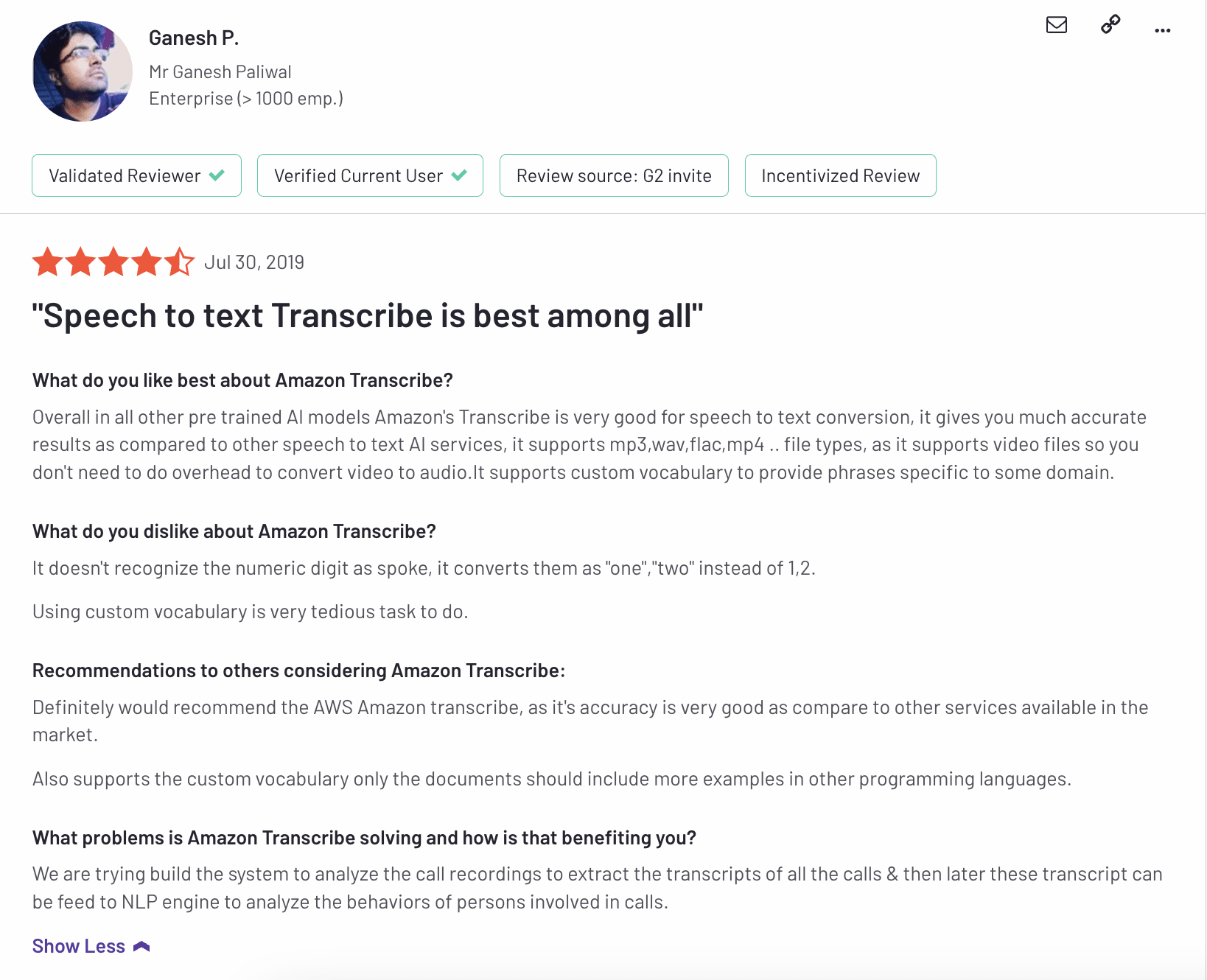
- Supports over 31 languages
- Affordable price
- Easy to set up
- High accuracy rates
Cons
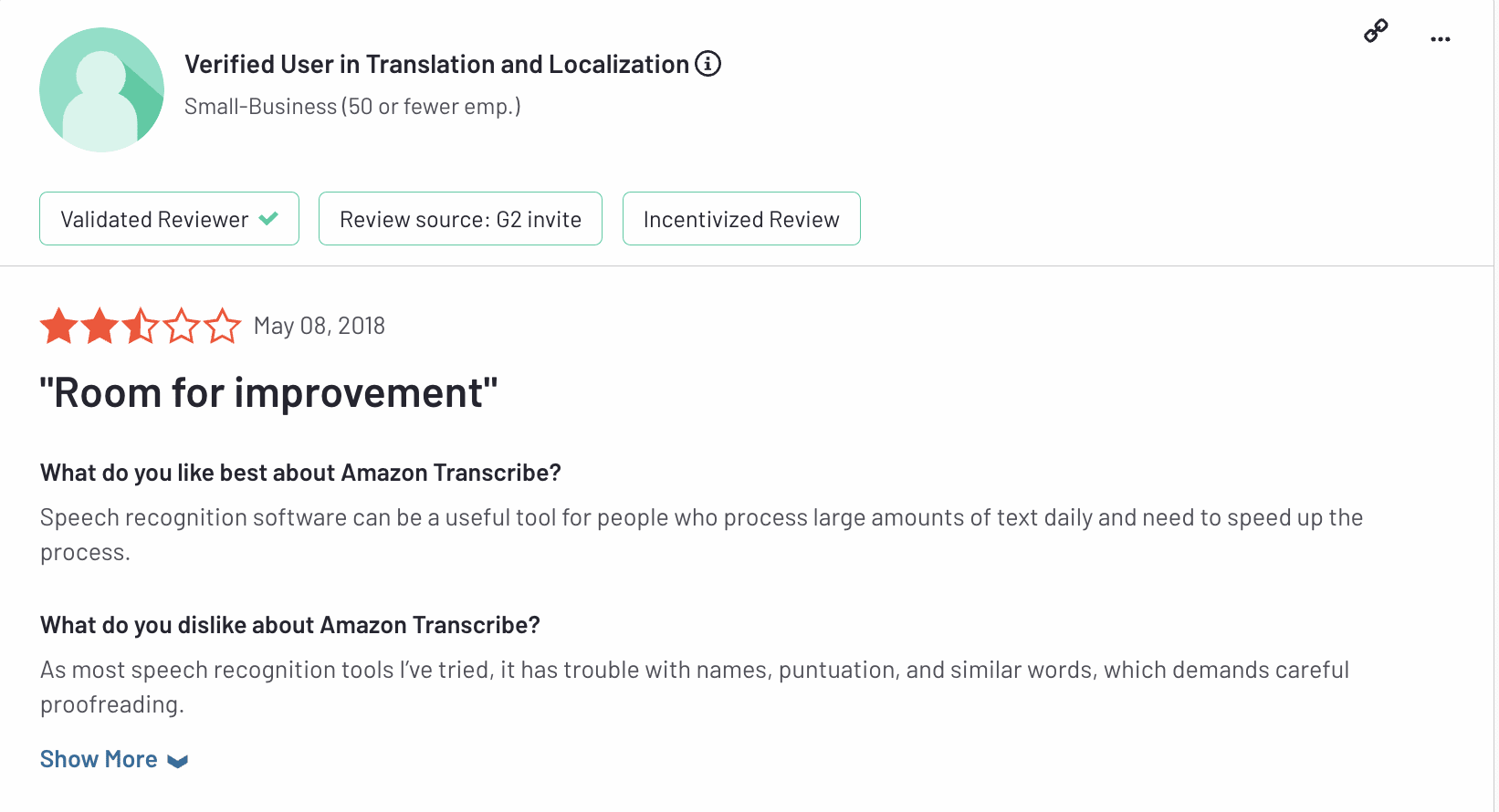
- Custom vocabulary is not as good as other software options
- A proofreading round is recommended, because of errors in punctuation
Best for
4. Nuance Dragon
Pricing
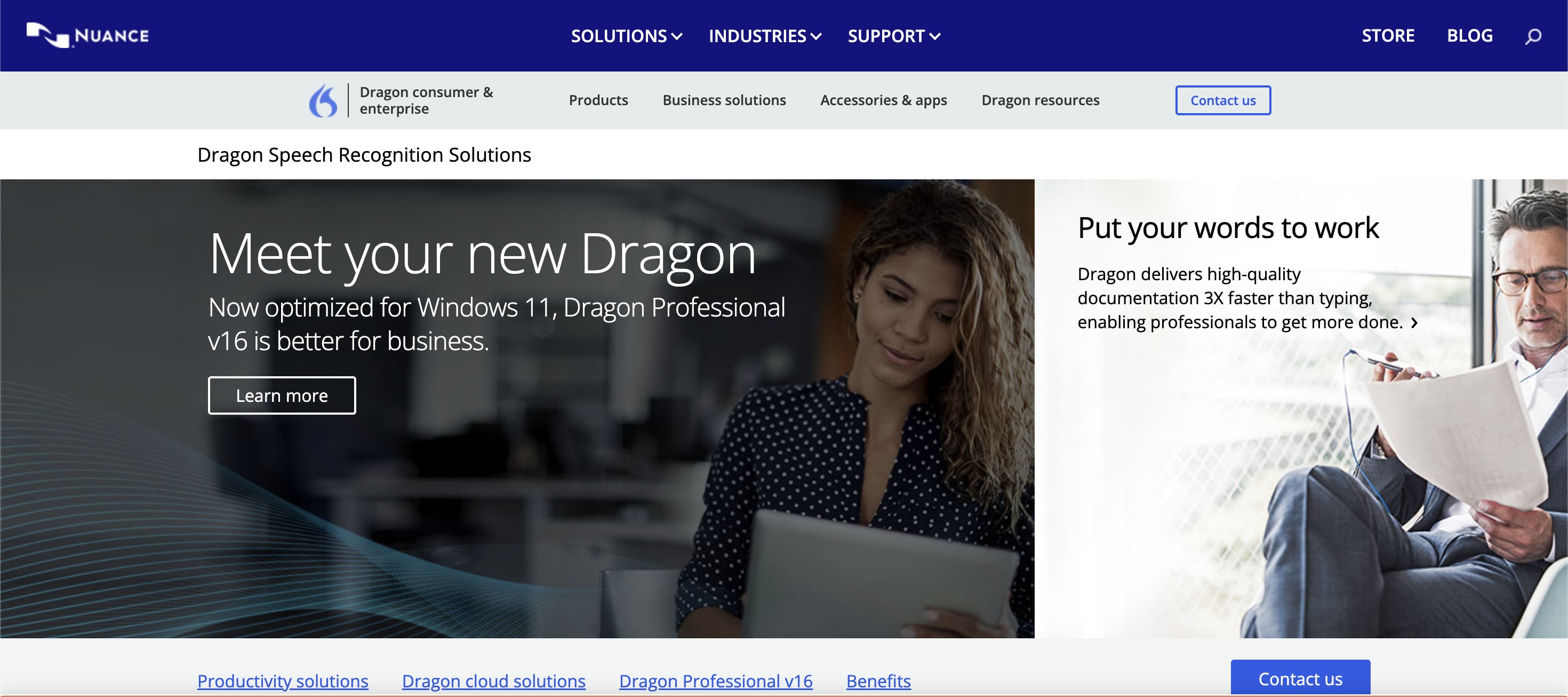
- Dragon Professional: One-time payment of $699, updated to support Windows 11/Office 2021
- Dragon Legal: One-time payment of $799
- Dragon Anywhere Mobile: $15/month, including a 1-week free trial for mobile devices. Available on Android and iPhone iOS
Pros
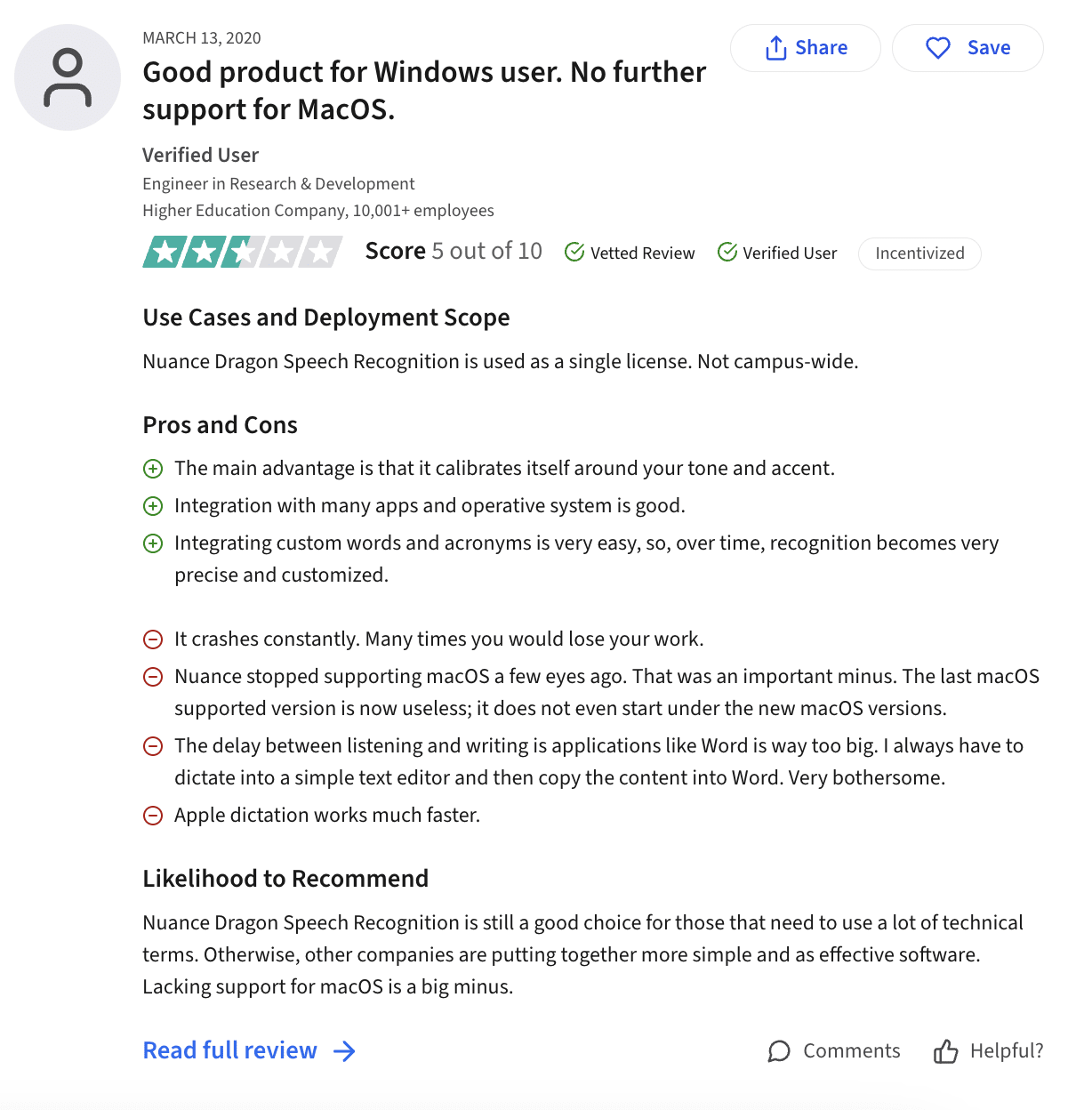
- Picks up on business-specific jargon quickly
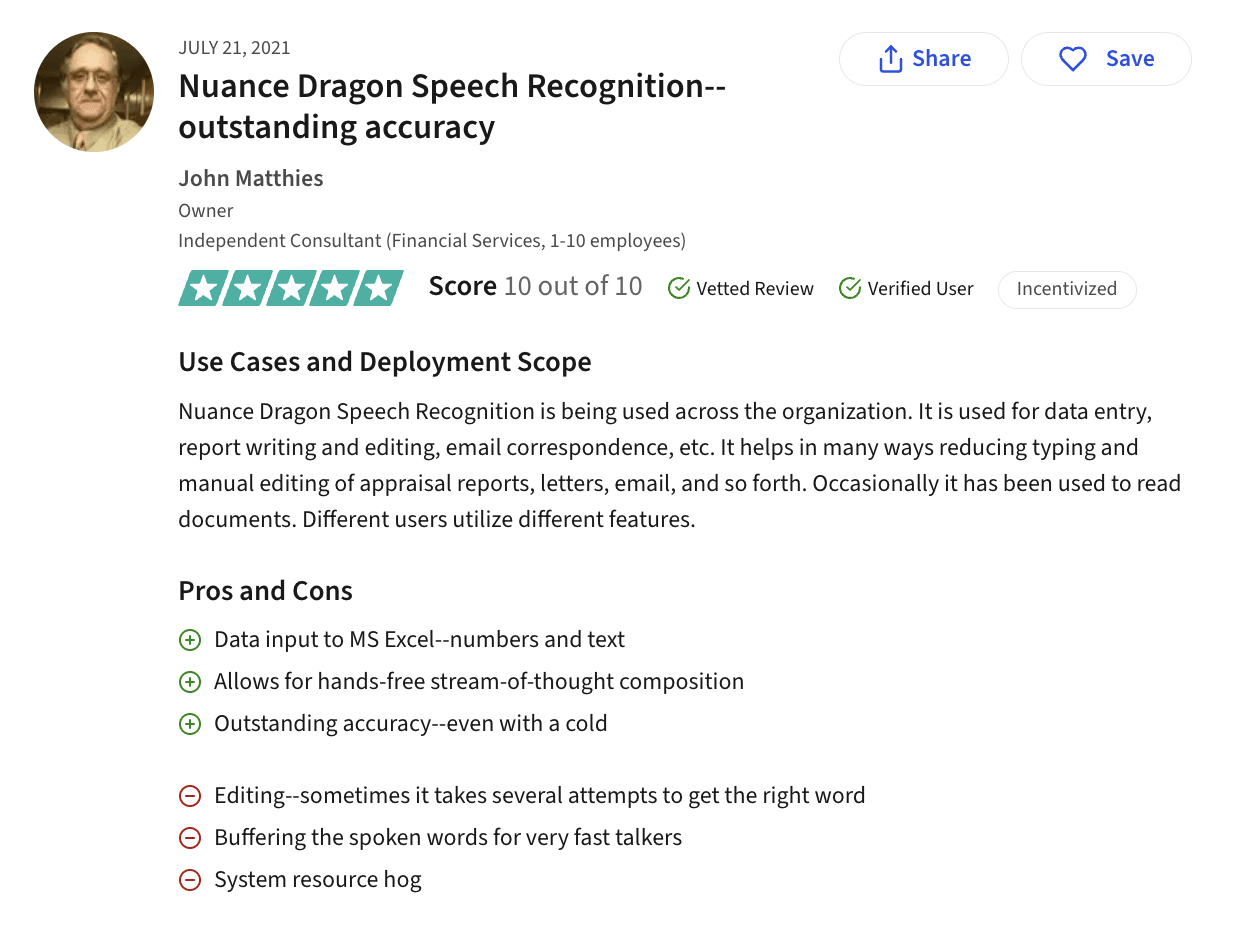
- High accuracy rates
- Supports systems above Windows 10
- Extremely versatile platform across industries
- Uses deep learning to understand accents and voice inflections
- Integrates across a wide range of applications
- Has tutorials on how to use the software
Cons
- It’s challenging to edit already transcribed files, in case of errors
- Accuracy rate gets affected by fast talkers
- Large software that may affect the performance of your system
- Higher in cost
Best for
5. IBM Watson Speech to Text
Pricing
- Lite: 500 minutes per month for free, with no customization options
- Plus: Subscribe to two tiers
- Up to 1 to 999,999 minutes of audio, $0.02 per minute
- 1,000,000+ minutes of audio, $0.01 per minute
- Premium: The plus plan with more security, contact an IBM representative for details
Pros
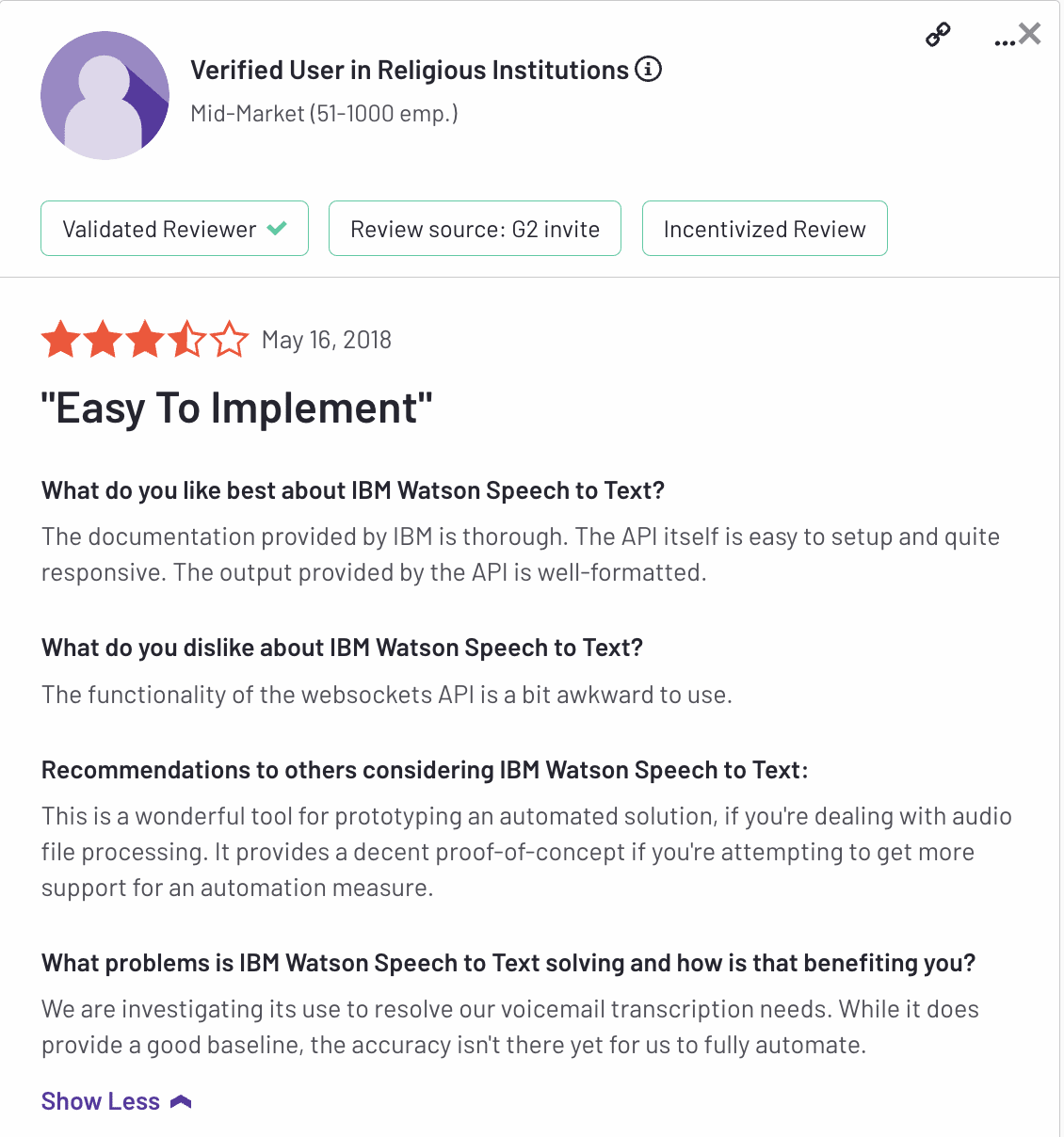
- Great accuracy
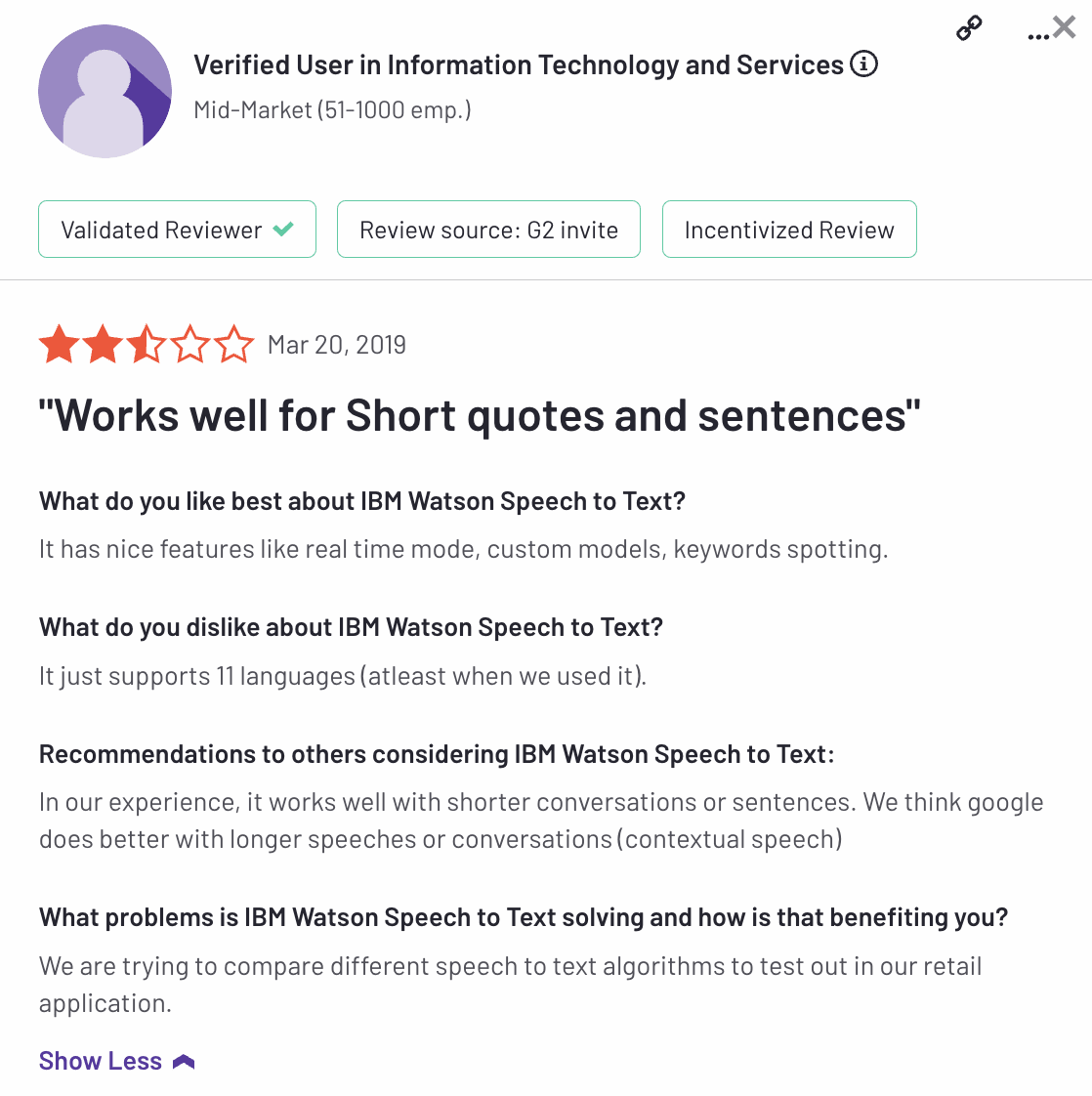
- Real-time mode
- Provides high-quality files
- Detects tone of voice, abbreviations, and numbers
Cons
- Supports 11 languages
- Slow integration
- Not compatible with IOS, Android, and Desktop devices
Best for
6. Deepgram
Pricing
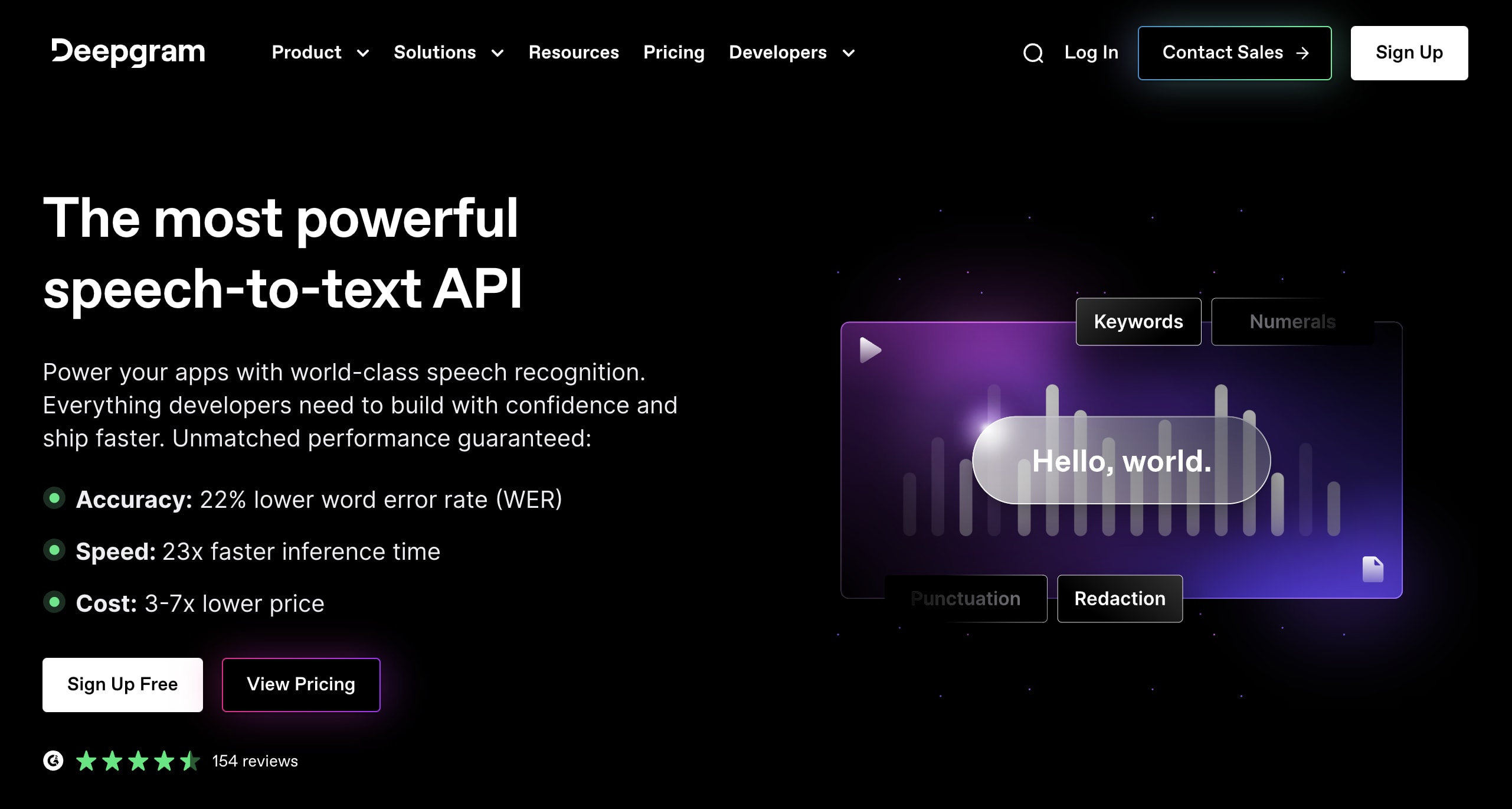
- Pay As You Go: No minimums or expirations, including $200 of free credit, for all Deepgram models
- Growth: Annual billing of $4,000 to $10,000 with pre-paid credits for a year
- Exclusive: Custom-trained speech-to-text models for larger volumes of data, along with extra discounts. Contact Deepgram Support for pricing
Pros
- Transcribes real-time or an hour of pre-recorded audio in just 12 seconds, great for larger files
- Speech diarization (automatically identifying different speakers) and audio intelligence
- $200 coverage in its free trial
- Easier integration with a user-friendly interface
- Privacy-focused software, keeping all transcriptions confidential
Cons
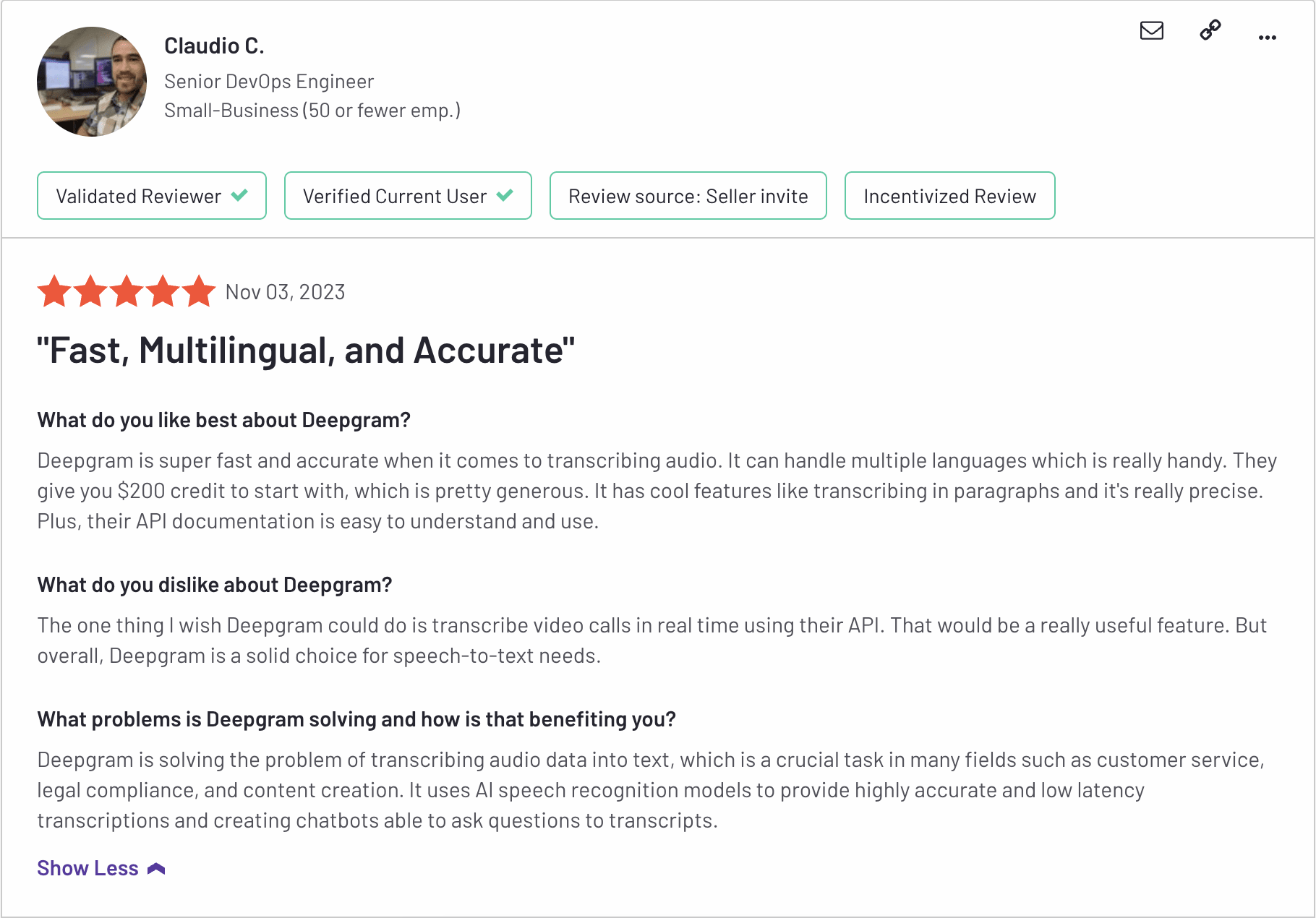
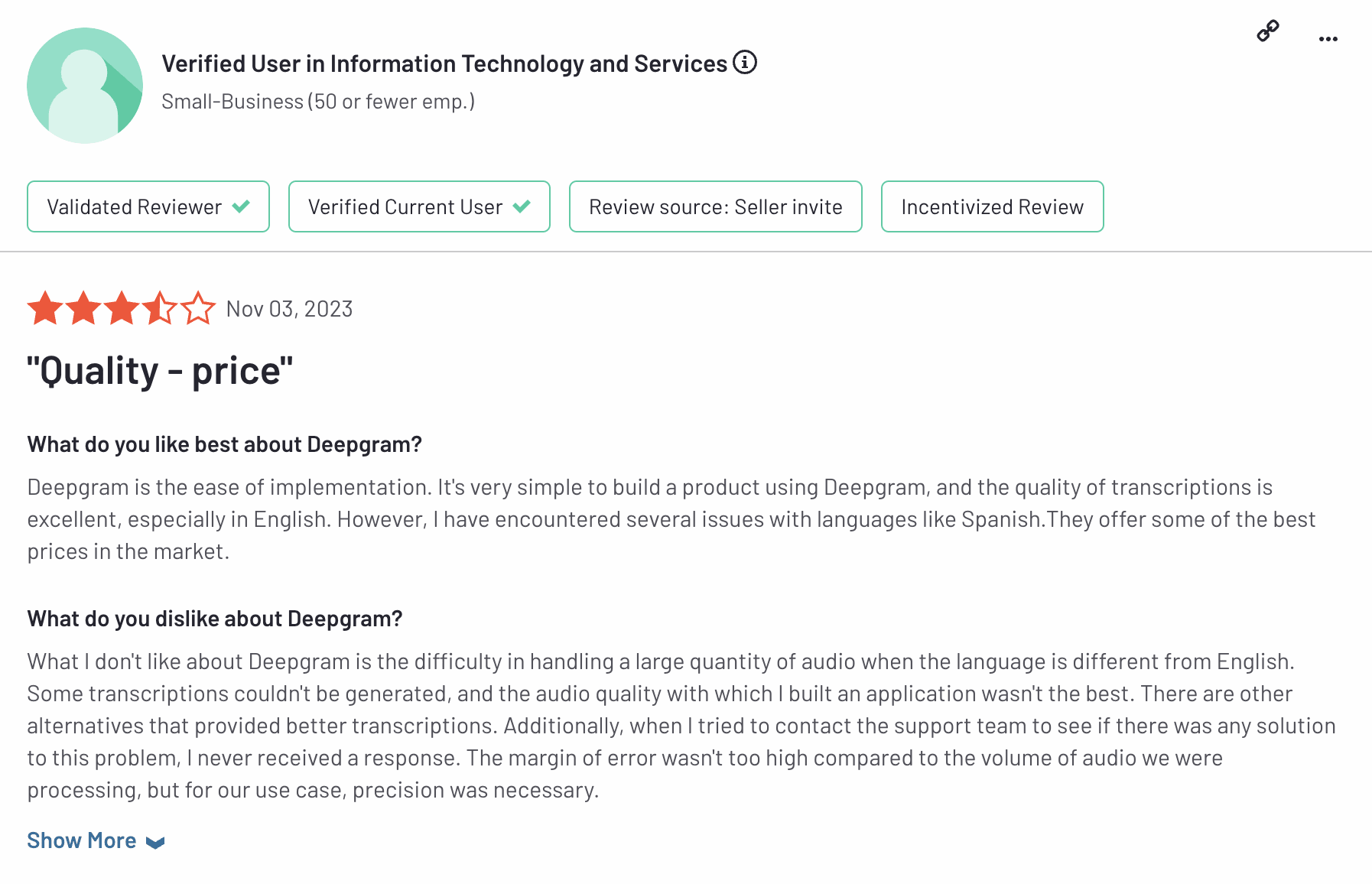
- Accuracy rates drop with languages apart from English
- Can’t integrate with it via a Software Development Kit (SDK)
- Unresponsive customer support
Best for
7. Voicegain
Pricing
- Developer products: Ranging from $0.18-$0.36, along with $50 worth of free credit
- Transcribe: Provides three pricing plans
- Basic: $0 for 300 minutes/month
- Individual: $20 for 3000 minutes/month
- Team: $80 for 15000 minutes/month
- Enterprise: For enterprise prices and features, contact Voicegain Support
Pros
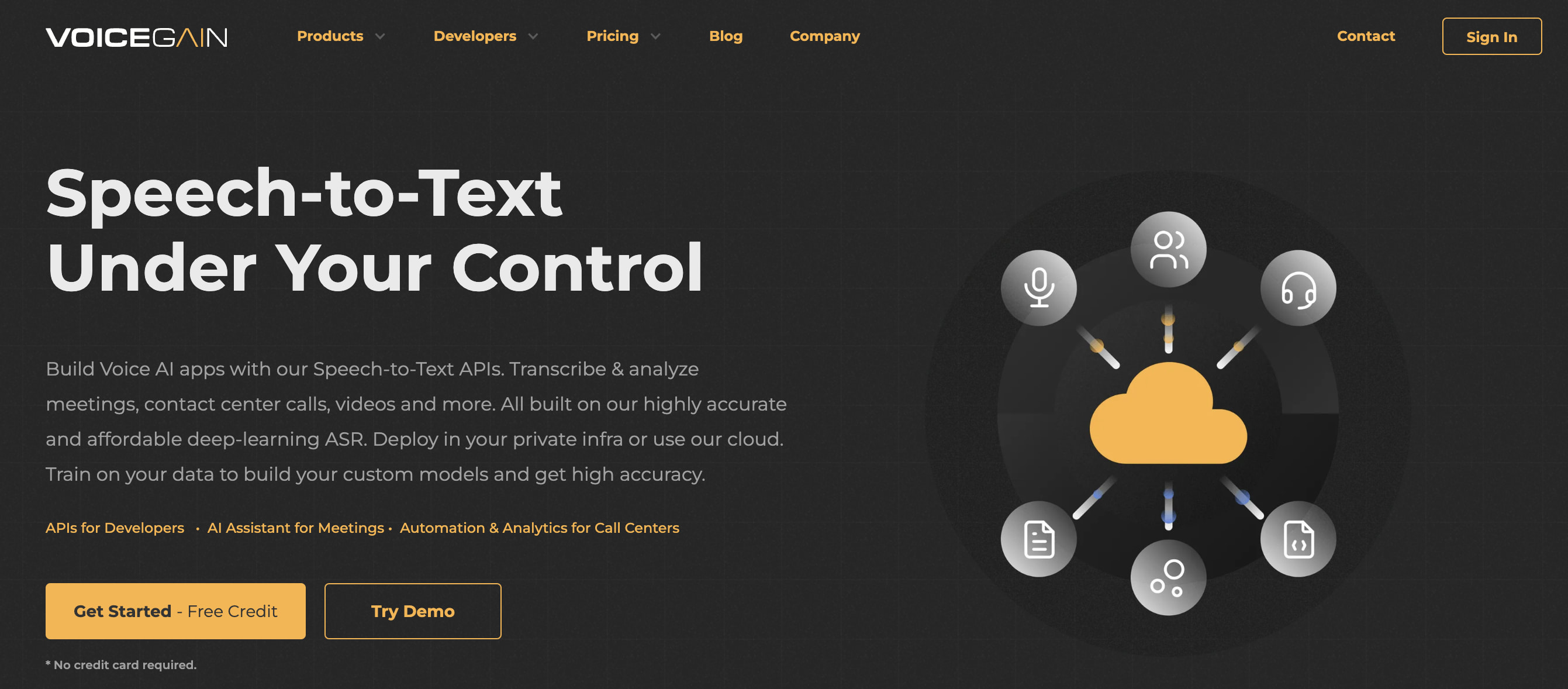
- Pay only for use, at just $0.75 per hour for valuable calls and audio files
- Trained on 30K+ hours of audio
- No dip in accuracy for streaming audio
- Multilingual support in English, Spanish, German, Portuguese, Hindi and Korean
- Can train your model on company data
Cons
- Different models for real-time and offline transcription
- Limited features for meeting recordings
Best for
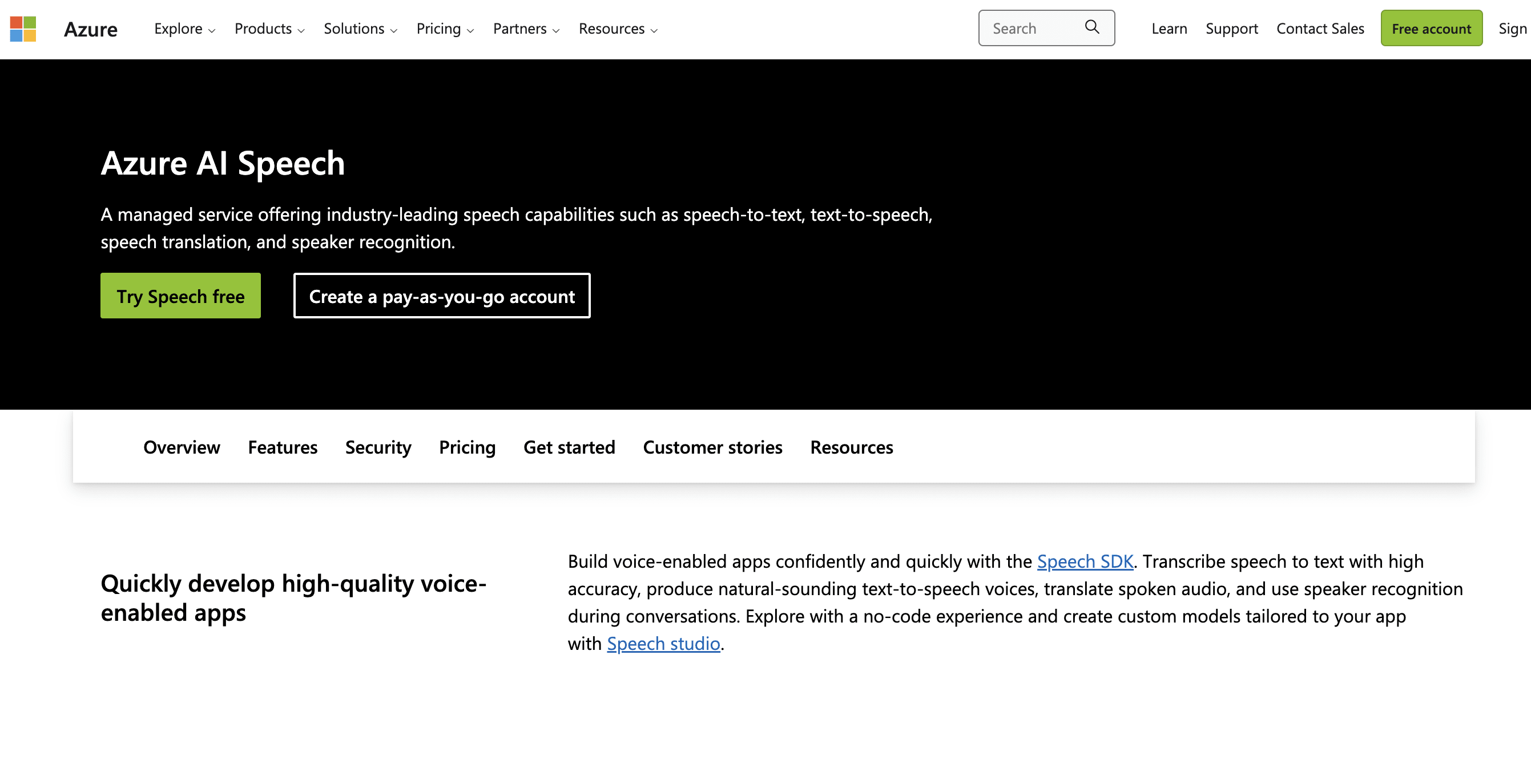
8. Microsoft Azure Cognitive Services for Speech
Pricing
- Free: 5 audio hours free per month
10,000 free transactions for speaker identification, verification, and voice profile storage - Pay-as-you-go: $1 per hour, along with $0.30 for any added features like diarization per hour
- Commitment Tiers: $0.80 per hour
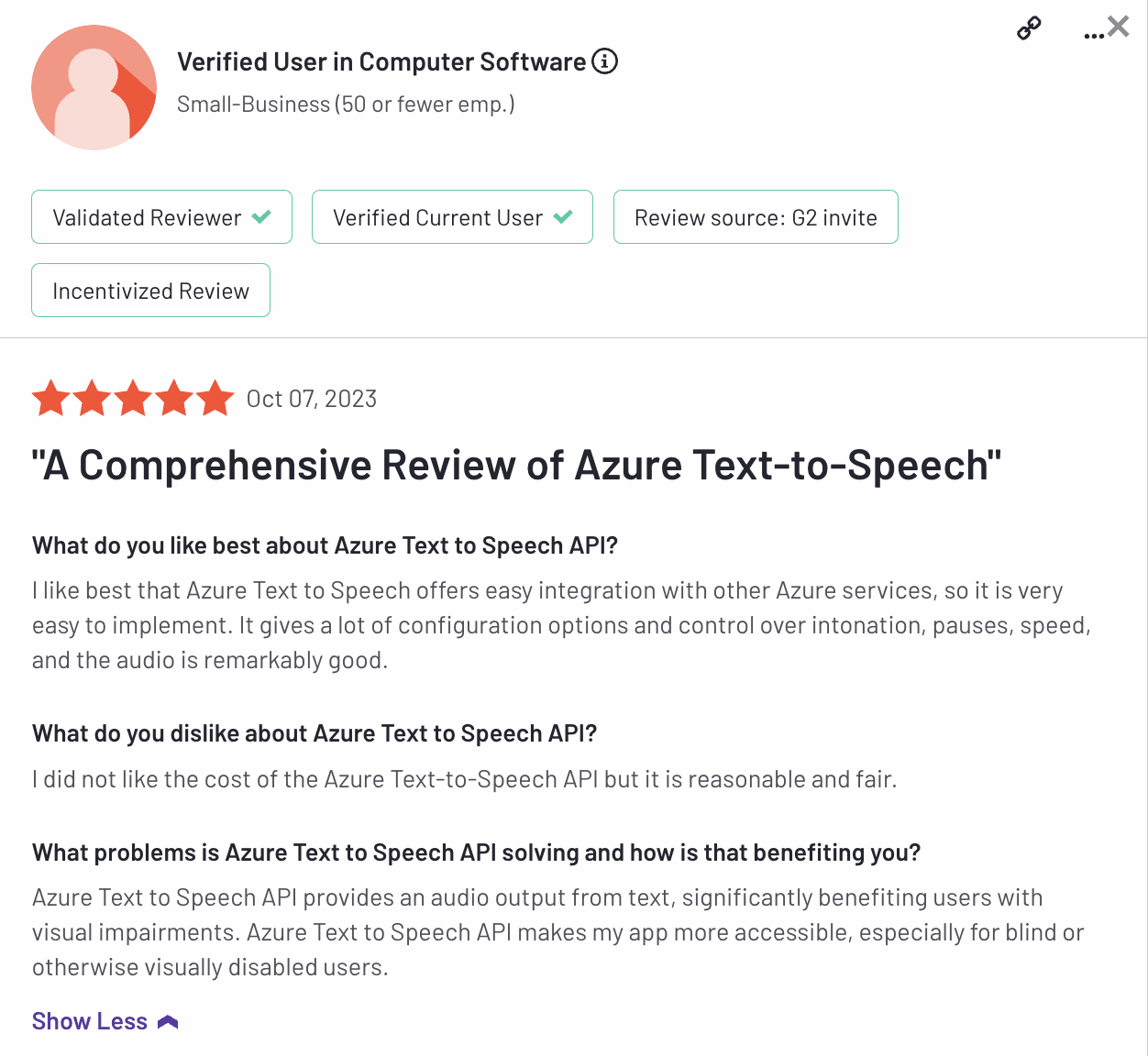
Pros
- Great multilingual support with speech translation for languages like Spanish and French
- High-quality output files
- User-friendly
- Offers both speech-to-text and text-to-speech
- API for easy integration into applications
- Free plan comes with credit worth $200
- Seamless speaker recognition
- No-code user experience
- High data security, does not store speech input
Cons
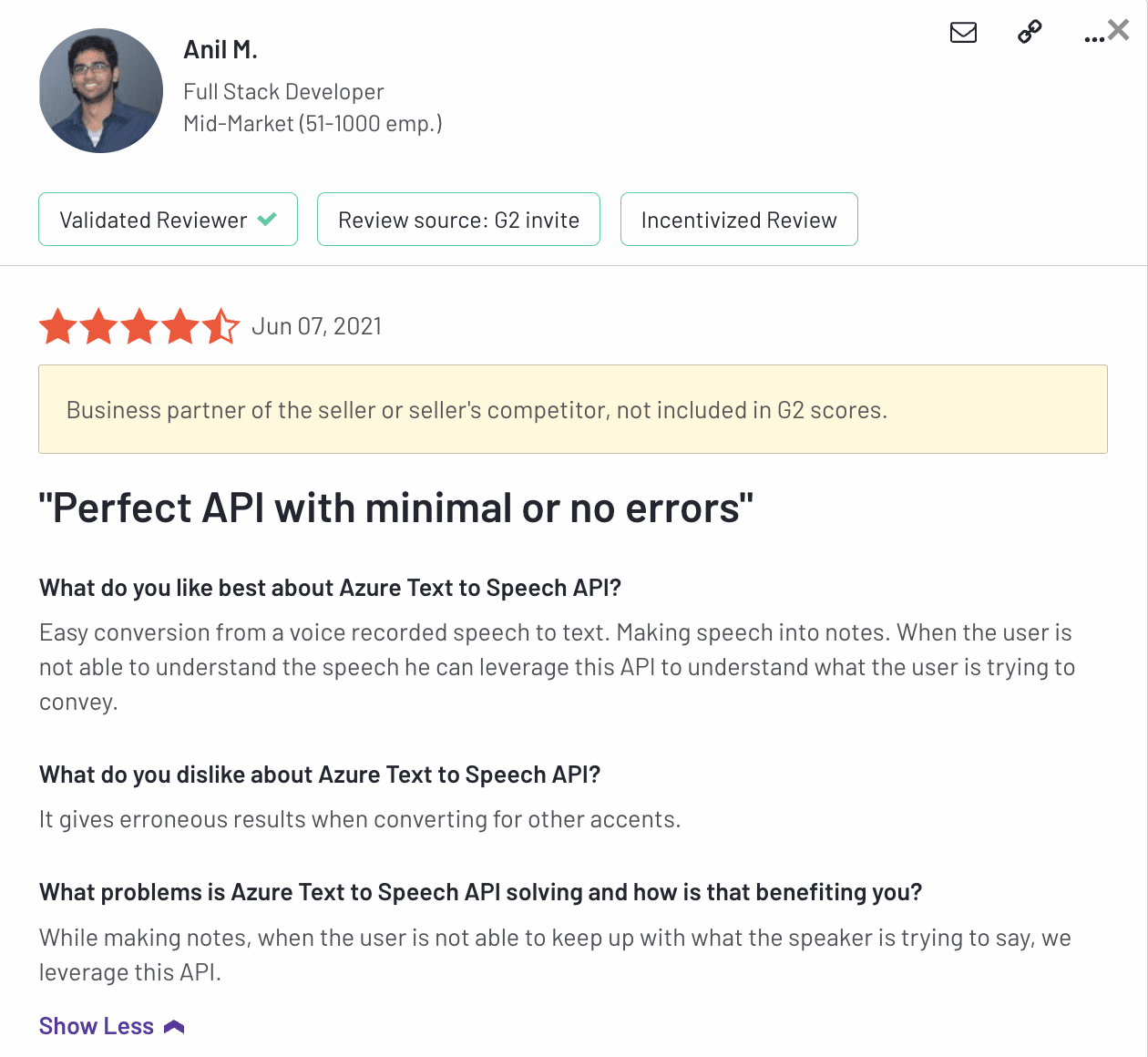
- More expensive than other speech recognition tools
- Not the best customer support
- Inaccuracy in output across different accents
Best for
9. PicoVoice
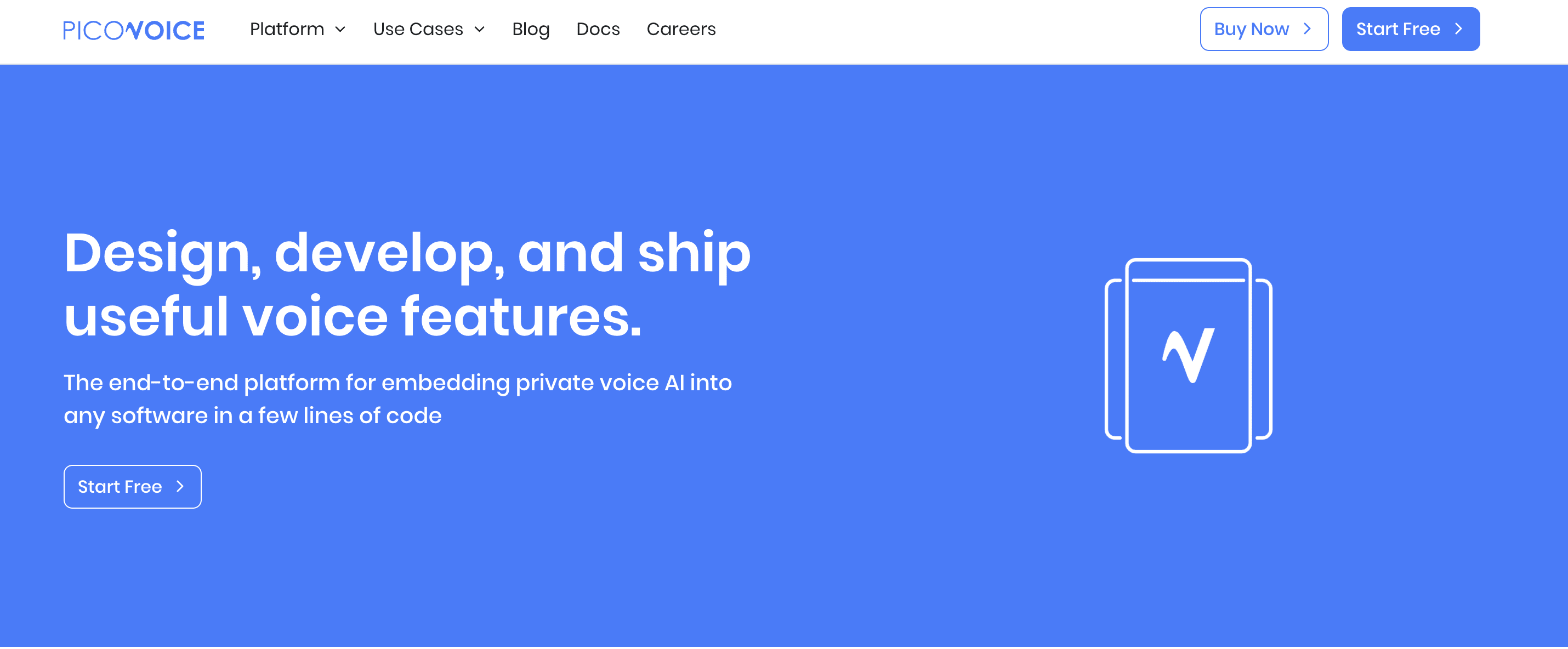
PicoVoice home page
Pricing
- Forever Free: $0/month–25 hours of voice recognition, suppression, real-time speech-to-text/Supports up to 3 active users
- Developer: $500/month–for 1000 hours per month, supporting 100 active users, billed annually
- Enterprise: Starting at$2500/month. Contact PicoVoice support for an accurate quote.
Pros
- Higher security with ensured encryption and privacy
- Affordable and accessible
- Customizable to your business model
- Suitable for smart devices
- Provides multilingual support of up to 8+ languages like French, German, Japanese and Spanish
- Has unique services like Human Voice Activity Detection, and an AI-powered Public Speaking Coach
Cons
- Doesn’t support Android, Apple iOS, and only works on Web (works best on Chrome browser)
Best for
10. Telesign Voice API
Pricing
Pros
- Great for security applications, such as voice authentication
- Identifies patterns and insights from transcripted calls
- Secure and encrypted interactions with customers
- Customize and personalize text-to-speech messages to customers
- Reduces authentication process costs via voice-delivered OTPs
- Makes communication effective with Interactive Voice Response (IVR) flows
Cons
- Use cases are limited to digital security
- Can’t be used for basic speech-to-text transcriptions
Best for
Work with an AI expert today
By hiring a professional artificial intelligence freelancer, you can get affordable speech recognition services without the hassle of expensive annual subscriptions.
Look for a professional Chatgpt developer on Fiverr
Level 2
I will do ai mobile app development, android, ios app development as flutter developer
Offers video consultations
Level 2
I will do ai mobile app development, ai chatbot, ai app developer
Offers video consultations
Vetted Pro
Our agency will build an ai mobile app with ai integrations, gpt claude or gemini
Offers video consultations
Level 2
Our agency will ai mobile app development, ai website, app developer, ai chatbot, ai agent
Offers video consultations
Top Rated
I will develop ai powered mobile, web and automation applications
Offers video consultations
Top Rated
I will do ai mobile app development, ai website, app developer, ai chatbot, ai agent
Offers video consultations
Vetted Pro
Our agency will do ai mobile app development, ai chatbot development as an ai app developer
Offers video consultations
Level 2
I will develop ai mobile app, ai integration ios app, android app, mobile app developer
Offers video consultations
Level 2
I will do ai mobile app development ai android app ai ios app creation as flutter app
Offers video consultations
Level 2
I will develop ai software, saas or ai mobile app as full stack ai developer
Offers video consultations
Top Rated
I will develop a custom flutter ai app with ai agents and chatbots
Offers video consultations
Vetted Pro
I will do ai mobile app development, ai saas app, ai website, flutter app developer
Offers video consultations
Level 2
I will do ai mobile app development, ai website, android app, ios app, ai integration
Offers video consultations
Level 2
I will do ai mobile app development,ai website,ai app developer,ai chatbot,ai agent
Offers video consultations
Vetted Pro
Our agency will build ai app, ai mobile app ai chatbot ai powered app ai agent ai website
Offers video consultations
Vetted Pro
Our agency will develop ai app, ai saas, ai website and ai mobile app
Offers video consultations
Vetted Pro
Our agency will provide ai powered mobile and web application development with openai chatgpt
Offers video consultations
Vetted Pro
I will do ai mobile app development, ai chatbot, react native, flutter as ai developer
Offers video consultations
Top Rated
I will develop ai mobile apps, ai agents, ai chatbots and custom ai solutions
Offers video consultations
Level 2
I will do ai mobile app development, ai chatbot and flutter ai app
Offers video consultations
Vetted Pro
I will create chatgpt gpt3 gpt4 integrations and chatbots for you
Offers video consultations
Top Rated
I will do ai mobile app development open claw custom gpt claude code ai app developer
Offers video consultations
Level 2
I will develop custom trained ai chatgpt mobile app, ai saas app website, ai chatbot
Offers video consultations
Level 2
I will do ai mobile app development, ai automation, ai chatbot, ai mobile app
Offers video consultations
Level 2
I will develop an ai mobile app using flutter for ios and android
Offers video consultations

Related Guides

About author
Izrael Samson
Izrael Samson is a B2B SaaS writer who specializes in creating long-form, data-driven articles. Her content development process helps B2B brands break down complex ideas, grow distribution, and convert target audiences. When she's not writing, she's either teaching yoga classes or playing indie video games.
