 September 30, 2026
 15 minute reading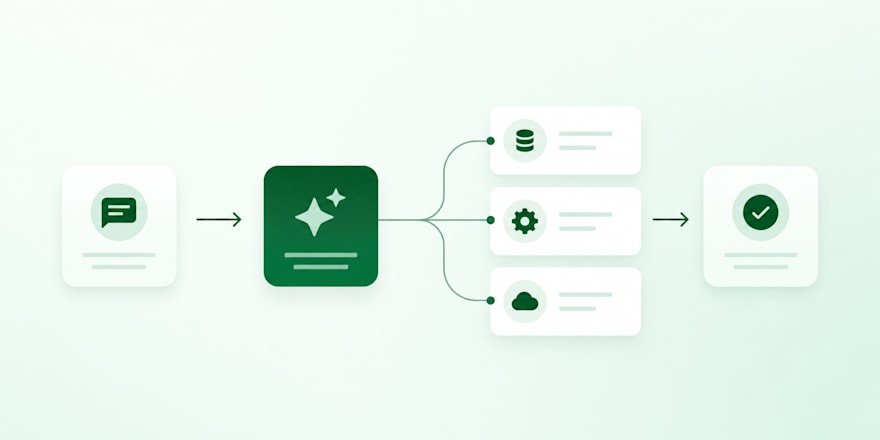
Custom AI agents are software systems that use a language model to reason through a business workflow, call the tools and data sources that workflow depends on, and take action inside your existing stack. They differ from a chatbot in one important way: a chatbot answers, while an agent decides what to do next and then does it. That difference is what makes them useful for operations work such as document lookup, lead enrichment, and request routing, and it is also what makes them harder to build well. Teams that want to move quickly often bring in specialists in AI development rather than pulling engineers off product work for a first build.
This guide covers what an agent actually is, the workflows worth automating first, how to decide between an off-the-shelf automation platform and a custom build, and how to scope an AI development project so it survives contact with production. Most teams can get a narrow first agent into a supervised pilot in four to eight weeks, with the commissioned development work typically a smaller share of that than the data preparation and access approvals around it.
The gap between interest and readiness is wide right now. Deloitte's 2026 State of AI in the Enterprise survey of 3,235 business and IT leaders across 24 countries found that only 21% of enterprises report having mature governance in place to manage the risks of agentic AI, while roughly three quarters plan to deploy agents within two years. Scoping and governance, not model quality, are where most of these projects come apart.
At a glance: building custom AI agents for business operations
- A custom AI agent combines a language model, a set of tools it can call, a memory or retrieval layer, and an orchestration framework that controls the sequence.
- The highest-return first projects are narrow and internal: document search, lead enrichment, request routing, and structured data extraction.
- Off-the-shelf automation platforms handle clean, structured, low-volume workflows well. Custom development earns its cost when data is messy, volume is high, or the logic branches.
- Scoping is where projects succeed or fail. Data access boundaries, API cost ceilings, and an evaluation set all belong in the brief, not in a later phase.
- Businesses on Fiverr can engage AI development specialists for a scoped pilot, a production build, or a review of an existing agent before it ships.
- Note: Fiverr marketplace figures in this guide are based on completed projects and active listings over the trailing 12 months (September 2025 - August 2026).
What is a custom AI agent?
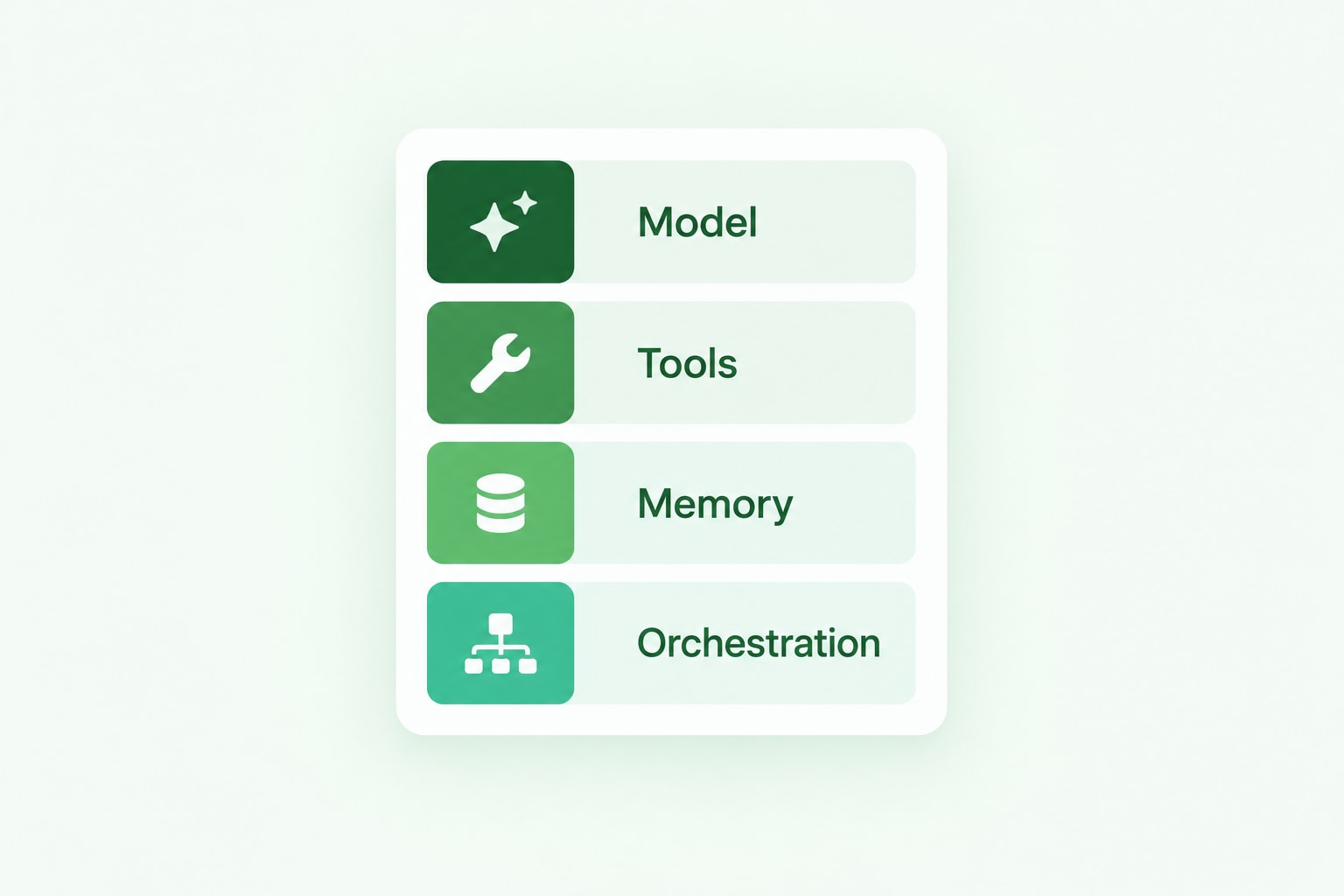
A custom AI agent is an application built around a language model that can plan a sequence of steps, call external tools or APIs, retrieve information from your own systems, and produce an outcome without a human driving every step. The word "custom" matters here. It means the agent is built around one specific workflow in one specific business, with access rules and behavior defined for that context.
Four components appear in nearly every production agent:
- The model. The reasoning layer. Most teams start with a hosted commercial model and swap or fine-tune later if cost or latency demands it.
- Tools. The functions the agent is allowed to call, such as a CRM lookup, a database query, a ticket creation endpoint, or an internal API. In 2026 most frameworks expose these through the Model Context Protocol, which makes tool definitions portable between frameworks.
- Retrieval and memory. Usually a retrieval-augmented generation (RAG) layer over your documents, plus state that persists across steps in a longer workflow.
- Orchestration. The framework that controls what happens in what order, what gets retried, and where a human has to approve before the agent proceeds.
An agent is not the same thing as robotic process automation. RPA follows a fixed script and breaks when the interface changes. An agent interprets an ambiguous input and chooses a path, which makes it more flexible and also means it needs evaluation and guardrails that a scripted automation never required.
Top use cases for AI agents in business operations
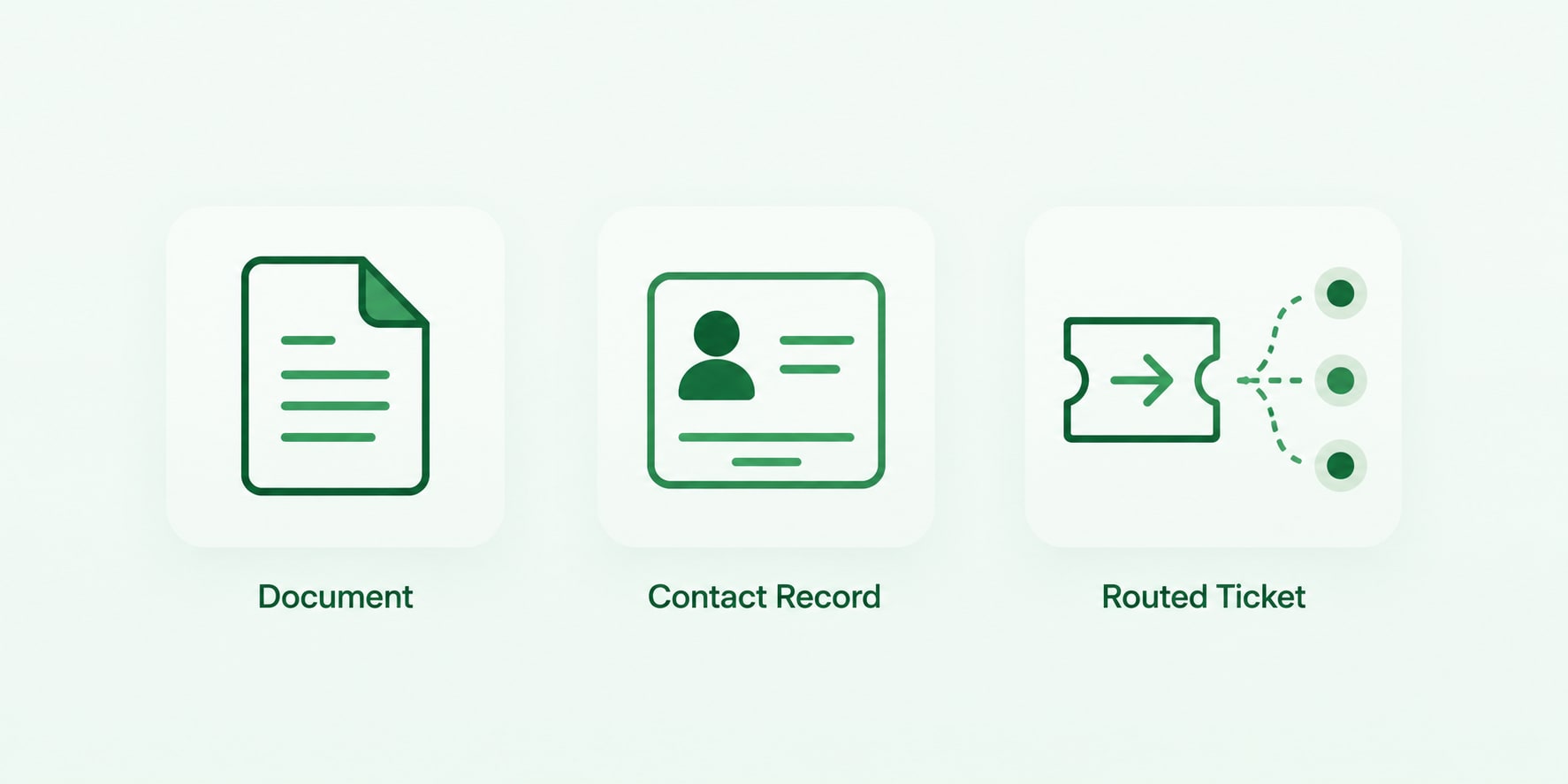
The best first use case is one that happens often, follows a loose pattern rather than a rigid rule, and currently consumes staff time without producing insight. Below are the operational workflows that most consistently justify a custom build.
Internal document search and knowledge retrieval
An agent connected to your documentation, contracts, policies, and past project files answers questions with a citation back to the source document. This is the most common starting point because the value is obvious and the failure mode is mild: a wrong answer is visible and correctable, and no external system gets written to.
The engineering work sits in the retrieval layer rather than the model. Chunking strategy, embedding choice, metadata filtering, and permission-aware retrieval determine whether the answers are trustworthy. An agent that surfaces a document an employee should not see is a governance incident, not a bug.
Lead enrichment and qualification
An agent takes an inbound form submission, researches the company against internal and external sources, scores it against your qualification criteria, writes the enriched record back to the CRM, and flags anything ambiguous for a human. This replaces a research step that sales development reps commonly spend several minutes on per lead.
The design question is where the agent stops. Enriching and scoring is low risk. Sending outbound messages without review is a different risk category and should sit behind an approval step until the accuracy rate is proven.
Automated request and ticket routing
An agent reads an incoming support ticket, internal IT request, or procurement form, classifies it, pulls the relevant context, drafts a first response or resolution, and routes it to the right queue or owner. Routing is a strong candidate because the correct answer is knowable after the fact, which makes accuracy easy to measure against historical data.
Document parsing and structured extraction
Invoices, purchase orders, contracts, and supplier forms arrive as PDFs and scans and get keyed in by hand. An agent extracts the fields, validates them against business rules, and pushes clean records into the finance or operations system. Confidence thresholds matter here: anything below the threshold goes to a human rather than into the ledger.
Reporting and reconciliation
An agent pulls figures from several platforms on a schedule, reconciles them, builds the recurring report, and flags anomalies. The value is not the report itself but the analyst time returned to actual analysis.
Off-the-shelf automation vs. custom AI agent development
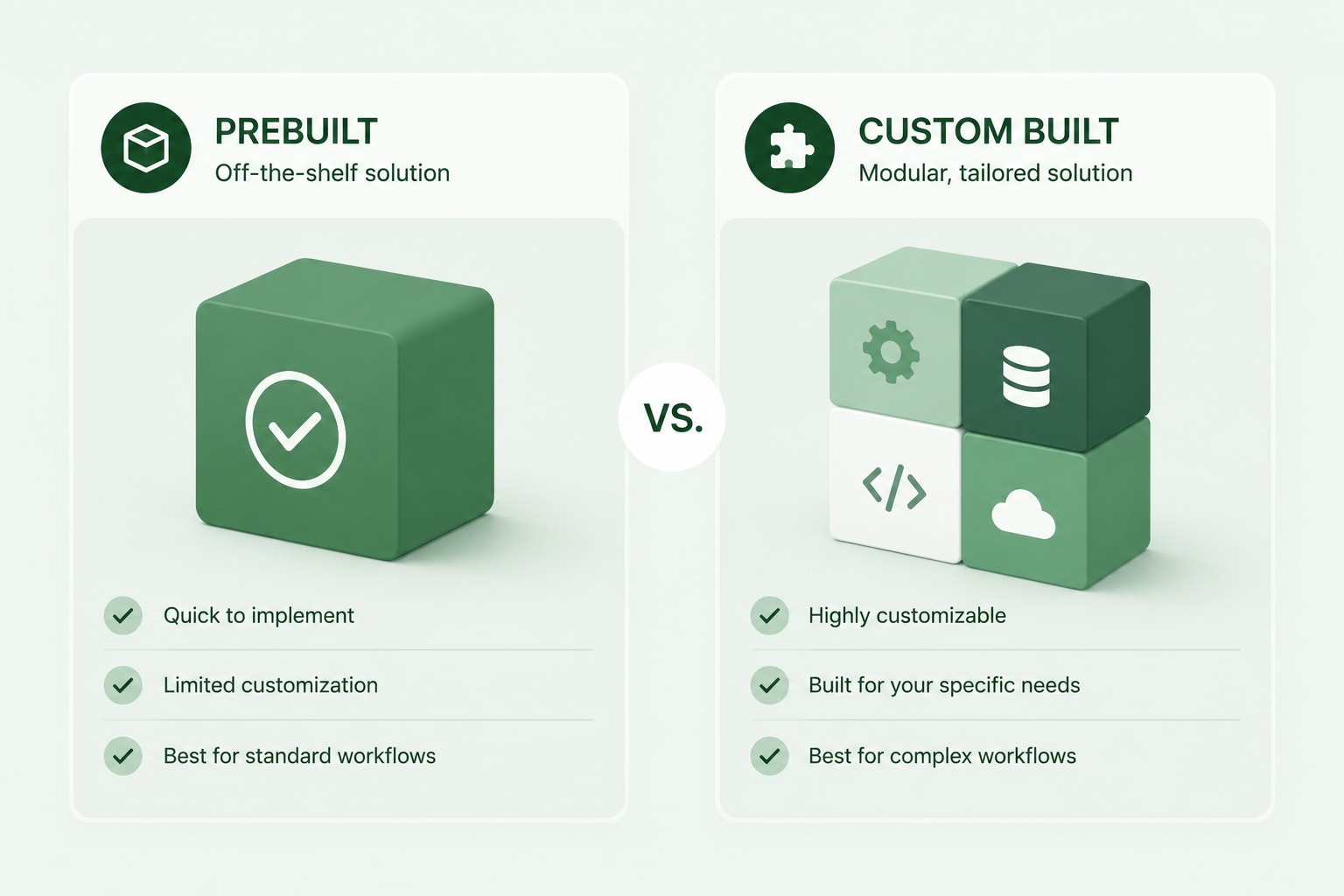
Off-the-shelf automation platforms are the right answer more often than the AI development market likes to admit. Tools such as n8n, Make, and Zapier now ship agent-style nodes that call a model, use tools, and branch on the result. If your workflow is well defined, your data is clean and structured, and volume is modest, a platform build is faster to stand up and lighter to maintain.
Custom development starts to pay when one of four things is true.
Factor
Off-the-shelf platform
Custom development
Data sources
Clean, structured, API-accessible
Proprietary databases, scanned PDFs, unstructured archives
Decision volume
Low to moderate
High, where per-operation pricing compounds
Logic complexity
Linear with simple branching
Branching, stateful, multi-step, retry-heavy
Compliance posture
Standard vendor terms acceptable
Data residency, audit trails, self-hosted inference required
Time to first version
Days
Weeks
Ongoing ownership
Platform-managed
Your infrastructure and your team
The frameworks that dominate custom builds in 2026 are worth knowing by name, because they appear in every serious scope of work. LangGraph is the common recommendation for complex production orchestration because it gives explicit control over state, workflow transitions, persistence, interruptions, and human approval steps. LangChain remains the broad toolkit for rapid prototyping across model providers. LlamaIndex is the usual choice for retrieval-heavy knowledge work, CrewAI for role-based multi-agent patterns, and the Microsoft Agent Framework for .NET and Azure environments.
A common and sensible pattern is to prove the workflow on a no-code platform first, measure whether anyone actually uses it, then commission a custom build once the requirements are known. That sequencing turns a speculative project into a specified one, which is a much easier engagement to scope and price.
Before you start: what you'll need
Gather these before the first development conversation. Every item missing here becomes a delay later.
- A single named workflow with a current owner, a rough volume figure, and an estimate of time spent on it today.
- An inventory of the data the agent needs, including where each source lives, who owns access to it, and what format it arrives in.
- API credentials and rate limit information for every system the agent will read from or write to.
- A set of 30 to 50 real historical examples with known correct outcomes. This becomes your evaluation set and is the single most valuable thing you can bring to a developer.
- A decision on hosting, meaning whether inference can run through a commercial API or has to stay inside your own environment for compliance reasons.
- A named internal owner who can answer questions about edge cases without escalating.
How to build custom AI agents, step by step

Step 1: Pick one workflow and define the outcome in numbers
Choose a single workflow and write down what success looks like as a measurable figure, such as "classify 90% of inbound requests correctly without human correction" or "cut average handling time from twelve minutes to three." Agents that are scoped as "help the operations team" have no definition of done and no way to fail a test.
Narrow beats broad at this stage. The teams that reach production consistently start with a smaller scope than feels satisfying, then expand once the first version earns trust.
Step 2: Map the data and fix it before you build
Find every source the agent needs, confirm who can grant access, and look at the actual quality of the content. Retrieval quality is capped by document quality. An agent pointed at a knowledge base where a third of the articles are outdated will confidently repeat outdated answers.
This step commonly takes longer than the agent build itself. Budget for it explicitly rather than discovering it in week three.
Step 3: Choose the architecture
Decide three things: whether the agent needs retrieval, which tools it may call, and how much autonomy it gets. A document search agent needs a strong RAG layer and read-only tools. A routing agent needs classification, a handful of write endpoints, and a fallback queue. A reconciliation agent needs scheduled execution, state that persists between steps, and retry logic.
Match the framework to the team that will maintain it, not to whichever framework is most discussed. A Python-first orchestration framework is a poor fit for an engineering team whose entire stack is TypeScript.
Step 4: Set data privacy and permission boundaries
Define what the agent can read, what it can write, and under whose identity it acts, before any code is written. Give the agent its own service identity rather than borrowing a human account, so its actions are attributable in an audit log.
Permission-aware retrieval matters more than most teams expect. If your document store has access controls, the retrieval layer has to respect them per user, not just at the index level. Gartner predicts that by 2027, 40% of enterprises will demote or decommission autonomous AI agents because of governance gaps identified only after a production incident. Most of those gaps are permission scope decisions that were never made deliberately.
Step 5: Build the evaluation set before the agent
Take those 30 to 50 historical examples and turn them into a test suite with expected outputs. Run it on every change. Without it, "the agent seems better now" is the only quality signal available, and it is not one you can defend in a review.
Add adversarial cases deliberately: the malformed input, the request that should be refused, the document that contains conflicting information. Agents fail on edge cases, not on the happy path everyone demos.
Step 6: Ship a supervised pilot with a human in the loop
Put the agent in front of real work with a person reviewing every output before it takes effect. Log the corrections. The correction rate over the first two weeks tells you whether the agent is ready for more autonomy and exactly where it is weak.
Keep the approval step for any action that is expensive to reverse: sending external messages, issuing refunds, modifying financial records, or changing permissions.
Step 7: Instrument, then expand scope deliberately
Track accuracy, cost per execution, latency, and correction rate from day one. Cost per execution deserves particular attention, because model spend scales with usage in a way that a fixed software licence does not.
Expand one capability at a time and re-run the evaluation set after each change. Agent development is closer to ongoing product work than to a one-off build, and marketplace pattern matches that: based on Fiverr’s marketplace data from September 2025 to August 2026, 23.4% of clients who commission AI development work come back with a further project within 90 days, and that follow-on work represents an additional 37.1% on top of the original project value. Return projects tend to be similar in size to the first rather than larger, which fits how this work actually progresses: another workflow, another integration, rather than one agent that keeps growing.
How to scope an AI development project
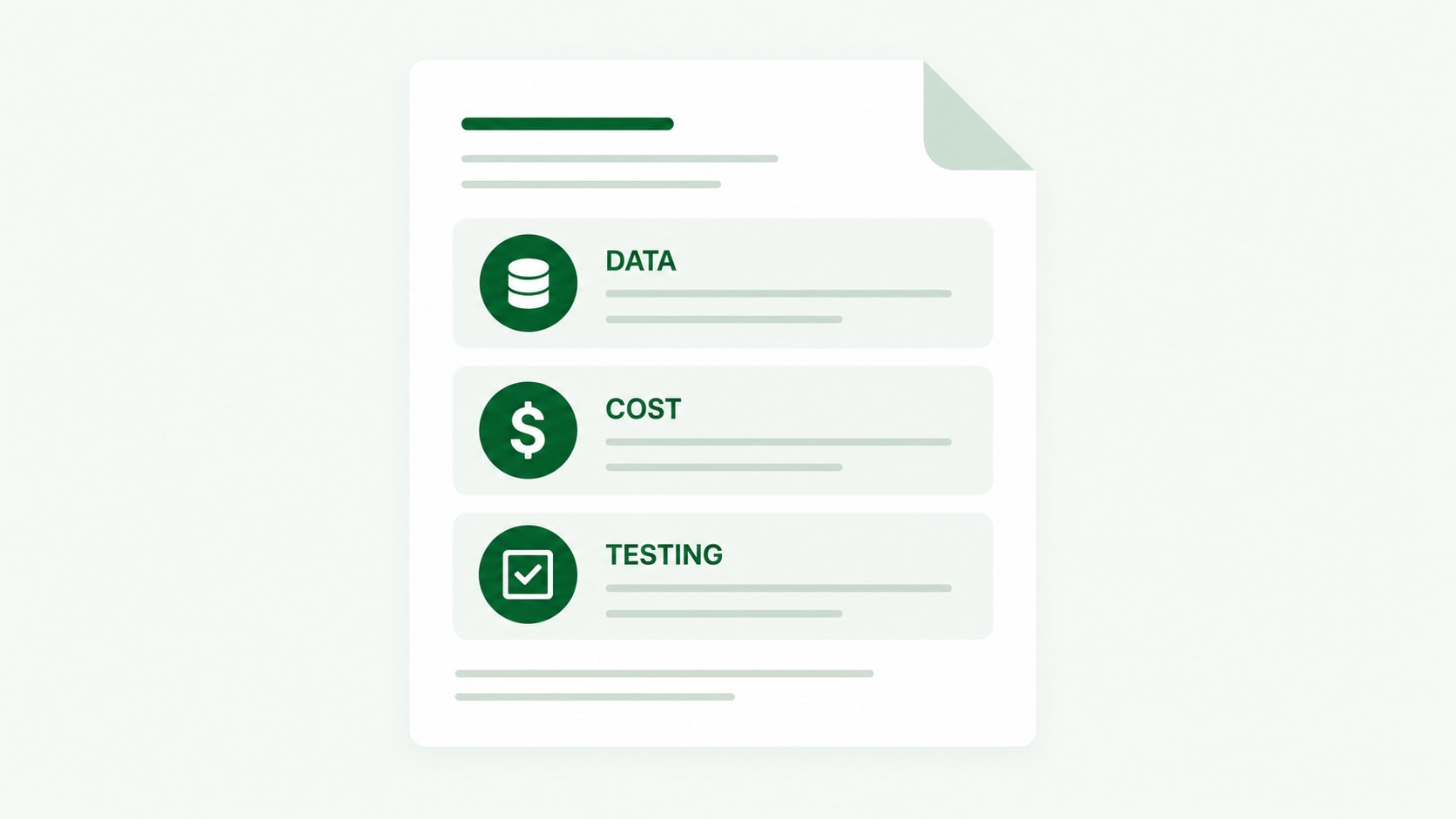
A vague brief is the most expensive thing in this process. It produces a proposal you cannot compare against another proposal, and a build that gets renegotiated halfway through. Three areas belong in every scope of work.
Data privacy and access
Specify which systems the agent connects to and at what permission level. Name your regulatory constraints directly, whether that is GDPR, HIPAA, SOC 2, or a customer contract that restricts where data can be processed. State whether data may leave your environment for inference, because that single line determines the entire architecture.
Deloitte's survey found data privacy and security to be the leading AI risk concern, cited by 73% of respondents, ahead of legal and regulatory compliance at 50%. Putting these constraints in the brief rather than in a later review is what keeps them from becoming a rebuild.
Also specify retention: how long agent inputs, outputs, and traces are stored, and whether prompts and responses may be used for model training by a vendor. Most commercial providers offer a no-training option on business plans, but it usually has to be enabled.
API usage and cost ceilings
Model calls are metered, and an agent that loops can consume tokens quickly. Ask for a projected cost per execution at your expected volume, and require a hard spend cap and a circuit breaker in the implementation.
Cover the other side too. Every external API the agent calls has rate limits, and an agent running a batch job will hit them. Retry behavior, backoff, and queueing should be specified rather than discovered in production.
Ask the developer to document which model version the agent depends on and what happens when the provider deprecates it. Model deprecation is a maintenance event, and it is better to have an owner named in advance.
Testing and acceptance criteria
Define acceptance as a number against your evaluation set, not as a subjective sign-off. A workable structure is: an agreed accuracy threshold on the held-out test set, a defined maximum cost per execution, a latency ceiling, and a documented behavior for every failure mode.
Ask specifically for a regression suite you own and can run yourself after the engagement ends. An agent you cannot test independently is an agent you cannot maintain.
Include red-teaming for any agent that touches customer data or external communications. Prompt injection through retrieved documents is a real attack path when an agent reads content it did not author.
What to budget for a custom AI agent build
Pricing on Fiverr is transparent and quoted upfront against a defined scope, which makes comparing proposals straightforward once your brief is specific. Cost tracks three variables: how many systems the agent integrates with, how much data preparation is required before retrieval works, and how much compliance and testing rigor the environment demands.
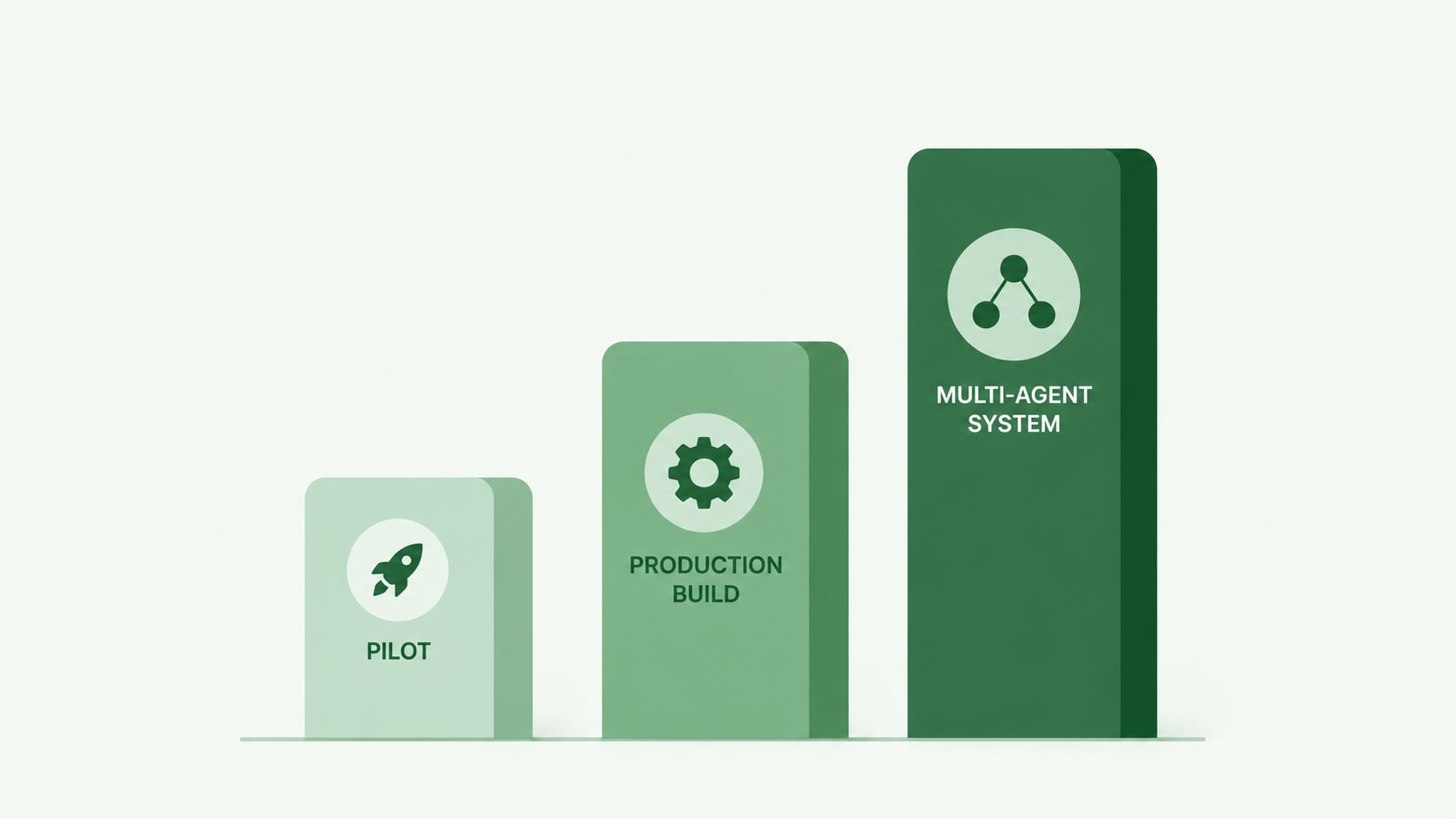
Three tiers show up repeatedly in practice:
- Scoped pilot. One workflow, one or two integrations, human in the loop throughout. The goal is a measured accuracy figure, not a production system.
- Production build. A hardened version of a proven pilot, with monitoring, error handling, permission scoping, and a regression suite.
- Multi-agent system. Several agents coordinated by an orchestration layer, typically only justified after a single-agent deployment has already demonstrated returns.
Ongoing costs are separate from the build and are the line most often forgotten: model usage, vector database hosting, observability tooling, and the maintenance time that model and API changes require.
Delivery time on Fiverr scales with project size in a way that is useful for planning. Smaller scoped work turns around in a median of two days, while projects at $1,000 and above run to a median of 19 days. That reflects delivery on the commissioned work itself, not the full internal timeline, which also has to absorb data preparation and access approvals on your side.
Common problems and how to fix them
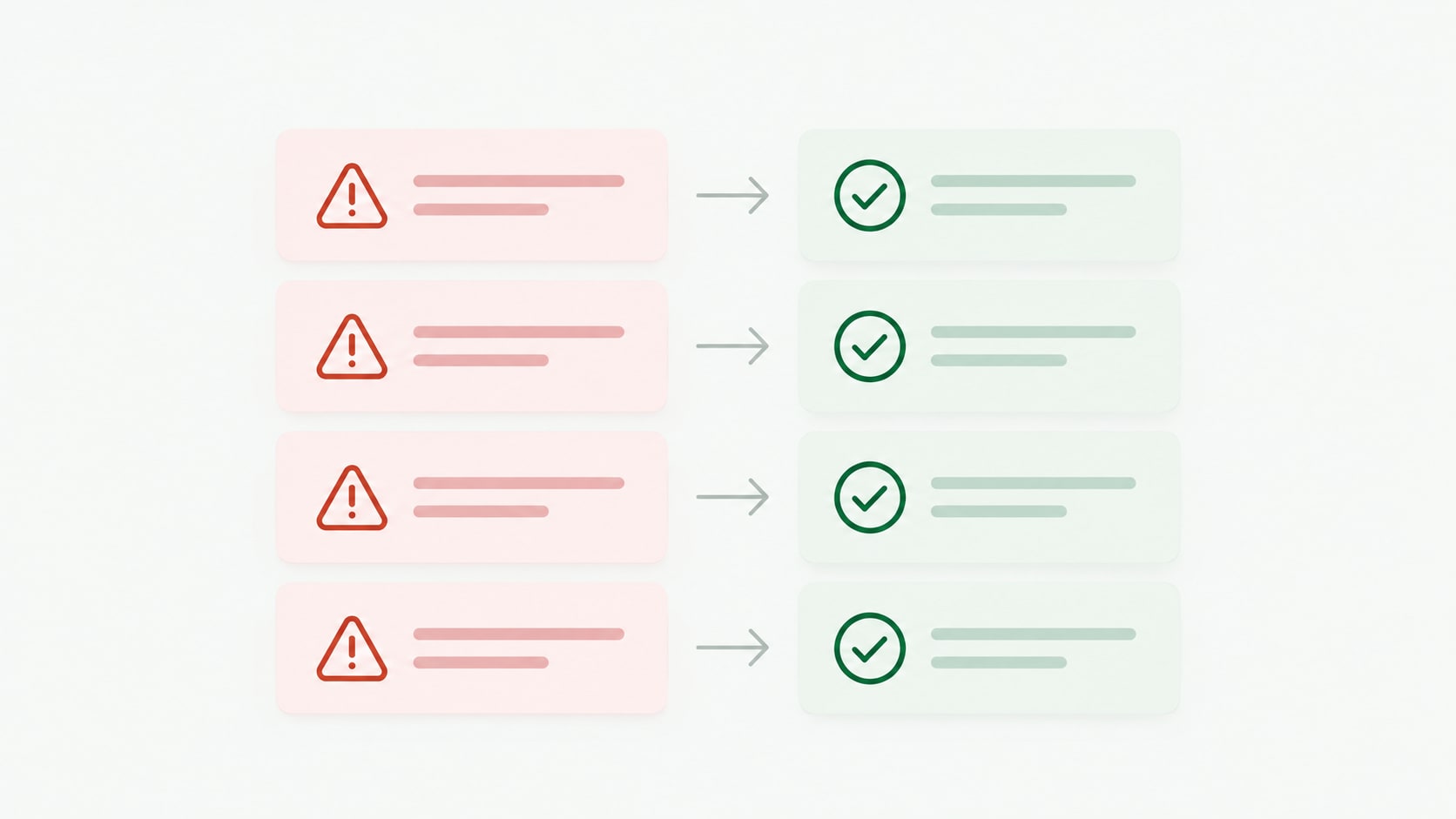
The agent gives confident wrong answers. Almost always a retrieval problem rather than a model problem. Check chunking and metadata filtering first, and require citations in the output so wrong answers are traceable to their source.
It works in the demo and fails on real inputs. The demo used clean examples. Build the evaluation set from genuinely messy historical cases, including the ones a human found difficult.
Costs are higher than projected. Usually an agent looping or retrieving far more context than it needs. Cap iterations, tighten retrieval, and route simple cases to a smaller model.
Nobody uses it. The workflow was chosen by the technology team rather than by the people doing the work. Pick the next use case by asking the operations team which recurring work they resent most.
It broke after a model update. Pin model versions, and run the regression suite against a new version before switching.
When to hire an AI developer
Building in-house makes sense when you have engineers with production LLM experience, when the workflow touches deeply proprietary systems, and when agents are becoming a core capability rather than a project.
Bringing in a specialist makes sense in three situations. The first is a first build, where the cost of learning retrieval architecture and evaluation practice on your own production system is high. The second is a specialist gap, such as needing a RAG pipeline over a difficult document corpus or an integration with a system nobody internally has touched. The third is capacity, where your engineers are committed to product work and pulling them onto an internal automation project has a real opportunity cost.
A useful middle path is to engage a specialist for the architecture and the first production build, with knowledge transfer and documentation written into the scope, then maintain it internally.
Find AI development specialists on Fiverr
Fiverr connects businesses with AI development specialists across the full agent stack, from retrieval pipelines and framework orchestration to API integration, evaluation, and deployment. You can engage someone for a scoped pilot on a single workflow, a production build with monitoring and testing included, or an independent review of an existing agent before it goes live.
Pricing is transparent and quoted against your defined scope, and engagements can run as a fixed-price project or as an ongoing relationship across build phases. Bringing a specific brief, a named workflow, and your evaluation examples is what turns a broad search into a shortlist of professionals who have built the exact thing you need.
Ready to create your agent?
Scope, build, or review your AI agent with an expert.

FAQs
A narrow single-workflow agent typically reaches a supervised pilot in four to eight weeks, with data preparation usually taking longer than the build itself. Production hardening, meaning monitoring, permission scoping, error handling, and a regression suite, adds several more weeks. Multi-agent systems take considerably longer and are best attempted only after a single agent has proven its value in production.
Related Guides




About the author
Lior IluzVP R&D
Lior Iluz is a VP of R&D at Fiverr, leading cross-organizational engineering efforts across web and mobile platforms. With over a decade of experience spanning Android development, full-stack engineering, and senior R&D leadership, his background centers on building and scaling distributed, event-driven systems and modern cloud-native architectures. His work focuses on technical strategy, team leadership, and delivering resilient, high-impact products at scale.
