 August 3, 2026
 12 minute reading
A strong online presence is something all businesses need to connect with today’s customers. However, determining where and how to maximize your digital efforts is tricky.
YouTube is second-most visited website in the world—some even crowned it as the second best search engine. It’s where people go to learn and find solutions, presenting an opportunity to use video content to grow your brand and customer base.
In this step-by-step guide, we’ll cover how to harness the power of YouTube for business success. We'll explore various ways to leverage this platform, provide instructions on setting up a business channel, and share expert tips on creating engaging content and optimizing your videos for search engines.
Why use YouTube for business?
- High visibility. YouTube has viewers in over 100 countries, allowing small businesses to connect with a global audience.
- Cost-effective marketing. Running a YouTube channel is a more effective marketing strategy than other, more traditional forms of advertising.
- Mobile-friendly. Millions of mobile users are on YouTube, allowing you to tap into a larger audience.
- Shareable content. Shareable social media content is one of the best ways for businesses to attract new customers through exposure, and YouTube makes it easy for viewers to share your content.
- Customer interactions. Businesses can engage with their customers directly in the comment section and address complaints or praise, allowing them to foster community among their audience.
- Ad revenue. Aside from gaining new customers, business owners can profit directly from their YouTube channel once they’re eligible for YouTube monetization.
5 ways to use YouTube for business
1. Tutorial and demonstration videos

2. Behind-the-scenes videos

3. Q&A videos
- Interviews with small business owners
- Video podcasts that answer questions

4. Review videos

5. Testimonial videos
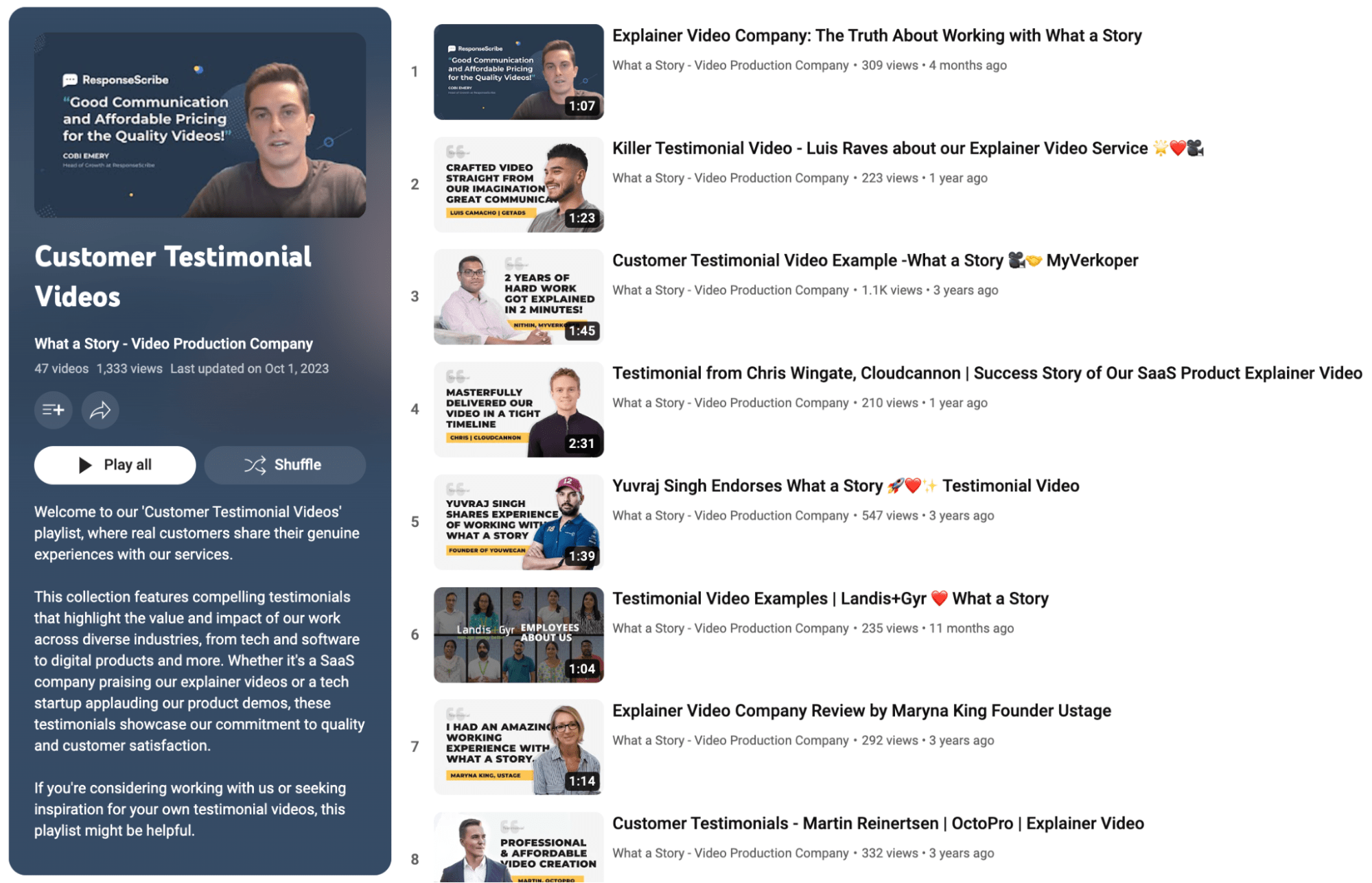
How to create a YouTube channel for your business
1. Sign in to your YouTube account
2. Customize your channel’s layout
- Share a preview of your channel as a trailer for those who aren’t subscribed
- Share a featured video when subscribers visit your channel’s landing page
- Add up to 12 sections to your channel’s homepage
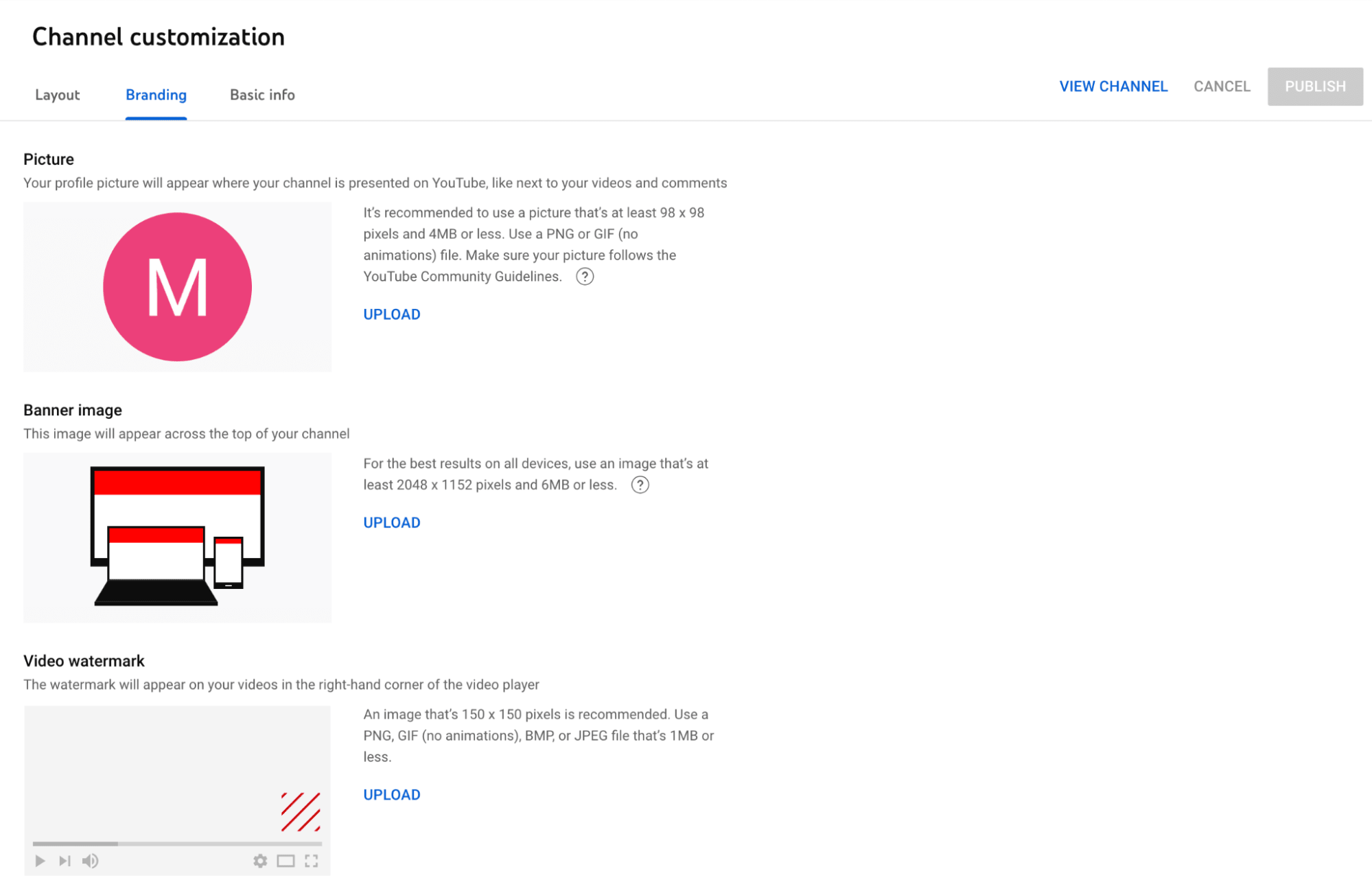
3. Customize your channel’s branding
- Edit your channel’s profile picture
- Edit your channel’s banner image
- Upload a watermark that'll appear on your videos
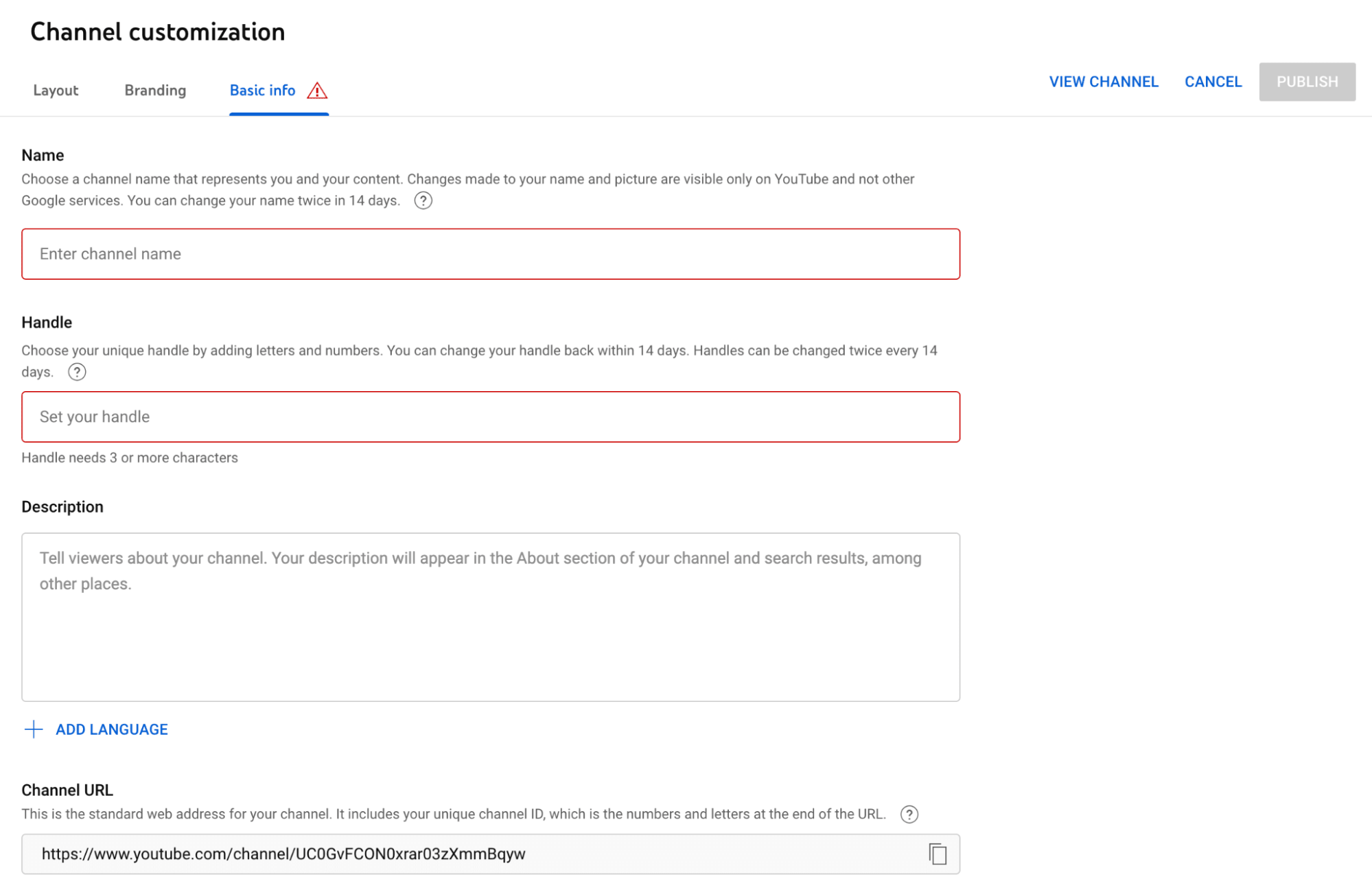
4. Customize your channel’s basic info
- Add a description for your channel
- Edit your URL
- Share external links with viewers
- Update your contact info
5. Upload content
How to create a YouTube business marketing strategy
1. Define your goals and target audience
2. Optimize your YouTube videos
3. Promote your videos strategically
- Sharing on social media platforms
- Email marketing
- Adding a link to or embedding your full video within blog posts
Checklist for building a YouTube channel for business
- Choose a relevant and easy-to-remember channel name
- Use high-quality and consistent imagery in your branding
- Write a clear and concise channel description
- Create a content calendar with different types of videos
- Optimize videos for search using relevant keywords
- Edit your YouTube videos so they’re engaging
- Make eye-catching thumbnails
- Publish content consistently
- Promote your channel according to your marketing strategy
- Engage with your customers
- Work with freelancers to optimize your channel

Related Guides




About Author
Michelle Newblom
Michelle Newblom is a B2B SaaS writer with a knack for creative storytelling, which she artfully applies to all of her content. Her expertise lies in creating compelling copy for blogs and guides, which help businesses generate conversions and attain their goals.
