1. Hostinger: Best for small business owners
Hostinger offers affordable Managed WordPress hosting for small to medium-sized businesses — the perfect hosting provider for a beginner website. It has an easy-to-use interface requiring little to no technical knowledge. Hostinger is one of the few shared web hosting providers offering Litespeed technology, which boosts site speed scores. With latest AI features like content creator, SEO, heatmap and AI troubleshooter, it makes it very easy to use.
It also has a 99.9% uptime guarantee, a 30-day money-back guarantee, and 24x7 phone and email customer support. Additionally, Hostinger offers a Referral Program, where you can join and earn a 20% commission for all new yearly hosting plans. Your referrals will receive a 20% discount as well. Pros
User-friendly interface
Daily/Weekly backups (depending on the plan)
Offers its own site builder with latest AI features like AI content creator, AI SEO tools, AI heatmap and AI troubleshooter
Free SSL certificate
Free domain (except for Single Web Hosting plan)
Easy WordPress integration
Free website migration from any old hosting provider to Hostinger
VPS hosting option (virtual private server)
Easy to use control panel (hPanel)
“I needed a host that was inexpensive, provided daily backups, had free SSL certificate for life, and also made use of the Litespeed technology with litespeed cache to really speed up the website,” says Luis Bravo, founder of NELA Locksmith. “It also had to be easy to use with a great interface. Hostinger provided all of that.”
After signing up, Bravo hired a Fiverr freelancer. “I worked with a Fiverr freelancer to migrate me from IONOS to Hostinger. He did it for free as part of my website redesign. It was a good experience and I’m very happy with my website!”
Cons
No phone support, only live chat and email
Low storage and bandwidth for starter plans
Hosting and domain renewal prices are higher
Plans are only affordable when bought for 24-48 month
Pricing
Hostinger provides a range of web hosting plans, tailored to different needs and budgets. Here's a brief overview of their pricing:
Premium Web Hosting: Starts at $2.99/monthly
Business Web Hosting: Starts at $3.99/monthly
Cloud Hosting: Starts at $9.99/monthly
2. Bluehost: Most popular choice
Bluehost was the most popular choice among over 50 small business owners we spoke to. It's also considered one of the best WordPress hosting options. The top reasons for this choice were affordability, ease of use, and up-time.
This is fitting for Bluehost's popularity in the market since it's been a top choice since 2003.
Bluehost offers a free SSL certificate, a free CDN (content delivery network), unmetered bandwidth, and a free domain for the Basic shared hosting plan.
Pros
Introductory price is low when paid annually (starts at $2.95/month)
10GB-100GB storage capacity
24x7 live chat and phone support
30-day money-back guarantee
Free site migration for WordPress users
Offers its own website building software
VPS hosting option
“I used Bluehost for my first website. I signed up for a 5-year service since it was the most cost-effective. Bluehost was a reliable choice and the user interface was easy to use.” says Andrew Shih, founder of Wisdom Depot. Cons
Automated back-ups are not included in basic plans
Pricing gets higher after renewing plans
No unlimited storage for any plans
Expensive add-ons
It's important to back up your website data regularly, locally, on your device. Raechel Conover had a negative experience with Bluehost; she lost all her website content and tech support and couldn't retrieve any backups.
“I lost 10 years of work and had to start a new website from scratch. When searching for a hosting service, make sure they back up data in multiple locations. Also, get monthly tech support included in your plan,” she says.
Pricing
Here are Bluehost’s pricing plans billed annually:
Basic: $2.95/month
Plus: $5.45/month
Choice Plus: $5.45/month
Pro: $13.95/month
3. Rocket.net: Fastest Wordpress hosting
Rocket.net is a managed WordPress hosting provider offering some of the fastest site-loading speeds in the market. Its TTFB (time-to-first-byte) is around 100 milliseconds – double the speed of the average hosting provider.
“My previous host was inexpensive, but I dealt with consistent security problems and outages,” says Michael Comeau, Marketing Consultant. “I chose Rocket.net as my host because I read so many good things about the company. I was also impressed by the company's answers to my questions before signing up.” Rocket.net also optimizes websites and gives you a usage and performance analytics dashboard.
Pros
Fast servers
Free SSL
Free CDN
In-built security firewall
Free migrations
Automated updates
Includes WordPress installation
Cons
No free domain
Rocket.net is a new company and doesn’t have similar established trust of other competitors
Pricing
Here are Rocket.net’s hosting packages for a 12-month subscription:
Starter: $30/month
Pro: $60/month
Business: $100/month
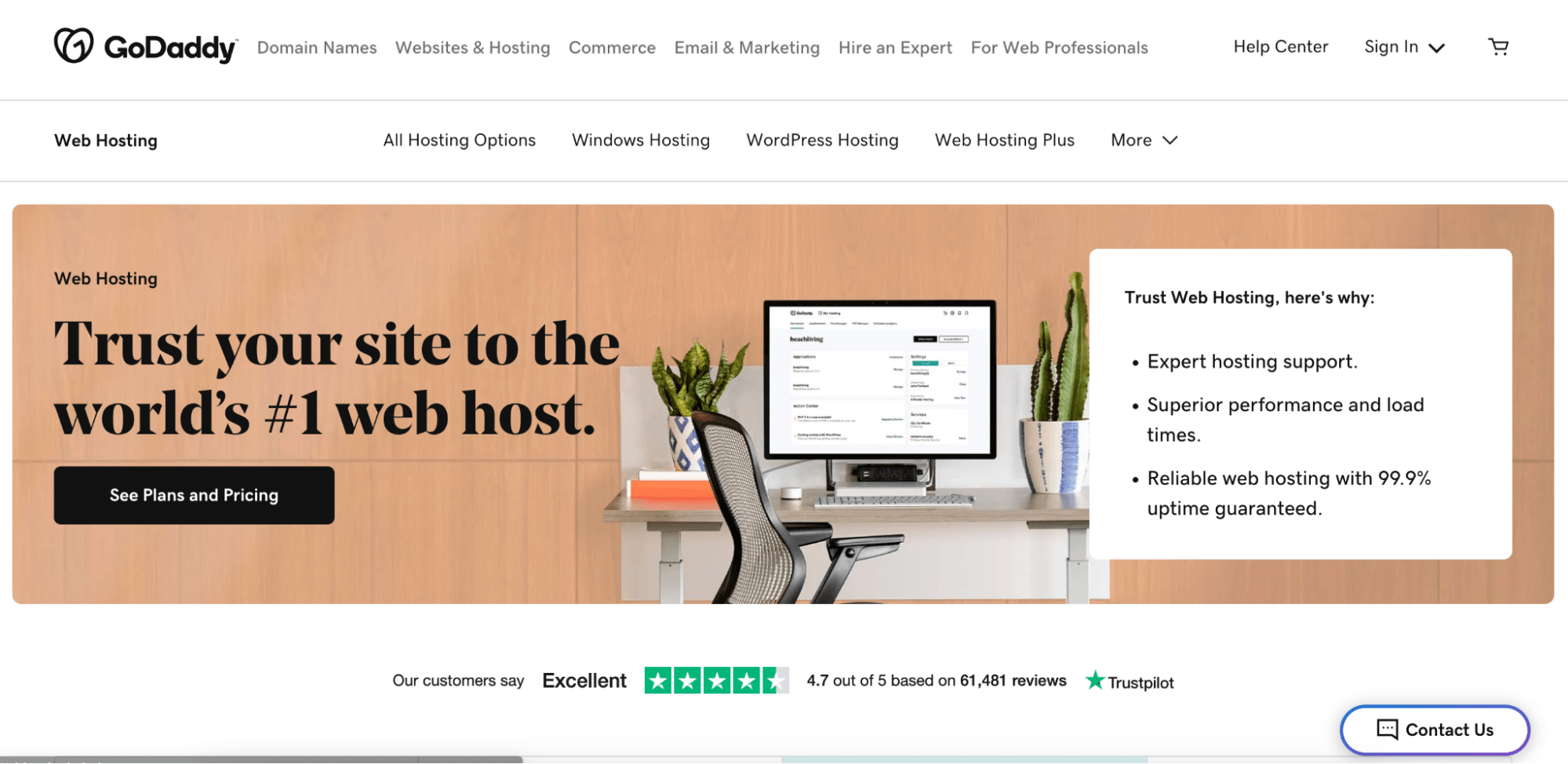
4. GoDaddy: Easiest to set up
GoDaddy is the world's largest domain registrar and one of the largest web hosting services in the market. Roughly 75% of users who buy a domain choose GoDaddy as a host. GoDaddy offers 99.9% guaranteed uptime and user-friendliness, making it a great choice for first-time entrepreneurs.
Ema Fulga, freelance copywriter, talks about GoDaddy being easier to start with than other providers. "I didn't know what free SSL, site transfer, or CDN meant. GoDaddy is much more beginner-friendly but more expensive than other options." Pros
Easy to set up
Unmetered bandwidth
Microsoft 365 included for the first year
Free domain included
Access to website builder software
“I had never built a website before, so I chose GoDaddy because it was the simplest to set up. It also had the right cost, scalability, uptime, and security features.” says Christopher William, founder of Balanced News Summary. Cons
Site speed takes a hit for big and dynamic sites
Free features aren’t available for plans shorter than 12 months
Renewal prices are pricier
Site migrations are difficult
Poor customer service
Pricing
Here’s GoDaddy’s monthly pricing for the first year.
Economy: from $5.99/month
Deluxe: from $7.99/month
Ultimate: from $12.99/month
Maximum: from $17.99/month
5. Shopify: Best hosting for eCommerce websites
If you plan to set up an eCommerce website — or have a hybrid website with a storefront and brand content — an eCommerce hosting provider is the way to go.
Shopify is a top choice for small businesses selling products and services online, allowing users to add integrations with shipping apps. And upgrade their user plan when traffic gets higher.
Web hosting is included in all of Shopify's online store plans but isn't sold separately without the website builder software.
Pros
Unlimited forwarding email addresses
Free domain name
Decent site speed
High security: Level 1 PCI
CDN operated by Fastly
24x7 email and live chat support
“It has great features, easy set up, and provides excellent customer service, which is a huge plus. Shopify also allows me to customize my website with an array of templates and features. Plus, it offers reliable hosting and a secure platform for my customers to use.” says Alexis Cassar, founder of Shop Daisy Dunes. Cons
Difficult to migrate a Shopify website to another hosting provider
Tough to integrate third-party apps or plugins with Shopify
No email hosting (only email forwarding)
Exiting Shopify can mean losing data
Pricing
Here are Shopify’s pricing plans that include website hosting:
Basic: $29/monthly billed annually.
Shopify: $79/monthly billed annually.
Advanced: $299/monthly billed annually.
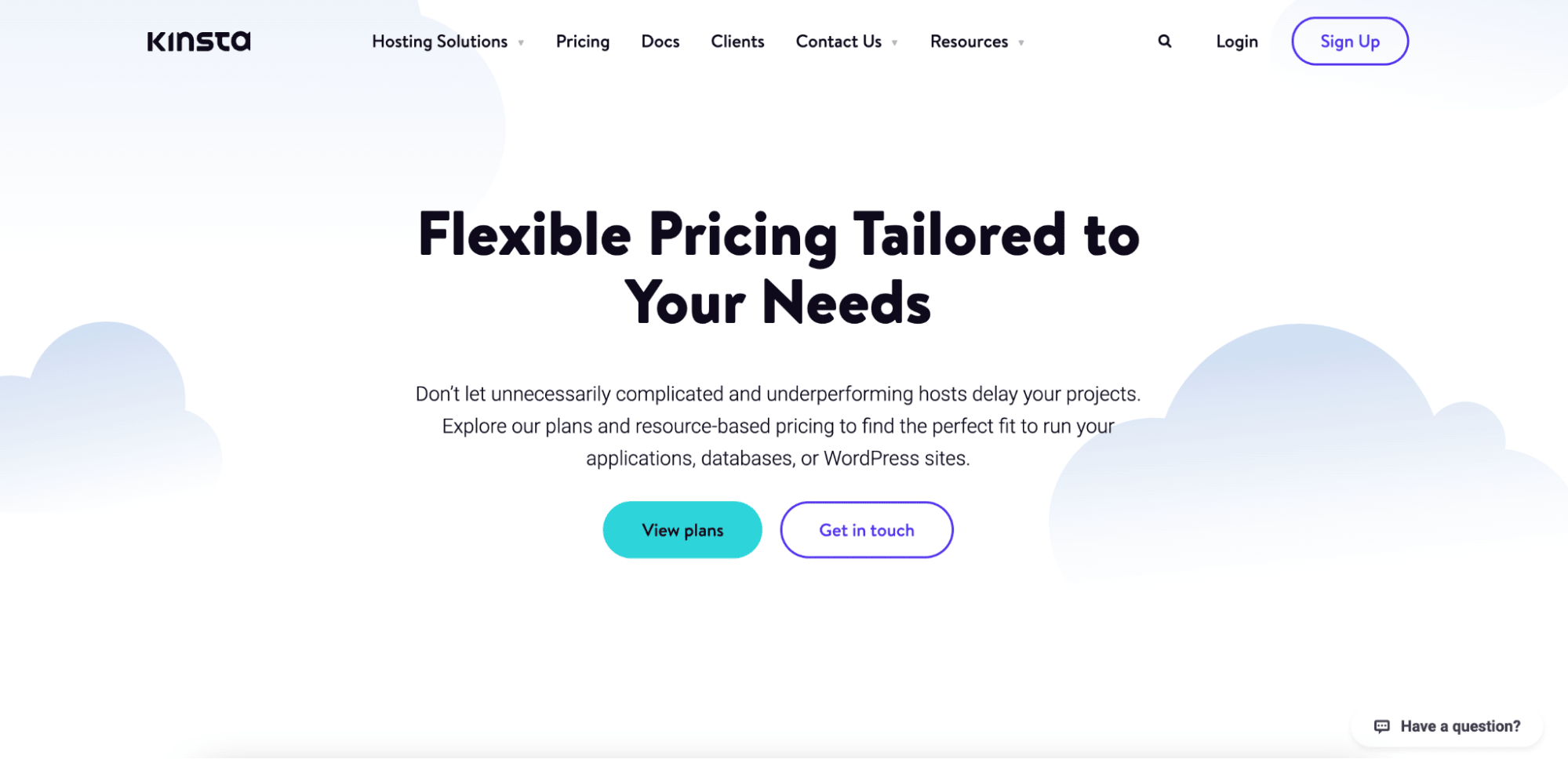
6. Kinsta: Best hosting service for dynamic sites
Kinsta is a WordPress-managed hosting service built to handle heavy sites with dynamic elements. Through Google Cloud C2 and enterprise-level Cloudflare infrastructure, Kinsta reduces site load times by up to 50%, even through traffic spikes. Small businesses desiring scalability will find Kinsta hosting suitable. Only pay for what you need via custom plans, and upgrade at the click of a button.
Pros
High site load speeds
Intuitive dashboard that’s easy to use
Free SSL
Free CDN
Free Staging
Free Migrations
Cons
No email hosting
No phone support
Expensive for most small businesses starting out
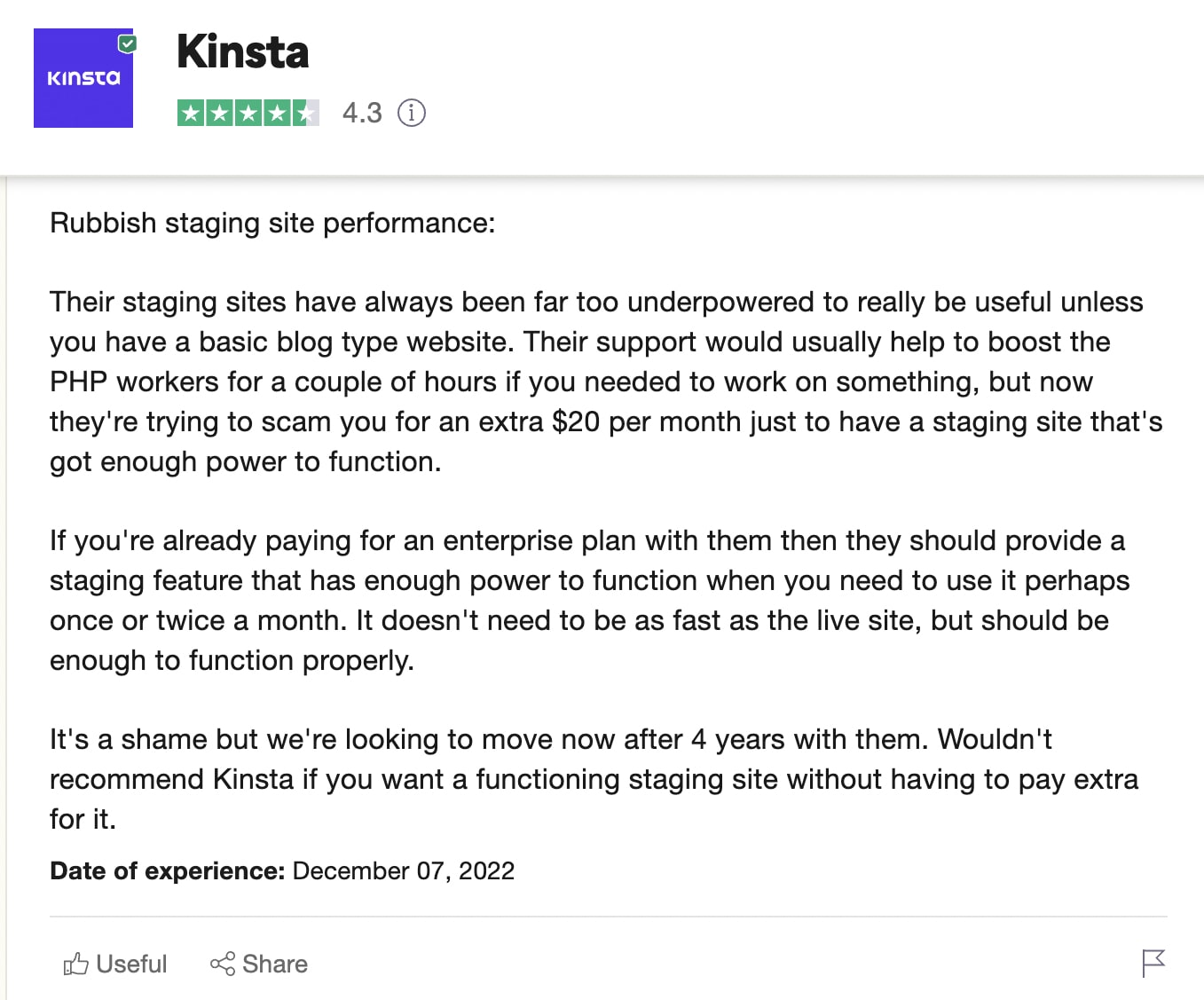
Few PHP workers included with most plans have to buy extra PHP separately
Pricing
You can choose a Kinsta hosting plan according to your site’s traffic and storage required. All plans have two months free when paid annually.
Starter: $35/monthly
Pro: $70/monthly
Business: Plans ranges from $115/monthly to $450/monthly
Enterprise: Plans starts at $1000/monthly
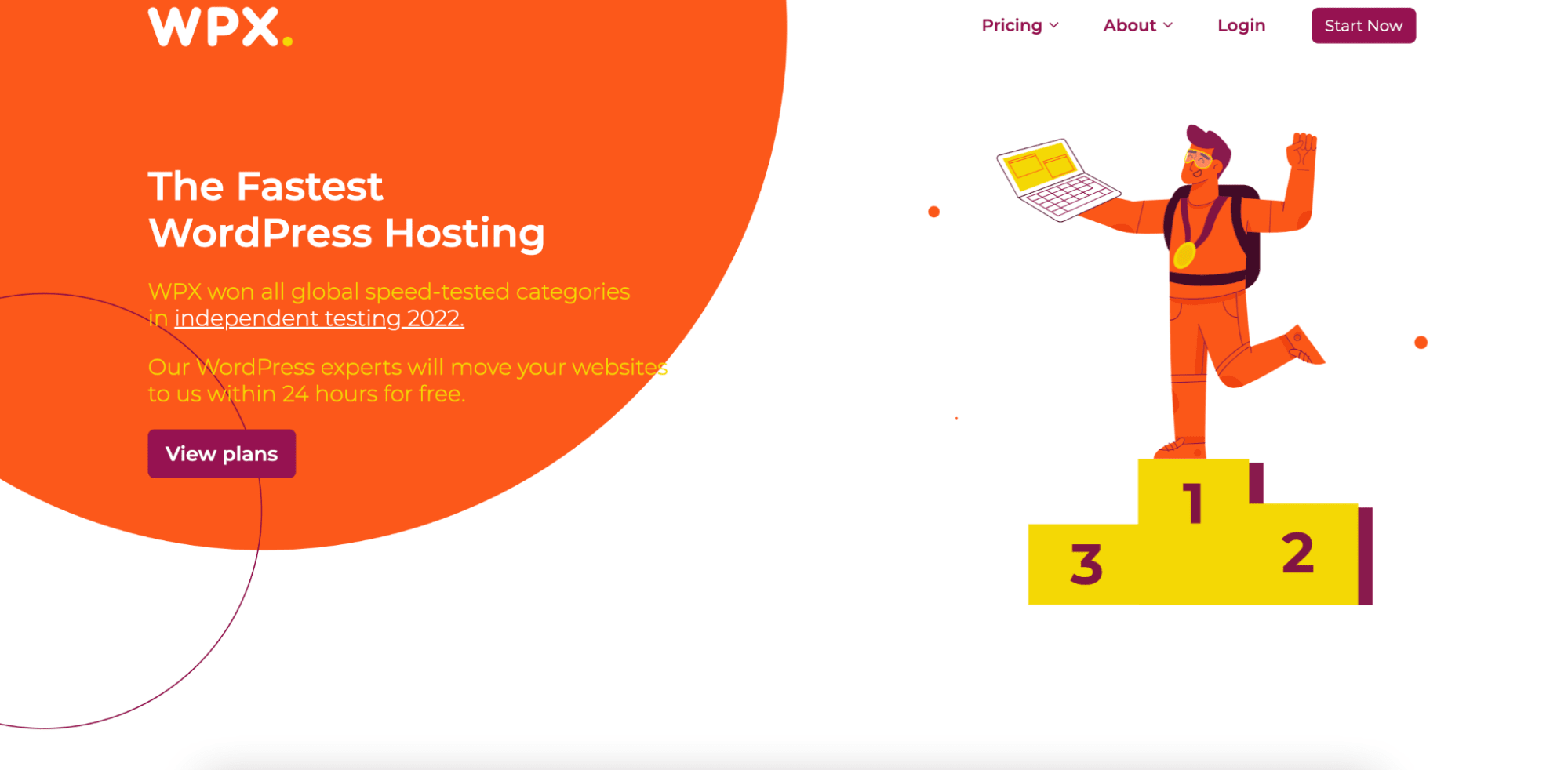
7. WPX: Best hosting service for static sites
While Kinsta is best used on dynamic high-traffic sites, WPX is a managed WordPress hosting service suitable for simple and static sites. WPX is a popular choice for small business owners because of its ease of use, affordability, and fast loading times.
WPX runs on a Litespeed server and offers free site speed optimization. Even though WPX is a newer company, customer service is highly responsive.
“I decided to go with WPX and have been with them for two years as a satisfied customer.” says Ryan Scollon, PPC consultant. “I'm no expert, so I need to rely on the WPX tech support team sometimes, and they point me in the right direction.“
Pros
Migration in less than 24 hours
Automatic backups
High bandwidth and storage
1-click Wordpress installs
Free site-speed optimization and diagnosis
Cons
Few data centers, which can build risk of data centralization or loss
Customer dashboard can be tricky to use
Pricing
Here are WPX pricing plans. Paying annually gives you two free months of subscription.
Business: $20.83/monthly
Professional: $41.58/monthly
Elite: $81.25/monthly
8. SiteGround: Best Standard-Fare Hosting provider
SiteGround is one of the top shared hosting providers in the market. It was the second-most popular choice (Bluehost was first!) among the 50+ business owners.
As a standard-fare shared hosting provider, SiteGround is big on affordability, ease of use, and security.
SiteGround offers one-click staging, automatic updates, and 99.9% site uptime.
Pros
10GB to 40GB web space according to the chosen plan
Unmetered traffic
Free email
Free SSL certificate
Free CDN
Has its dedicated server
Disk space is unmetered (unlimited bandwidth)
“After researching, I decided on SiteGround for its comprehensive features, high uptime reliability, excellent customer support, and competitive pricing plans," says Ian Sterling, Founder of FishLab. "They have proven to be an invaluable asset for managing my business's website needs.”
Cons
Limited customization possible
Higher renewal prices
SiteGround’s CDN may slow down heavy sites with dynamic elements.
Pricing
Here are SiteGround’s hosting pricing plans when paid annually:
StartUp: $3.99/month
GrowBig: $6.69/month
GoGeek: $10.69/month
How to choose the right web hosting provider for your business needs
With so many hosting providers in the market, choosing the right one for your business website requires weighing multiple factors. And the number of hosting services is only going up — the global web hosting services market is projected to reach US$251.44 billion in 2027, according to a 2022 forecast study. Here are the top considerations for choosing a web hosting provider for your business.
Analyze your budget
Web hosting providers can be a significant up-front expense — especially if you buy a 3-year or 5-year plan to get a discount.
If you're on a shoestring budget, start with a shared hosting site like Bluehost or SiteGround. But as you scale, prepare to migrate from the site to a more powerful service provider.
Although managed hosting is more expensive, it can set up business owners for success by taking website admin tasks off your hands.
If you have a website budget, prioritize hosting costs, but don't cut corners. There’s no point investing in website design and content if the page loads too slowly for a conversion.
“Don't skimp out. Business owners spend so much on having a website designed and built and then spend even more money on things like PPC and SEO," says Scollon. "But web hosting is the one they always try to get the cheapest. Good hosting doesn't have to cost the earth.”
In other words, find a host that's high-quality and within budget. For example, many providers offer one-year domain registration for free, even on their cheapest plan, so look out for these plans.
Evaluate your website’s requirements
Websites are usually evaluated by their storage space, the traffic they receive, and the type of content displayed.
For example:
Static websites have stable content seen by all site visitors
Static sites don’t need a very powerful CDN
Dynamic websites have content generated on the spot according to parameters and change according to the current viewer
Dynamic sites take up more space and tend to load slower
Based on your needs, you can identify the best hosting solutions. Think about technical aspects like:
How much SSD (solid-state drive) storage do you need?
How many CPU cores do you need?
Do you need a Linux or Windows system?
Does the host offer a way to scale up?
How many email accounts do you need?
For instance, if your business is in eCommerce, you'll likely want a website with a storefront with a point of sale. So select a hosting provider that can accommodate eCommerce features or plugins like WooCommerce.
“An ecommerce store is going to have different needs than a restaurant or a doggy daycare," Connor Keenan, co-founder of CompareAccounts."It's important to choose a hosting company for the tools you use and your type of business.” Read the terms and conditions carefully
When you sign up with a web hosting provider, you trust them with your business data. You also depend on them for your business performance and growth — website downtime due to a poor hosting provider can impact your bottom line.
Even though terms and conditions can be long and cumbersome, at least sifting through them for concerning clauses.
For instance, you should watch out for:
Hidden fees: Look for costs, charges, and payment periods hidden in the fine print.
Automatic renewals: If you don't want to be automatically billed, find out how to turn it off.
Security and privacy policy: The terms and conditions document will have a section about your data and how it’s protected and encrypted.
Third-party data sharing: Look for terms like third-party, affiliates, and partners to ensure your data isn't shared outside the host.
Malware attack protection: Review whether the website server hosting solution offers DDoS protection (distributed denial-of-service).
How to hire freelancers to manage website hosting tasks
You’re busy running your business — why waste weeks learning how to manage your website? Instead, you can work with Fiverr freelancers that offer website maintenance services. Not only will this save you time, but it'll also lower costs since you won't need a full-time hire.
But before you make your first hire, follow these steps:
1. Identify which tasks you need help with
This can be as simple as choosing the tasks you’re most clueless about and finding an expert for the important aspects of your business. While knowledge base articles are helpful, if your site is hosted on a slightly more technical platform like WordPress websites, it’s best to get the help you need.
Here are common tasks businesses outsource when setting up their website: 2. Research Freelance platforms and Job boards
Search on freelance platforms like Fiverr for a professional with the specific skill set you need. For example: if you need help with a website migrated to Kinsta, search for a Fiverr freelancer with Kinsta experience by typing “Kinsta” into the search bar. Put together a project description to post on job boards like Fiverr (we send alerts to relevant freelancers to bring the talent to you). Include the scope of work and any technical requirements or expertise required.
Then, to vet freelancers, ask for a portfolio, read past reviews/testimonials, or hop on a quick call to discuss their experience. Investing time into the vetting process can save you from a failed project.
3. Use Fiverr to outsource website set-up
It’s easy to find the talent you need on Fiverr — search for your task, choose among seller profiles, read their reviews, and contact them for your project.
“While WPX hosting is fast, my website wasn't as optimized as it could be. This is when I turned to Fiverr to find a Google Pagespeed expert,” explains Scollon. “My Pagespeed score went from 64 to 100 thanks to the freelancer I hired. He was easy to find and provided a quick turnaround.”
Here’s how to use Fiverr to find freelancers for your website.
Step 1: Sign up on Fiverr
Create a free account on Fiverr and access our freelance database.
Step 2: Choose a freelance service
Step 3: Choose a Fiverr seller
You’ll find a list of freelancers to choose from — analyze their profiles to see their rates, portfolio, and ratings. Create a short list of the top picks to reach out to. Fiverr allows you to send messages to sellers, which you can manage in your dashboard.
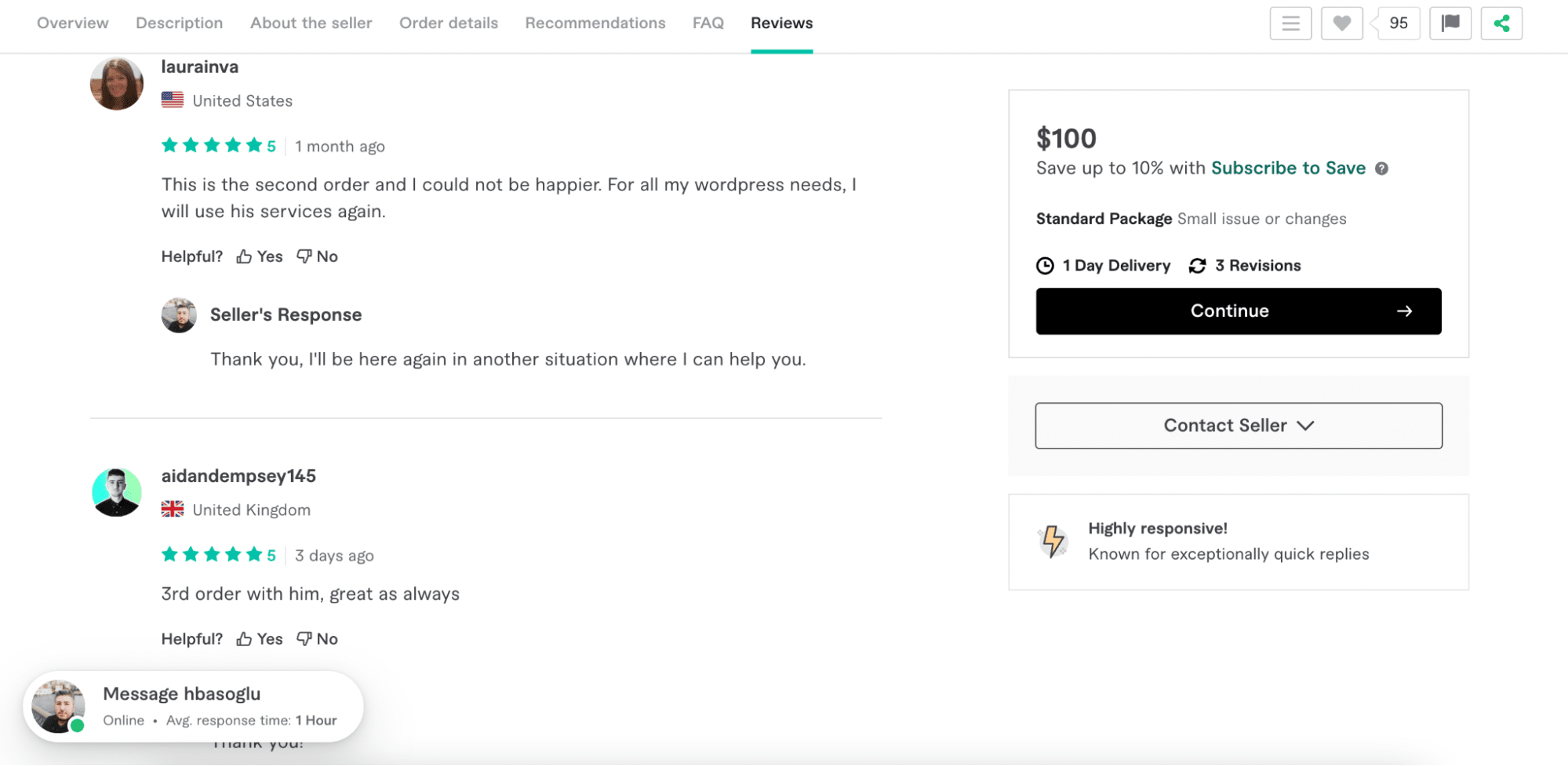
Step 4: Read seller reviews
Fiverr reviews include a star rating and comments from buyers. Sometimes, you’ll see a glimpse of the project they worked on if they chose to upload a screenshot.
Step 5: Contact seller and request a quote
Now, it’s time to reach out to freelancers to see who’s available and has the skills you need.
The Fiverr seller will get back to you soon to discuss your project requirements. The project delivery, invoicing and payments are all handled on Fiverr’s platform.
Launch your high-performing website
Website hosts do more than place your website on a server. They also offer advanced security encryption to protect your site from bad actors like those who steal credit card information. And if you choose well, you’ll have amazing site speeds to appeal to people and search engines (aka better rankings on Google).
But don’t stop there — you can work with a technical SEO expert to ensure your website’s on-page optimization is on point to ensure you get visibility and traffic for your business. Ready to receive assistance with your web hosting and management? Sign up to Fiverr for free today! 
 August 3, 2026
 18 minute reading