 August 3, 2026
 13 minute reading
Artificial intelligence (AI) is everywhere these days, and many small businesses are wondering how they can take advantage of these unique tools. From copy to image generation, AI tools can help with a number of business efficiency and automation tasks.
We’ve put together the 10 best AI generators, from the best AI-powered copywriters to the best AI image generators, to help your small business find the right tools for your needs.
As always, AI should be used alongside your human team. It’s not meant to replace; it’s meant to enhance. And AI can do a great job of enhancing. So, let’s dig into the best AI content creation tools in 2025 without further ado.
Where AI super-powers human talent
Methodology
- Use cases
- Pricing
- User experience
- Integrability
The best AI generators for small businesses
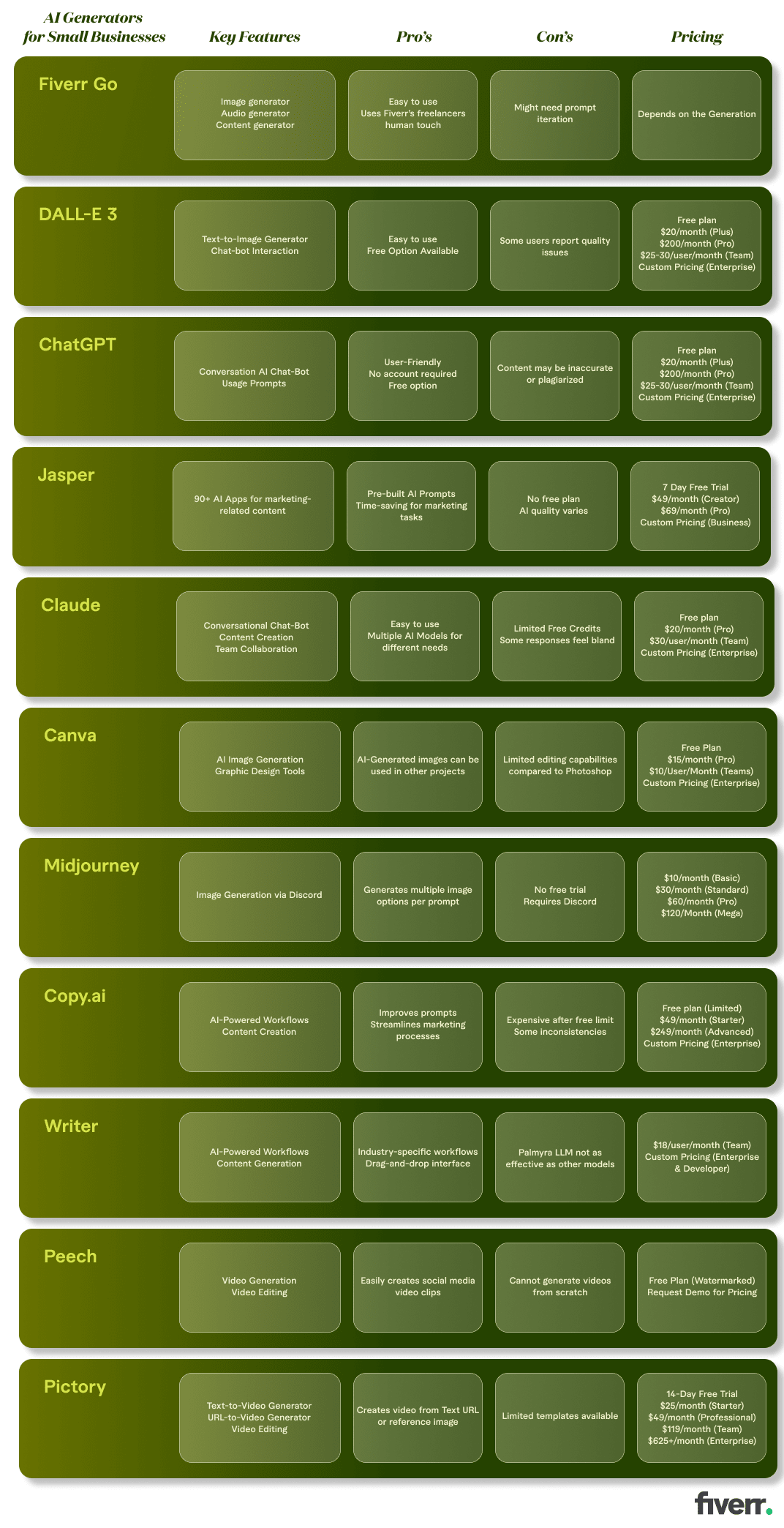
1. Fiverr Go
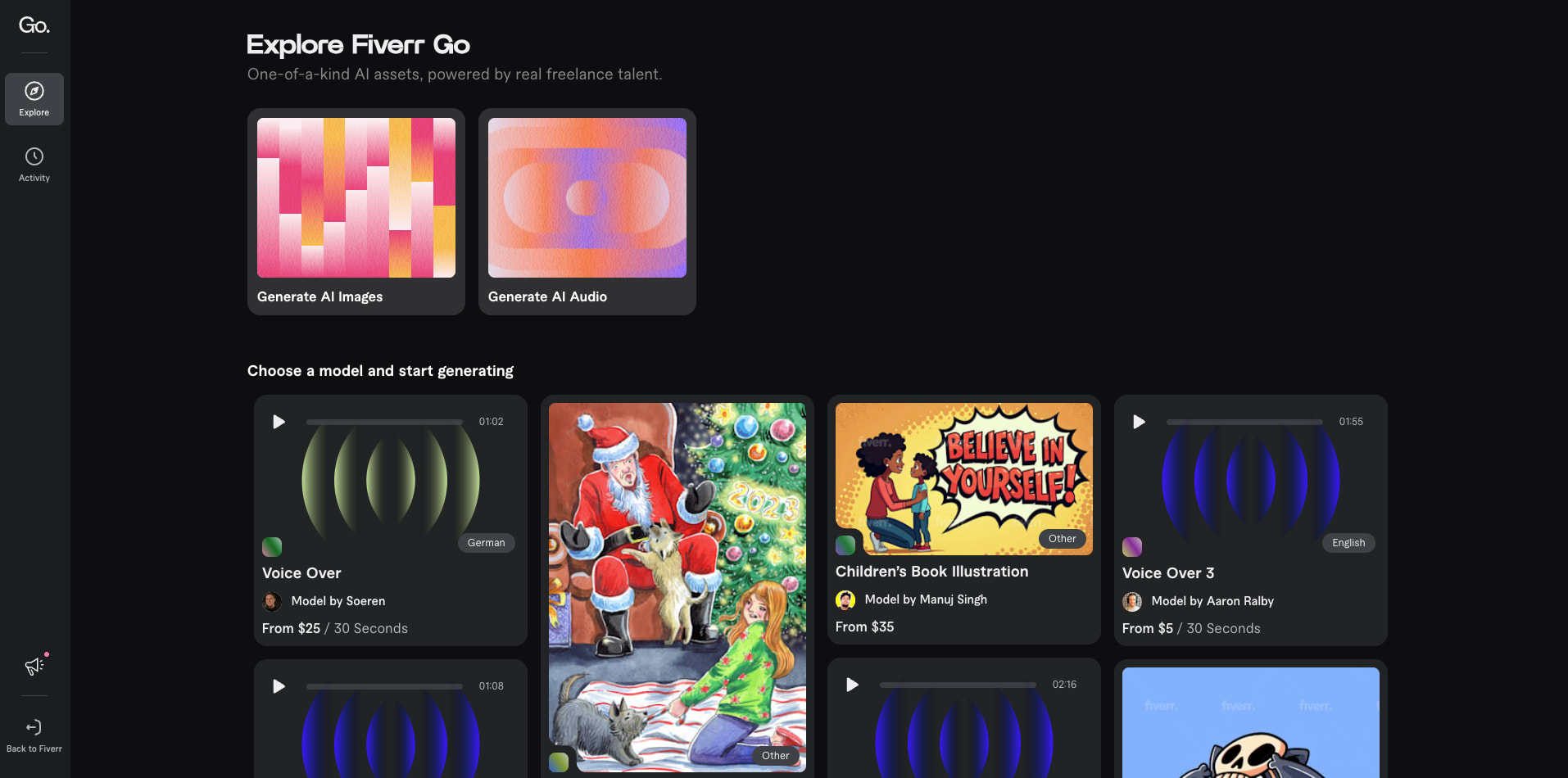
Fiverr Go key features
- AI image generation
- AI audio generation
- Tone customization to match brand voice
- Combines the distinct style of freelance talent with personalized AI technology
Fiverr Go pricing and plans
Fiverr Go pros
- AI-generated images, audio and content that’s easy to refine and publish
- Unique style thanks to AI models based on freelance work
- Speed of AI with the expertise of professionals
- AI-generated content is owned by the buyer.
Fiverr Go cons
- AI-generation may require more than one prompt for accuracy
Fiverr Go user experience
Fiverr Go user ratings
2. DALL-E 3
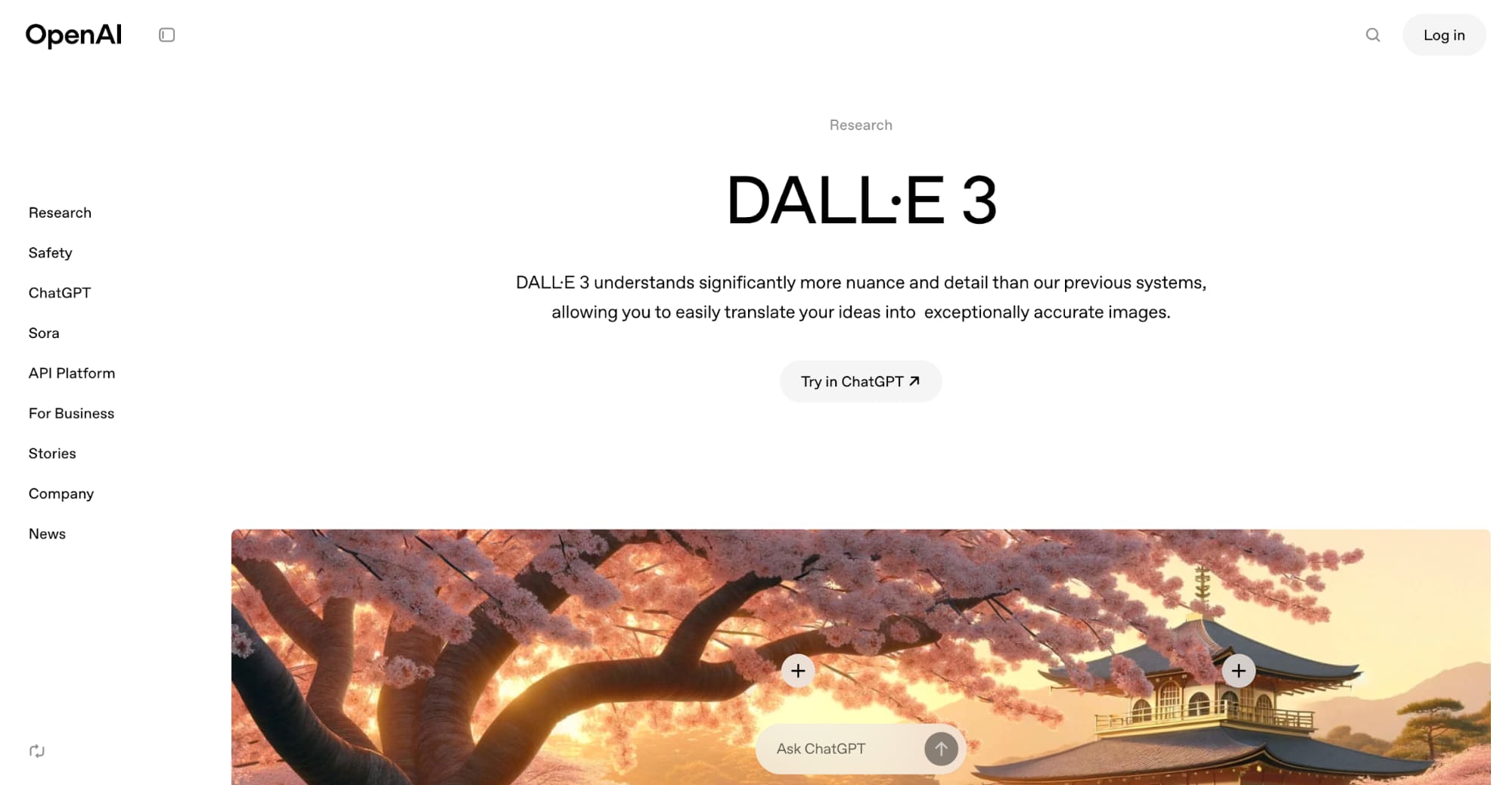
DALL-E 3 key features
- Text-to-image generator
- Communicate via chatbot to tweak the image until it’s perfect
DALL-E 3 pricing and plans
- Free: Free plan with limited image generation access
- ChatGPT Plus: $20/month for extended access to image generation
- ChatGPT Pro: $200/month for unlimited access to AI tools
- Team: $25-30/user/month for teams looking for extended image generation tool access
- Enterprise: Custom pricing for large-scale needs
DALL-E 3 pros
- Extremely easy to use
- Has a free option
DALL-E 3 cons
- Some users complain about image quality, so there may be other AI image generators on the market that are better
DALL-E 3 user experience
DALL-E 3 user ratings
Find an AI expert on Fiverr


Level 2
I will do ai mobile app development, android app ios app flutter app developer
Offers video consultations





Level 2
I will do ai mobile app development, ai chatbot, ai app developer
Offers video consultations

Level 2
I will be expo react native mobile app developer app development claude ai supabase
Offers video consultations


Level 2
Our agency will ai mobile app development, ai website, app developer, ai chatbot, ai agent
Offers video consultations

Level 2
I will do ai mobile app development, android, ios app development as flutter developer
Offers video consultations


Level 2
I will do ai mobile app development for android and ios ai app as flutter developer
Offers video consultations


Top Rated
I will develop ai mobile app, ai integration ios app, android app, mobile app developer
Offers video consultations













Top Rated
I will do ai mobile app development and website, ai chatbot ai agent as ai developer
Offers video consultations


Vetted Pro
I will create chatgpt gpt3 gpt4 integrations and chatbots for you
Offers video consultations

Vetted Pro
Our agency will build ai app, ai mobile app ai chatbot ai powered app ai agent ai website
Offers video consultations


Vetted Pro
I will do ai mobile app development, ai saas app, ai website, flutter app developer
Offers video consultations

Vetted Pro
Our agency will develop ai app, ai saas, ai website and ai mobile app
Offers video consultations

Vetted Pro
Our agency will provide ai powered mobile and web application development with openai chatgpt
Offers video consultations

Vetted Pro
I will do ai mobile app development, ai chatbot, react native, flutter as ai developer
Offers video consultations

Top Rated
I will develop ai mobile apps, ai agents, ai chatbots and custom ai solutions
Offers video consultations

Vetted Pro
Our agency will build an ai mobile app with ai integrations, gpt claude or gemini
Offers video consultations

Level 2
I will develop ai mobile app, ai website, ai chatbot, ai agent, ai automation
Offers video consultations



Level 2
I will do ai mobile app development,ai website,ai app developer,ai chatbot,ai agent
Offers video consultations

Top Rated
I will develop ai app, ai saas, ai web application, ai software developer, chatgpt
Offers video consultations



Top Rated
I will develop a custom flutter ai app with ai agents and chatbots
Offers video consultations

Top Rated
I will do ai mobile app development open claw custom gpt claude code ai app developer
Offers video consultations

Level 2
I will do ai mobile app development, ai website, android app, ios app, ai integration
Offers video consultations



Level 2
I will do ai mobile app development, ai chatbot and flutter ai app
Offers video consultations



Vetted Pro
Our agency will do ai mobile app development, ai chatbot development as an ai app developer
Offers video consultations



Level 2
I will do ai mobile app development ai android app ai ios app creation as flutter app
Offers video consultations



Level 2
Our agency will develop an ai powered flutter mobile app for ios and android
Offers video consultations


Top Rated
I will develop ai powered mobile apps and website with chatbot
Offers video consultations


Level 2
I will develop ai mobile app, saas app, ai chatbot or website
Offers video consultations
3. ChatGPT
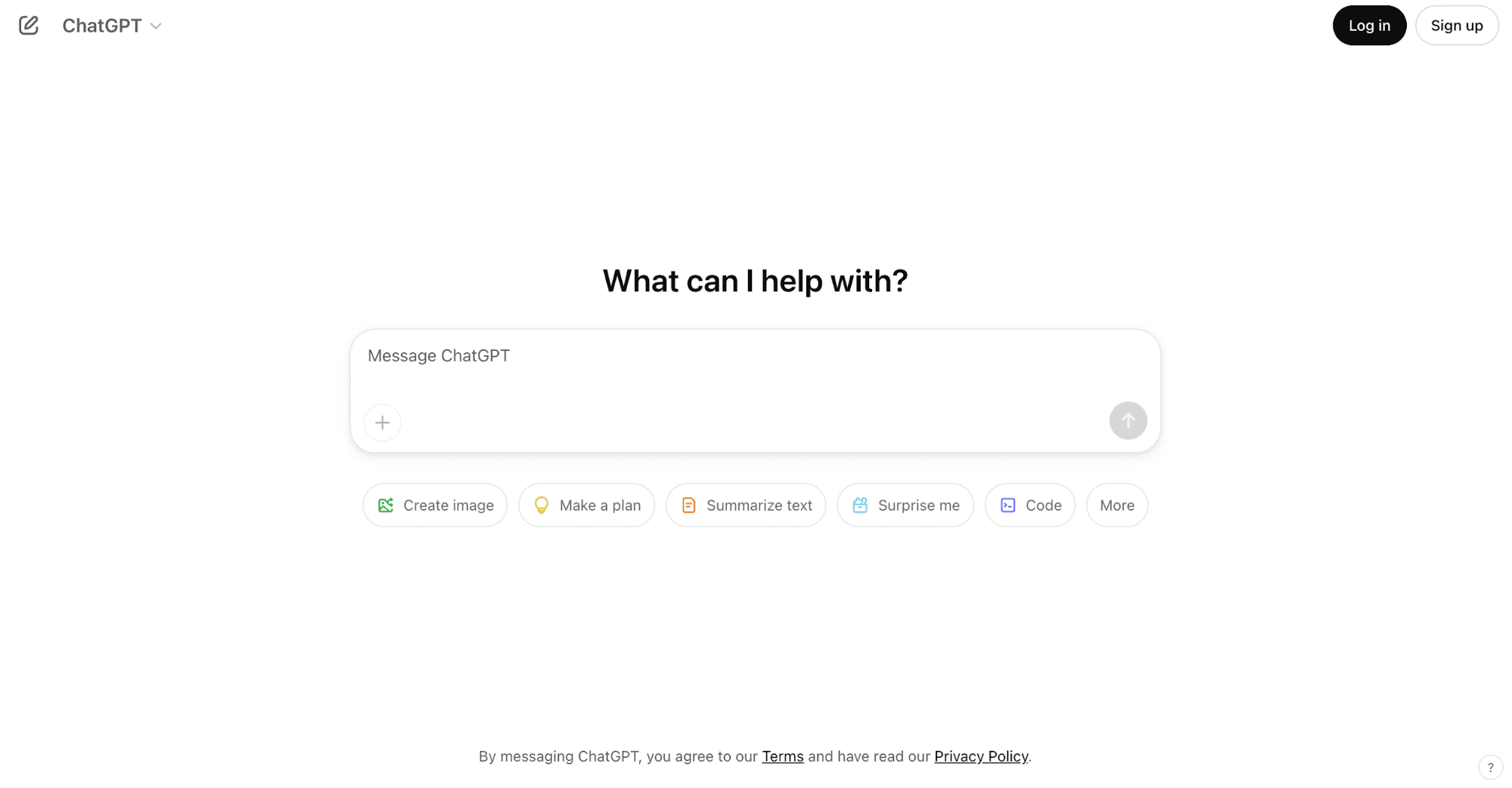
ChatGPT key features
- Conversational AI chatbot
- Usage prompts
ChatGPT pricing and plans
- Free: Free plan with limited access
- ChatGPT Plus: $20/month for extended access
- ChatGPT Pro: $200/month for unlimited access
- Team: $25-30/user/month for teams
- Enterprise: Custom pricing for large-scale usage
ChatGPT pros
- Extremely easy to use
- You get a lot of usage for free
- You can use without needing an account
ChatGPT cons
- Content isn’t always accurate and can be plagiarized
ChatGPT user experience
ChatGPT user ratings
4. Jasper
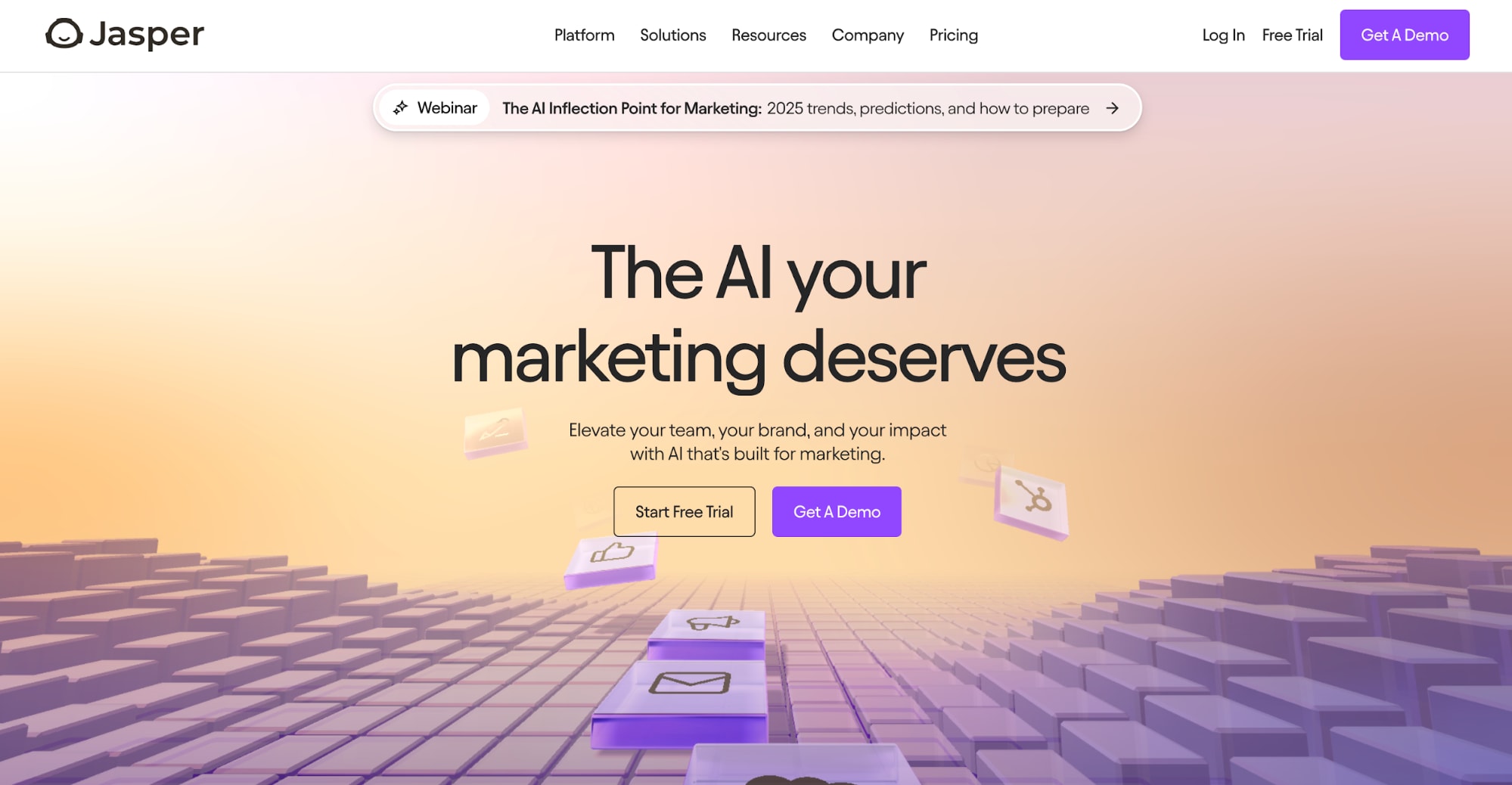
Jasper’s key features
- 90+ customizable AI apps for marketing-related content creation
Jasper’s pricing and plans
- Free: Free 7-day trial to take the AI for a test drive
- Creator: $49/month/seat for access to Jasper Chat, SEO mode, and browser extension
- Pro: $69/month/seat for additional access to image generator and editing tools
- Business: Custom pricing for unlimited access
Jasper’s pros
- Pre-built AI prompts and tools to easily get started generating marketing content
- Jasper helps you save time with many marketing tasks
Jasper’s cons
- No free plan for businesses on a budget
- The AI quality often leaves much to be desired
Jasper’s user experience
Jasper’s user ratings
5. Claude
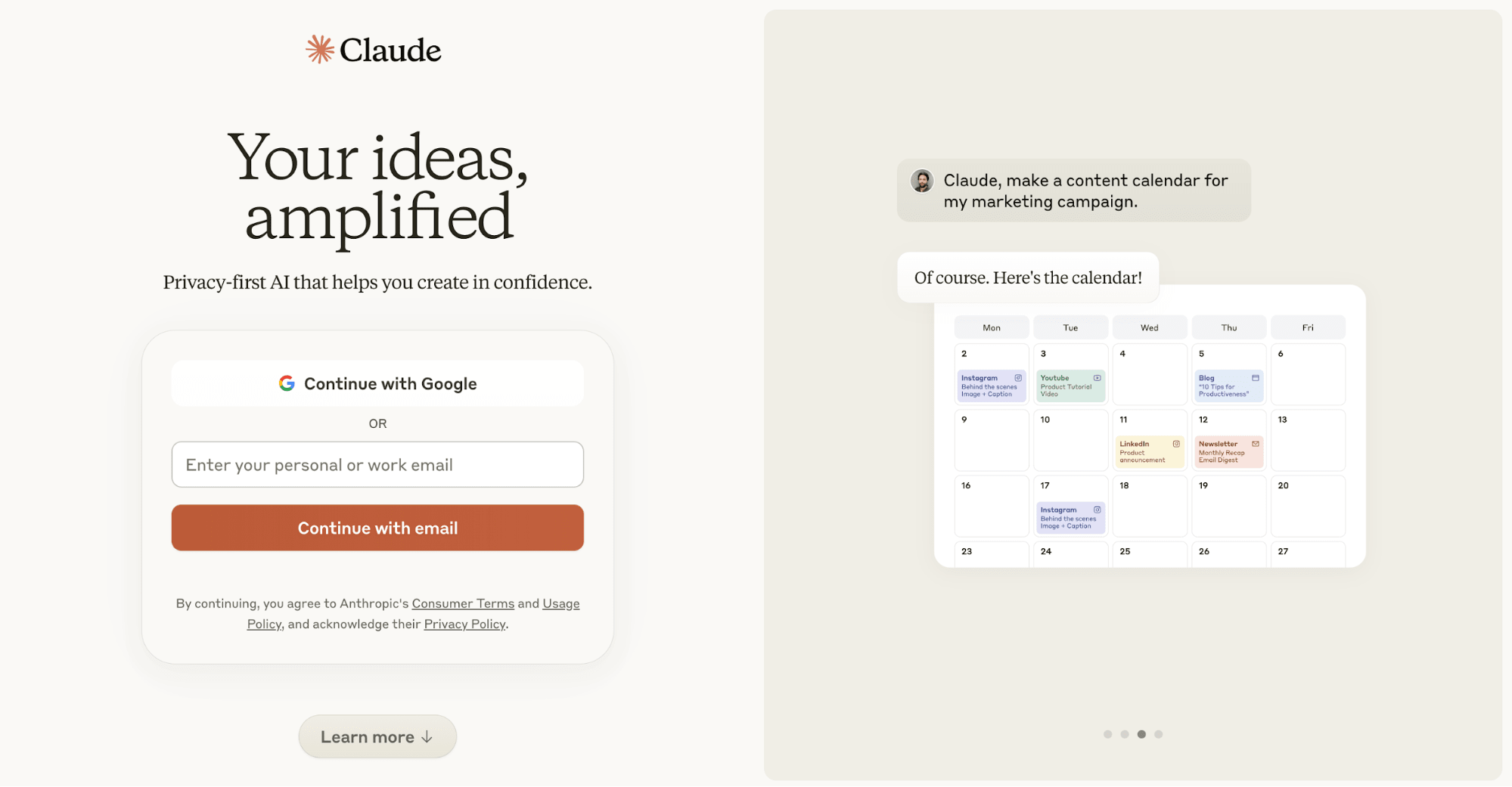
Claude’s key features
- Conversational chatbot
- Content and project creation
- Team collaboration
Claude’s pricing and plans
- Free: Free plan with access to a single AI model
- Pro: $20/month for access to more features and AI models
- Team: $30/person/month (minimum of five seats) for access to the above plus collaboration features
- Enterprise: Custom pricing for brands with large-scale needs
Claude’s pros
- Easy-to-use conversational chatbot
- Can be used for a variety of tasks, like creating a content calendar, putting together Microsoft Excel formulas, or providing a tutorial for a process
- iPhone and Android apps available
Claude’s cons
- Extremely limited with its free credits
- Some users have said the copy feels too bland or incomplete
Claude’s user experience
Claude’s user ratings
Integrate AI into your business
6. Canva
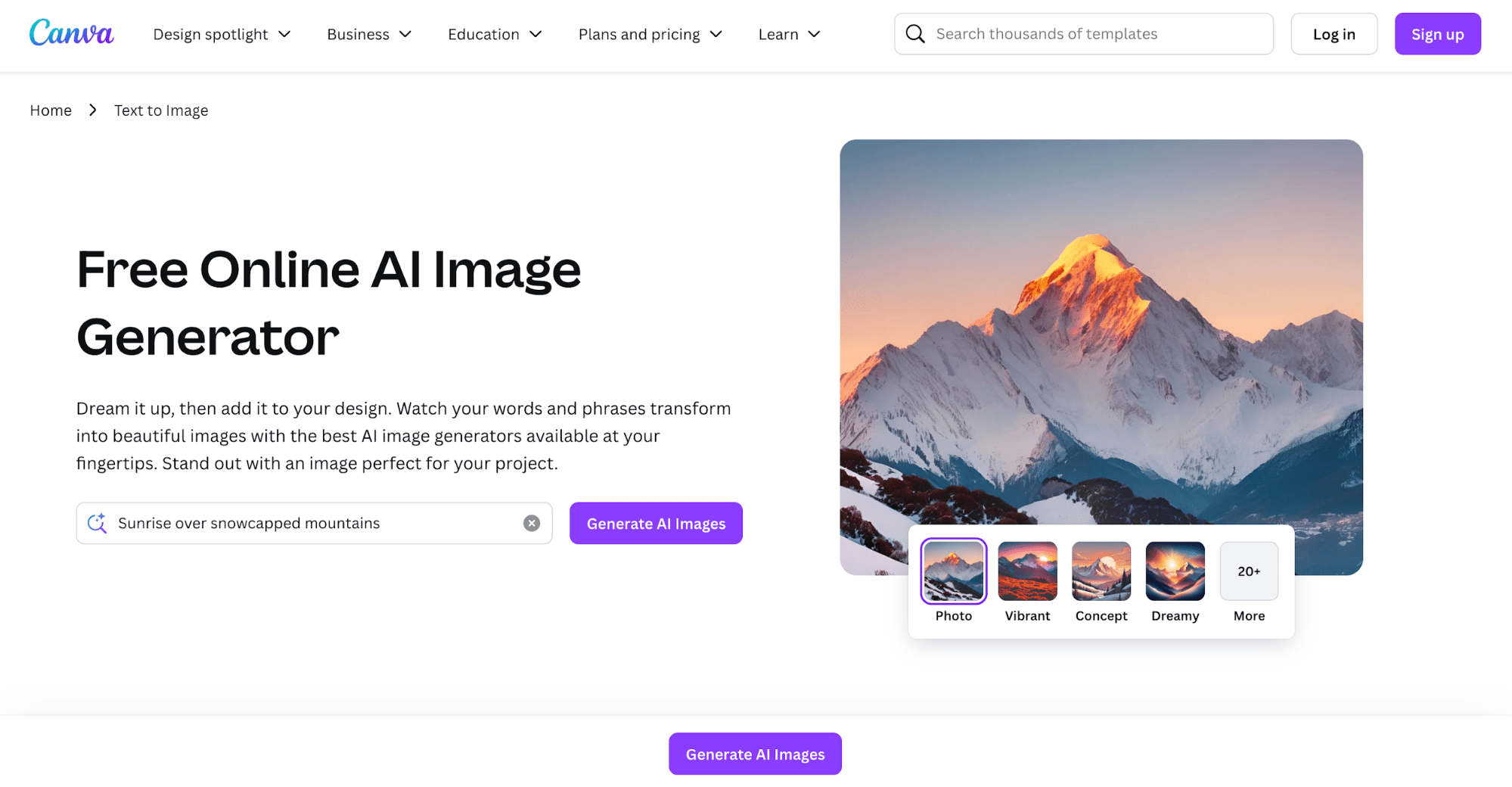
Canva’s key features
- Image generation from text prompts
- Choice of AI image creation tools
- The ability to input AI generated art into other projects
Canva’s pricing and plans
- Free: Free forever plan with limited access to AI tools
- Canva Pro: $15/month for access to 20+ different AI tools
- Canva Teams: $10/person/month (minimum of 3 seats) for additional AI features
- Canva Enterprise: Custom pricing for brands with extensive needs
Canva’s pros
- Can pop AI-generated images into other graphics or projects
Canva’s cons
- Image editing capabilities are limited compared to tools like Photoshop
Canva’s user experience
Canva’s user ratings
7. Midjourney
Midjourney’s key features
- Image generation
- Discord community
Midjourney’s pricing and plans
- Basic: $10/month for 3.3 hours of fast GPU time and no relax GPU time
- Standard: $30/month for 15 hours of fast GPU time and unlimited relax GPU time
- Pro: $60/month for 30 hours of fast GPU time and unlimited relax GPU time
- Mega: $120/month for 60 hours of fast GPU time and unlimited relax GPU time
- Purchase extra GPU time for $4 per hour
Midjourney’s pros
- You can create a lot of images, even in the basic plan
- The AI bot provides four images per prompt, giving you options
Midjourney’s cons
- You can’t use Midjourney for free or test it before you subscribe
Midjourney’s user experience
Midjourney’s user ratings
- Product Hunt: 4.5/5
- G2: 4.4/5
Hire Midjourney Artists on Fiverr today




Top Rated
I will fix ai illustrations, ai book consistency and generation
Offers video consultations


Level 2
I will create ai product photography with realistic model lifestyle images
Offers video consultations








Level 2
I will create amazing graphic arts for you using midjourney ai
Offers video consultations





Level 2
I will do custom graphic design, image editing, vector with ai
Offers video consultations





Vetted Pro
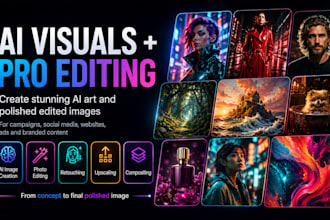
I will create stunning ai art and photo edit the images to perfection
Offers video consultations


Vetted Pro
I will create professional ai concept art and photo realistic visuals
Offers video consultations



Vetted Pro
I will generate premium product images using ai and photoshop
Offers video consultations


Level 2
I will turn your clothing into realistic ai fashion model photos
Offers video consultations


Vetted Pro
I will create ai product photography for your ecommerce store and ads
Offers video consultations


Vetted Pro
I will create ai videos to promote new concepts, brands and products
Offers video consultations












Vetted Pro
I will produce ultra realistic ai photos images for brands and websites
Offers video consultations



Vetted Pro
I will design investor pitch deck presentations with full branding concept
From $150Offers video consultations



Level 2
I will fix, generate, and edit ai images using photoshop and ai
Offers video consultations






Top Rated
I will create ai character design and concept art with midjourney
Offers video consultations




Level 2
I will generate custom ai images with stable diffusion, flux, or midjourney
Offers video consultations











8. Copy.ai
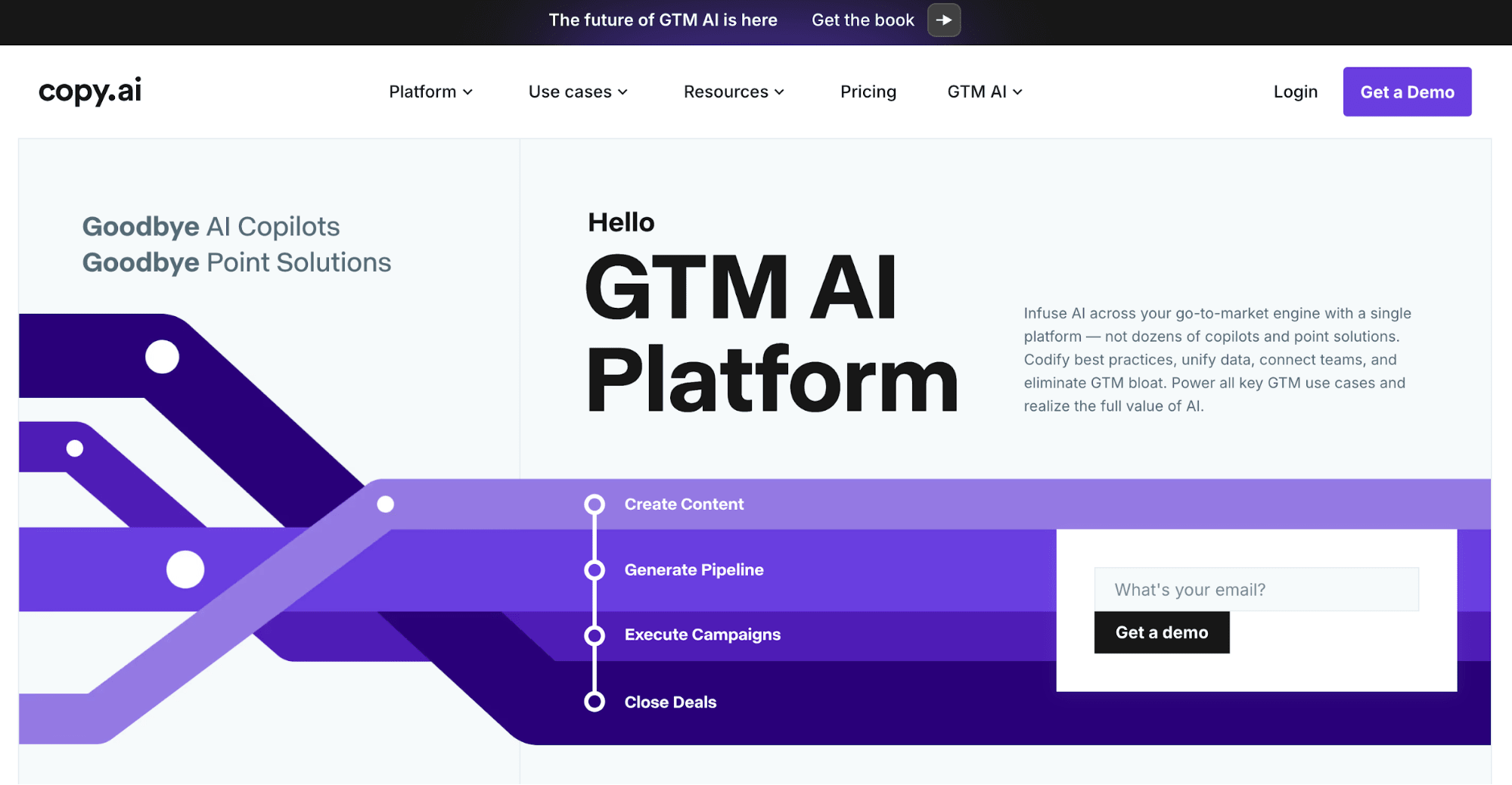
Copy.ai key features
- AI-powered workflows
- Content creation
Copy.ai pricing and plans
- Free: Free forever plan for up to 2,000 words in chat plus a few other limited features
- Starter: $49/month for unlimited words in chat plus access to all LLMs and extra features
- Advanced: $249/month for up to 5 seats and 2,000 generative credits for workflows
- Enterprise: Custom pricing for large-scale usage
Copy.ai pros
- The AI tool offers tips for improving your prompts to get exactly the output you’re looking for
- Workflows help make your marketing processes easier with the help of AI
Copy.ai cons
- The tool is expensive once you hit the free limit
- Users have complained about inaccurate or inconsistent results
Copy.ai user experience
Copy.ai user ratings
9. Writer
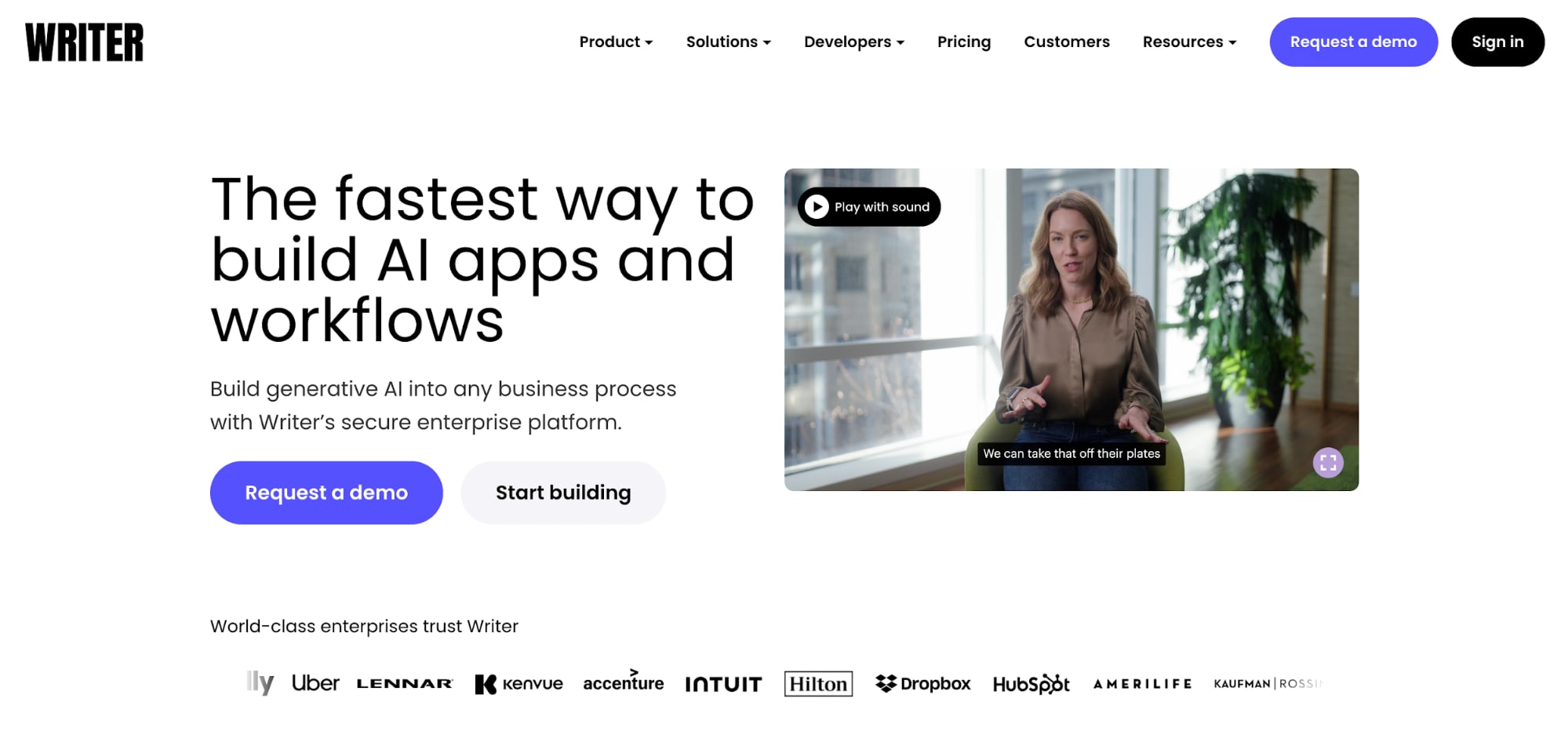
Writer’s key features
- AI-powered workflows
- Content generation
Writer’s pricing and plans
- Team: $18/user/month (up to five users) for access to 35+ pre-built apps, governance features, and basic admin tools
- Enterprise: Custom pricing for brands with large-scale needs
- Developer: Pricing varies based on needs for using the Palmyra API to develop your own tools
Writer’s pros
- Writer has specific workflows and tasks created for different industries, like healthcare, finance, and retail, making this a great option for brands in those industries
Writer’s cons
- The Palmyra LLM isn’t always as effective as other LLMs on the market
Writer’s user experience
Writer’s user ratings
Find a AI Content Editor for Hire











Top Rated
I will professionally edit and refine your chatgpt and ai content
Offers video consultations









Level 2
I will humanize your ai content fast, with natural tone and zero robotic filler
Offers video consultations





Top Rated
I will edit your ai translation or ai generated content and do mpte
Offers video consultations



Level 2
I will edit, humanize ai content, fact check and do ai content editing humanization
Offers video consultations



Top Rated
I will expertly edit german, spanish, french, english chatgpt ai content proofreading
Offers video consultations







Top Rated
I will rewrite your ai content in spanish to make it look human made
Offers video consultations


















10. Peech
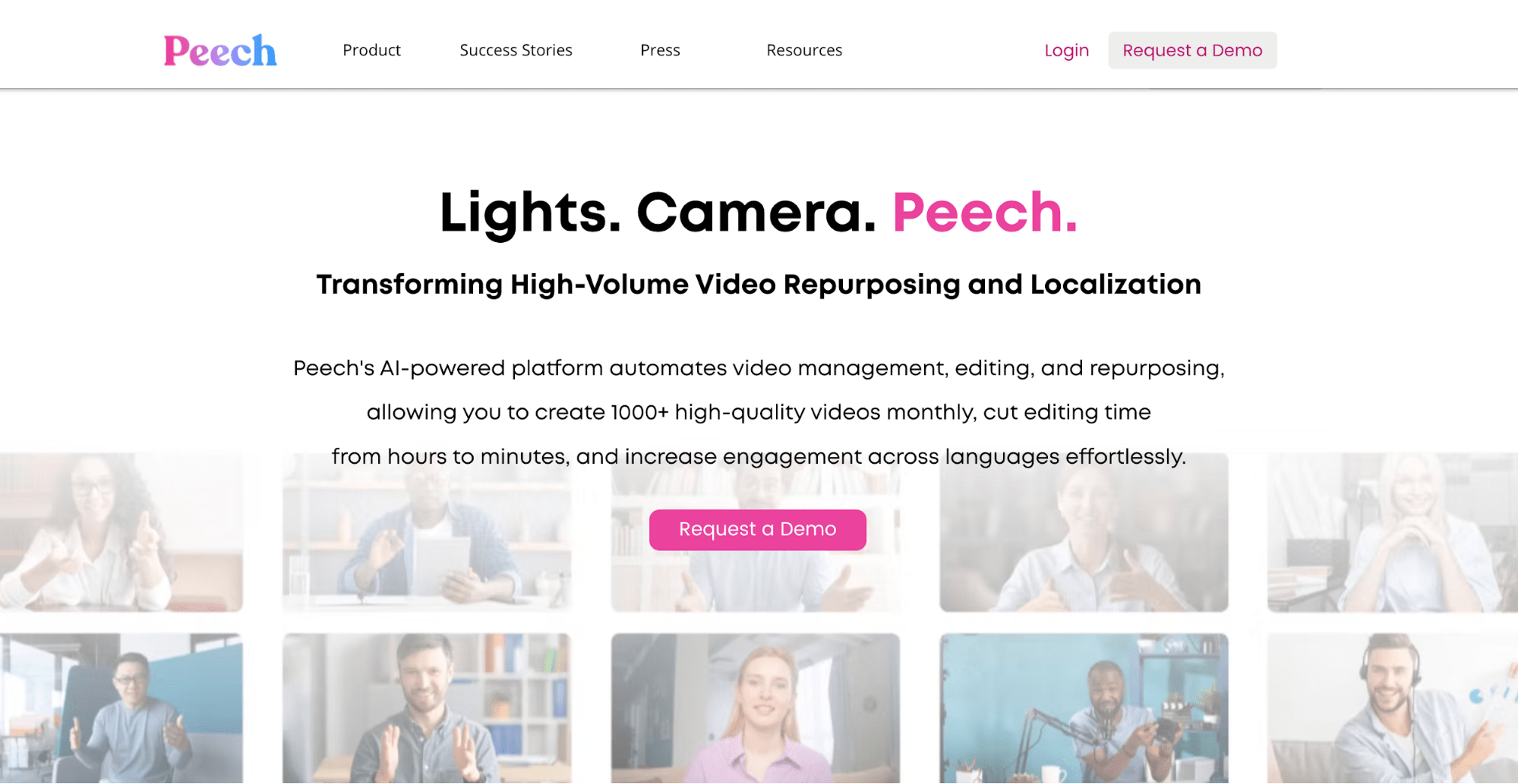
Peech key features
- Video generation
- Video editing
Peech pricing and plans
- Free: Free plan that puts a watermark over all video downloads
- Other plans: Request a demo to learn more about other plans available
Peech pros
- Makes cutting up a lengthy video into bite-sized social media clips easy
- Provides all aspect ratios to post on any platform
Peech cons
- Doesn’t generate videos from scratch
Peech user experience
Peech user ratings
- Product Hunt: 4.7/5
- G2: 4/5
11. Pictory
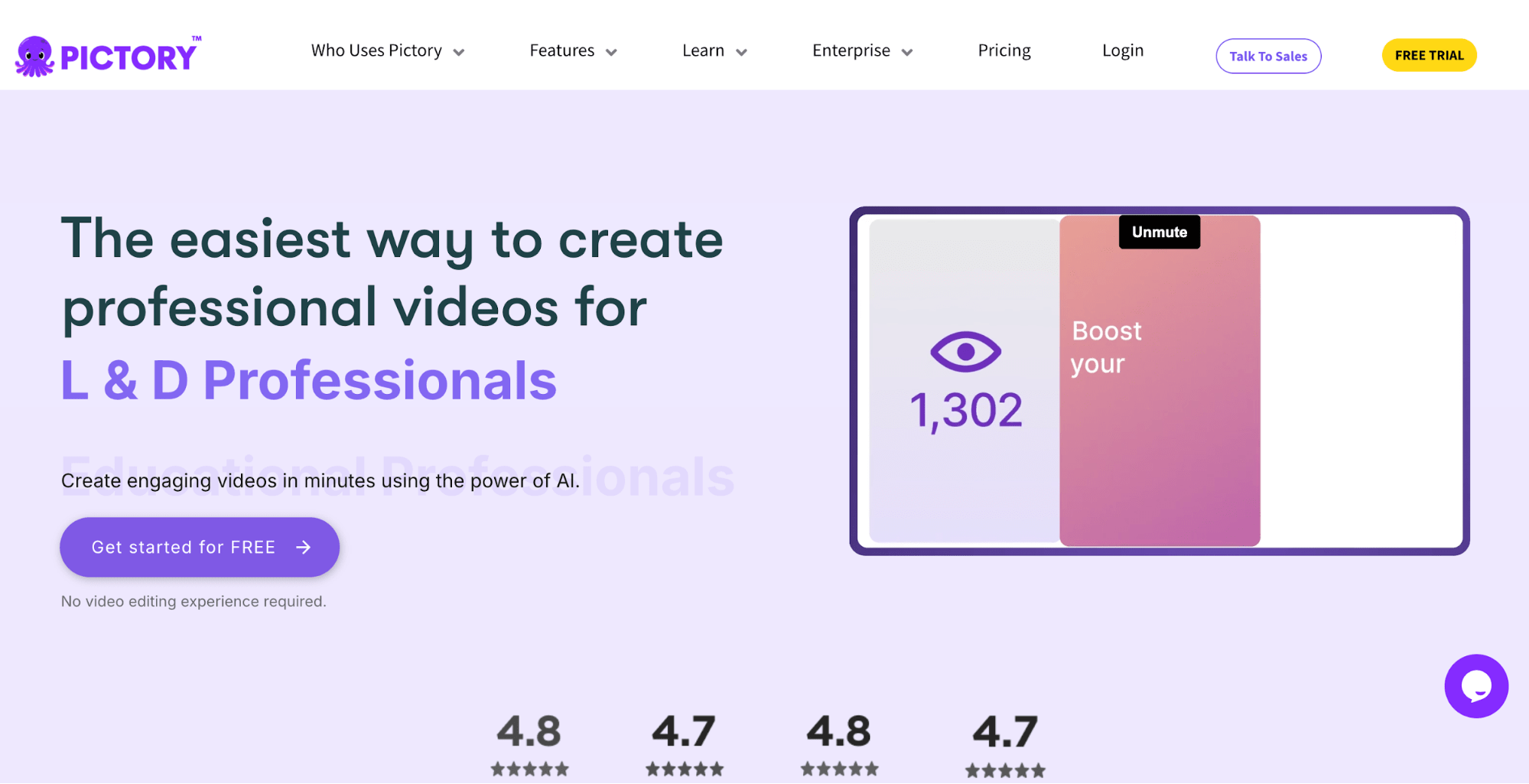
Pictory’s key features
- Text-to-video generator
- URL-to-video generator
- Video editing
Pictory’s pricing and plans
- Free trial: Pictory offers a 14-day free trial to test out the tool
- Starter: $25/month for 200 video minutes
- Professional: $49/month for 600 video minutes
- Team: $119/month for 3+ users for 1,800 video minutes
- Enterprise: Starts at $625/month for 5+ users for a custom minutes package
Pictory’s pros
- Create videos from scratch, just by providing a text prompt
Pictory’s cons
- Users complain about a lack of new and different templates for videos
Pictory’s user experience
Pictory’s user ratings
Hire AI specialists on Fiverr today
AI generators FAQs
Which is the best AI generator for a small business?
What are the free AI generators for businesses?
Are AI generators safe for commercial use?

Related Guides





About Author
Chloe West
Chloe West is a digital marketer and freelance writer, focusing on topics surrounding social media, content, and digital marketing. She's based in Charleston, SC, and when she's not working, you'll find her playing card games or reading romance novels.
