 October 23, 2026
 9 minute reading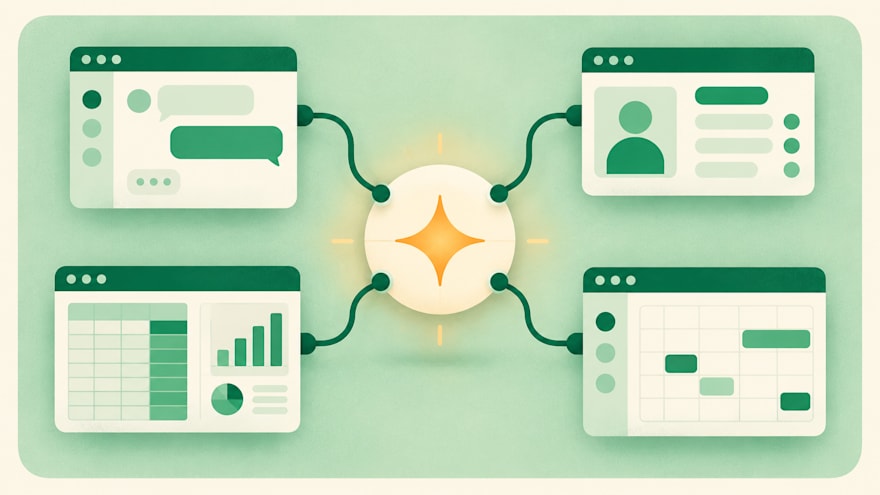
AI integration is the practice of connecting AI models to the software, data and workflows a business already runs, so the output appears inside existing tools instead of a separate chat window. Many businesses use AI integration services on Fiverr to build these connections, from a single help desk link to workflows that span several teams.
A help desk that drafts replies from your own help center and a CRM that summarizes every sales call are both examples. The concept is simple, but the real work sits in the connections: permissions, data access, and making the output useful where people already work.
At a glance: AI integration explained
- Integrating AI means wiring an existing model into systems you already use, so results land inside current workflows.
- Most projects fall into three types: customer-facing, internal workflow, and data and analytics.
- It differs from building an AI product and from buying software that has AI features built in.
- Data access and permissions, not the choice of model, usually decide how hard a project is.
- On Fiverr, a typical AI integration order is first delivered in 2 days, with most between 1 and 7, and specialists handle anything from a single connection to an ongoing program.
In practice, the model becomes one component in a system you already run. It receives information from somewhere, such as a ticket, a document or a database record, produces something useful, and sends the result back to where your team will see it.
This became its own discipline because access to capable models got easy. Any team can open an account with a model provider in minutes. The hard part moved elsewhere: getting the right data to the model securely, deciding what should set it off, and making sure the output arrives in a form people trust.
The scope has clear edges. Training a new model from scratch is machine learning engineering, and building a standalone AI app is product development. Switching on an AI feature inside software you already pay for is configuration. Integration sits between these: it takes models that already exist and connects them to your own systems.
How does integrating AI into business tools work?
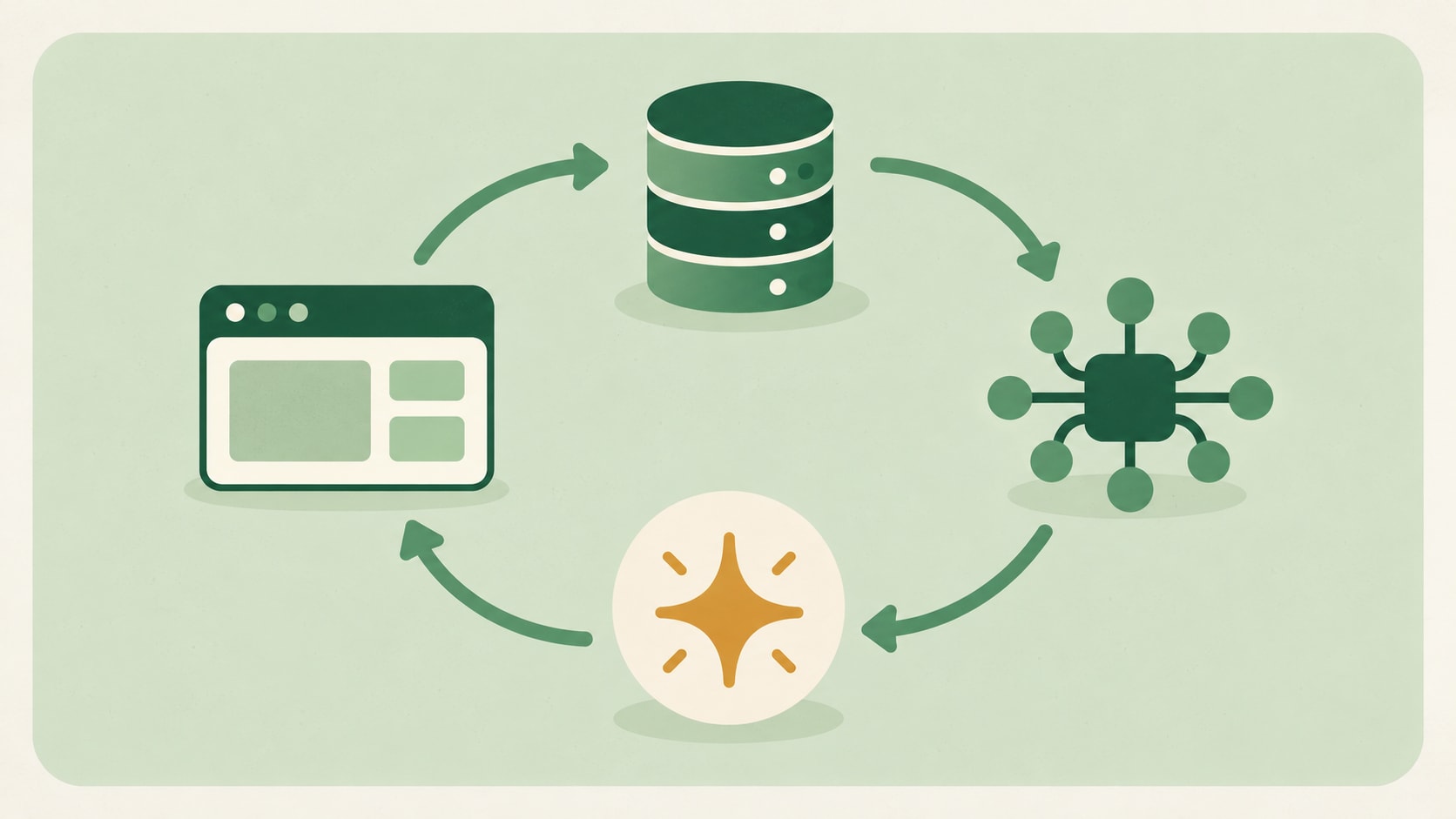
Integrating AI works by linking four parts: a model, the data it needs, a trigger that starts the process, and a destination for the result. Every project, from a small automation to a company-wide rollout, uses some version of these four.
- The model: a hosted large language model or a specialized model, usually accessed through an API. If the term is new, our guide to what a large language model is explains how these models work.
- The data: the documents, records or messages the model needs to give a useful answer, often pulled at the moment of the request.
- The trigger: the event that starts the process, such as a new support ticket, a form submission or a scheduled job.
- The destination: where the result lands, such as a CRM field, a draft reply, a dashboard or a message in a team channel.
Take a support team as an example. A new ticket arrives, the system pulls the customer's order history and the relevant help articles, the model drafts a reply, and the draft appears inside the help desk for an agent to review and send.
What gets connected, and how
Most connections run through APIs, which let one piece of software request information or actions from another. Our guide to what an API integration is covers the basics. Webhooks handle the opposite direction, notifying a system the moment something happens so it can react.
Automation platforms fill the gap for simpler jobs. Tools covered in our guides to n8n and Zapier can pass data between an app and a model without custom code, which suits internal workflows with modest volume.
Open standards are also reducing custom work. The Model Context Protocol, introduced by Anthropic in November 2024, is an open standard for connecting AI assistants to the systems where data lives, including content repositories and business tools.
Why data access is usually the slow part
The call to the model is often the quickest part of the build. Deciding which data the model may see, who approves that access, and how sensitive information stays protected takes longer, especially in regulated industries.
Handling the output takes time too. An answer has to be checked, formatted and logged before it can safely write to a live system, and someone has to decide what happens when it is wrong.
Types of AI integration in business
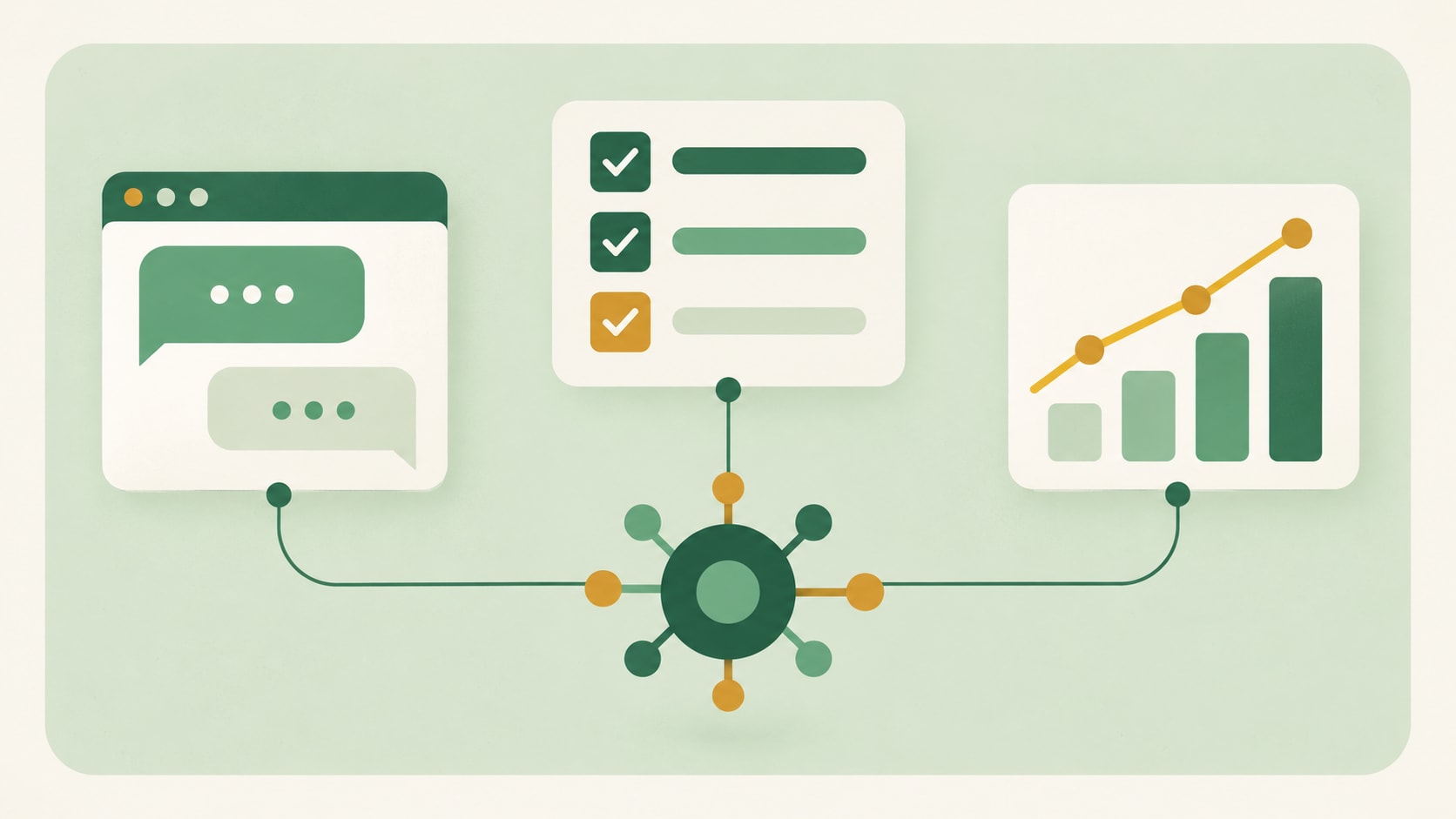
AI integration in business usually falls into three types, depending on who sees the output: customers, your own team, or your reporting and data systems. Each type has its own typical use and its own main risk.
Customer-facing integrations
These put AI in front of customers, inside support chat, onboarding flows or product features. A common example is a support assistant that answers order questions using live account data and hands off to a person when it is unsure.
The hardest part is accuracy. A wrong answer in front of a customer costs trust quickly, so these projects need clear limits on what the model can say and a reliable route to a human.
Internal workflow integrations
These help your own team work faster: routing requests, summarizing calls, drafting documents or triaging an inbox. A sales team might get a short summary of every call written straight into the CRM record.
This is the most common starting point, because mistakes are caught internally before they reach anyone outside the business. The main challenge is adoption, since a tool nobody opens delivers nothing.
Data and analytics integrations
These apply AI to the data itself: tagging support tickets by topic, pulling fields out of invoices, or enriching lead records. A finance team might use one to extract totals and due dates from incoming supplier invoices.
Data quality decides the outcome here. A model classifying messy, inconsistent records will produce messy, inconsistent labels, so these projects often begin with cleanup.
Integrating AI vs. building an AI product: What is the difference?
Integrating AI adds intelligence to systems you already run, while building an AI product creates new software with AI at its core. A third route, buying a tool with AI features already included, needs neither, but gives you the least control.
The difference matters for budget and ownership. Integration work stays close to your existing stack, while a new product brings its own design, infrastructure and maintenance. The comparison below summarizes the three routes.
Three routes to AI in your stack
Buy an AI-enabled tool
Integrate AI into existing systems
Build an AI product
What you control
Vendor settings
Data, triggers, outputs
Everything
Typical timeline
Days
Days to weeks
Months
Who does the work
Your admin
Integration specialist
Product team
Cost to change later
Low
Moderate
High
What to have ready before you integrate AI
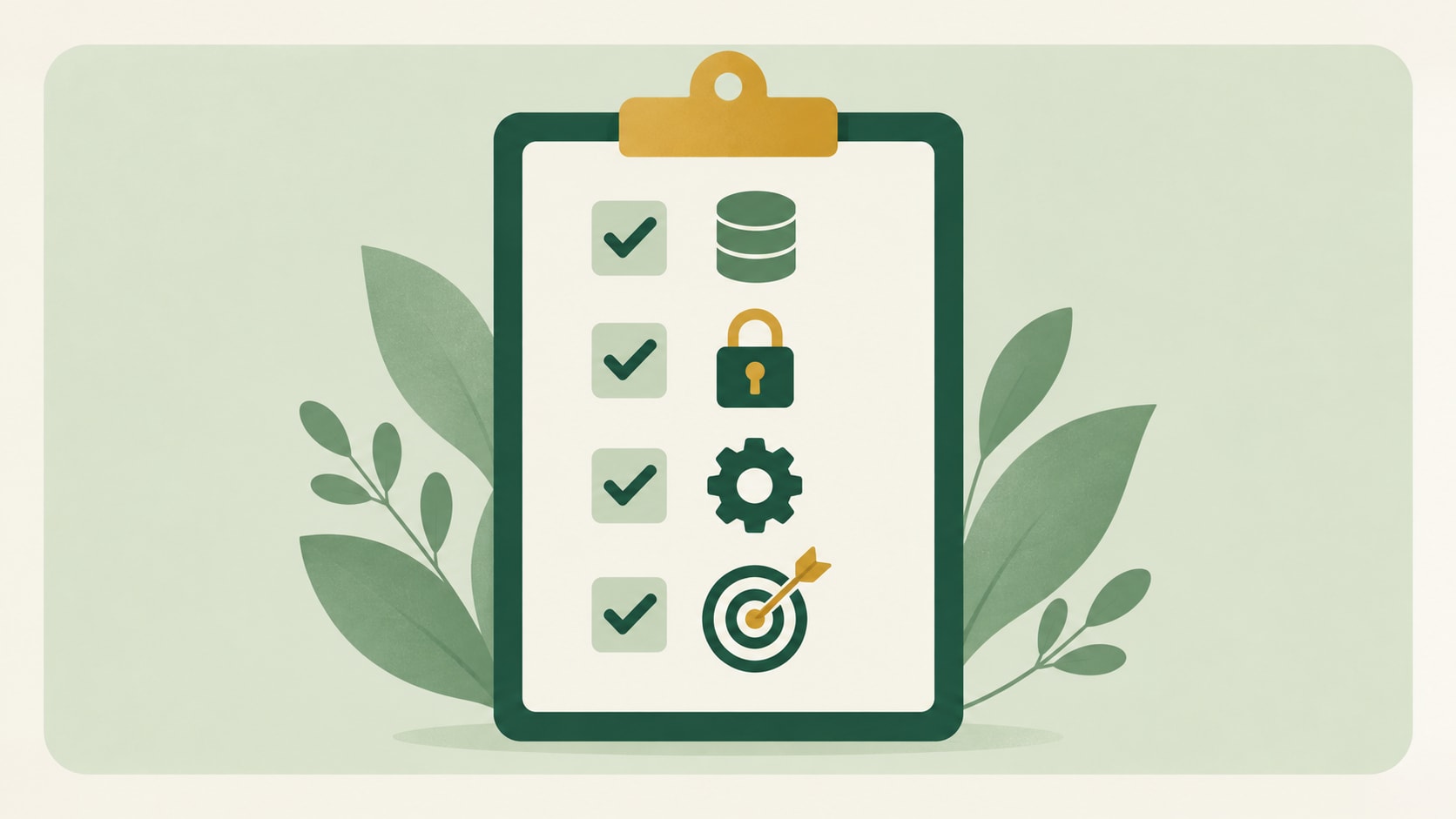
The best-prepared projects start with four things settled: the systems involved, the data, who owns access, and how success will be measured. Having these ready shortens scoping and makes quotes from different specialists easier to compare.
- Systems: which tools the AI will read from and write to, with admin access available for each.
- Data: where the relevant records live, what format they are in, and anything that must stay out of reach.
- Ownership: who approves data access, who reviews output, and who maintains the setup after launch.
- Success measure: one concrete outcome, such as time saved per ticket or fewer manual data entry steps.
With these settled, the build itself tends to move quickly. In the 12 months to October 2026, a typical order in Fiverr's AI Integrations category was first delivered in 2 days, with most first delivered between 1 and 7 days. Higher-value orders take longer: for the top third of orders by value, the median was 7 days, with most between 3 and 14.
These figures describe a single order, not a full engagement. A rollout across several systems often runs as a series of orders, so the overall timeline depends on how many connections you need and how quickly access is approved.
Common misconceptions about connecting AI to your tools
A few assumptions slow projects down before they start. Each of these comes up often, and each has a simple correction.
"We need to train our own model first"
Most projects use an existing model and give it your data at the moment of each request. Training or fine-tuning a model is a separate, larger decision, and many teams never need it.
"It's a one-off project"
An integration keeps running inside live systems. Models are updated, source data changes and business rules shift, so a working setup needs someone to check and maintain it over time.
"Our data has to be perfect before we begin"
Clean data helps, but waiting for perfect data can stall a project indefinitely. Many teams start with one well-understood data source and improve quality as they go.
"Choosing the model is the big decision"
The model matters less than the connections around it. Two teams using the same model can get very different results depending on the data they supply and where the output lands.
When to hire an AI integration specialist, and what to look for
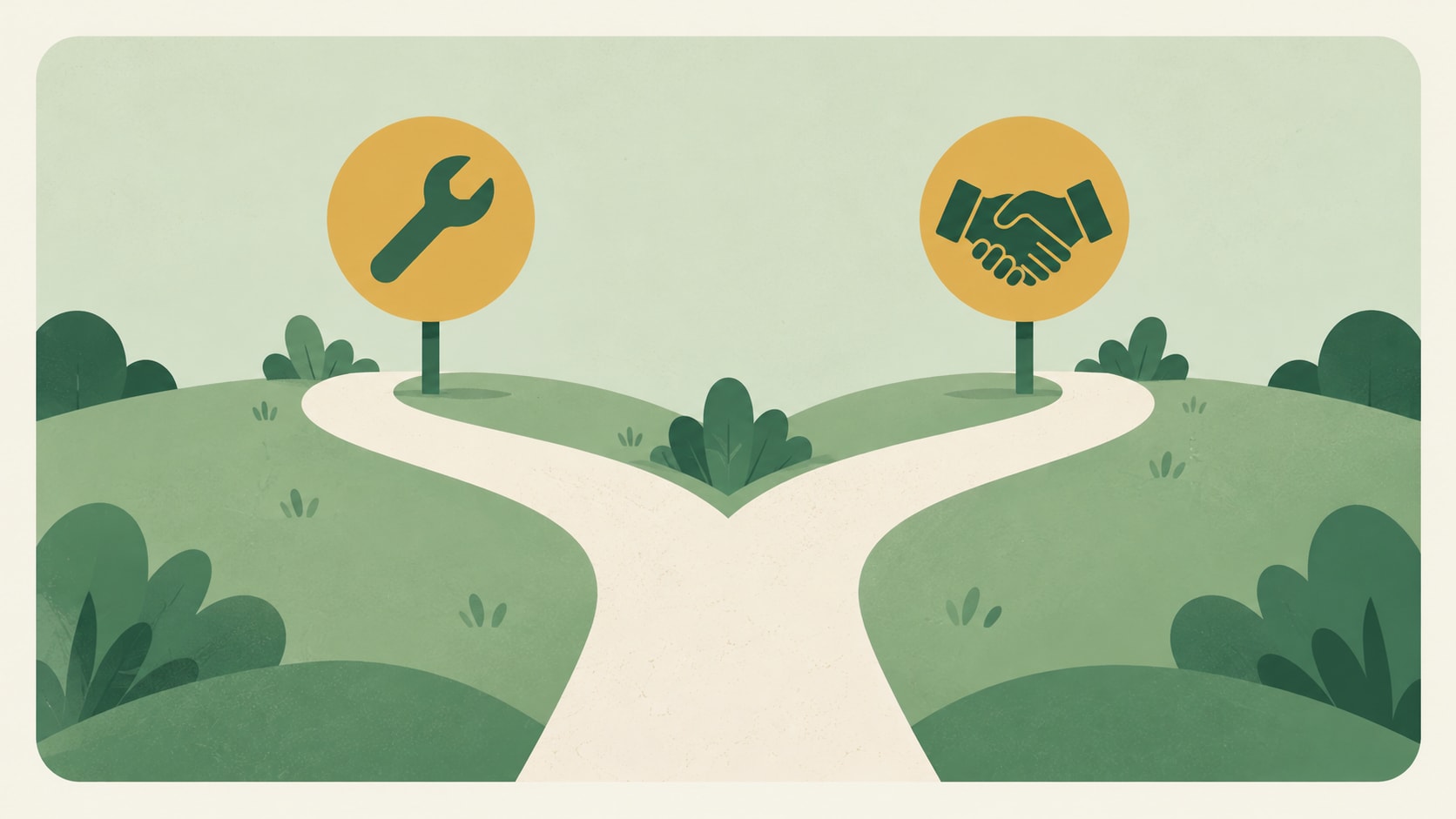
Hire an AI integration specialist when the work touches customer data, live production systems or several tools at once. Simpler internal workflows, such as sending form entries to a model and posting a summary to a team channel, are often manageable in-house with no-code tools.
Beyond that point, specialist experience pays for itself in fewer false starts. It also helps to look in the right place, because integration is a distinct specialty within AI development. In the 12 months to October 2026, about one in ten AI Development orders on Fiverr was in the AI Integrations category, while about eight in ten were new builds such as AI websites, software and mobile apps.
Category labels are a proxy, since some builds also include integration work, and about 3% of orders fell outside these groupings. Hiring from the integration category means working with someone whose focus is connecting AI to the systems you already run, rather than building a new product from scratch.
What to look for in an AI integration specialist
Evaluate candidates in the order that best predicts a good result:
- Relevant experience: previous work connecting AI to the same kind of system you use, such as your CRM or help desk.
- Portfolio evidence: working examples or case studies that show the output inside a real workflow.
- Technical depth: comfort with your stack's APIs, authentication and data security requirements.
- Communication: clear scoping, honest estimates and a plan for maintenance after launch.
Pricing depends on scope, the number of systems involved and how much data preparation is needed. For a full breakdown, see our guide to how much AI costs for a business.
Get help integrating AI with Fiverr
Fiverr connects businesses with developers who specialize in AI integration in business settings, from linking a model to a single help desk to rolling out connected workflows across sales, support and operations. You can review portfolios, compare approaches and agree scope before any work begins.
Flexible hiring models, from fixed-price projects to ongoing engagements, let you start with one connection and expand as results come in. Specialists can also maintain the setup after launch, so your integration keeps working as models and data change.
Hire an AI integration specialist on Fiverr
Connect AI to the tools your business already runs.

FAQs
Common examples include a help desk that drafts replies from your knowledge base, a CRM that writes call summaries into each record, and a finance workflow that extracts totals from supplier invoices. Each one connects an existing model to a system the team already uses, so results appear where work already happens rather than in a separate app.
Related Guides



About the author
Lior IluzVP R&D
Lior Iluz is a VP of R&D at Fiverr, leading cross-organizational engineering efforts across web and mobile platforms. With over a decade of experience spanning Android development, full-stack engineering, and senior R&D leadership, his background centers on building and scaling distributed, event-driven systems and modern cloud-native architectures. His work focuses on technical strategy, team leadership, and delivering resilient, high-impact products at scale.
