 November 24, 2026
 11 minute reading

Monetizing a community means turning an engaged audience into recurring revenue by charging for access, outcomes or experiences that members value. The steps below take you from the first decision, what members are actually paying for, through platform, pricing and launch, and community management services on Fiverr can support any stage you don’t want to handle alone.
The order matters. Most monetization problems start when a platform or price is chosen before the value is clear, so this guide follows the decisions in the sequence they should be made.
Before you start: What you’ll need
Community monetization works best when a few basics are in place first. Check that you have:
- An existing, engaged audience, such as a newsletter, social following, customer base or free group.
- A clear outcome members want, and evidence they want it from you specifically.
- Time set aside each week for moderation, programming and member conversations.
- A way to take payments and handle taxes, terms and refunds.
- A short set of community rules and a plan for enforcing them.
At a glance: How to monetize a community in 6 steps
- Step 1: Define what members are paying for.
- Step 2: Validate demand with your existing audience.
- Step 3: Choose a monetization model.
- Step 4: Pick a platform that fits the model.
- Step 5: Set your price and launch to founding members.
- Step 6: Plan the ongoing workload, and decide which parts to hand to a community manager on Fiverr.
How to monetize a community, step by step
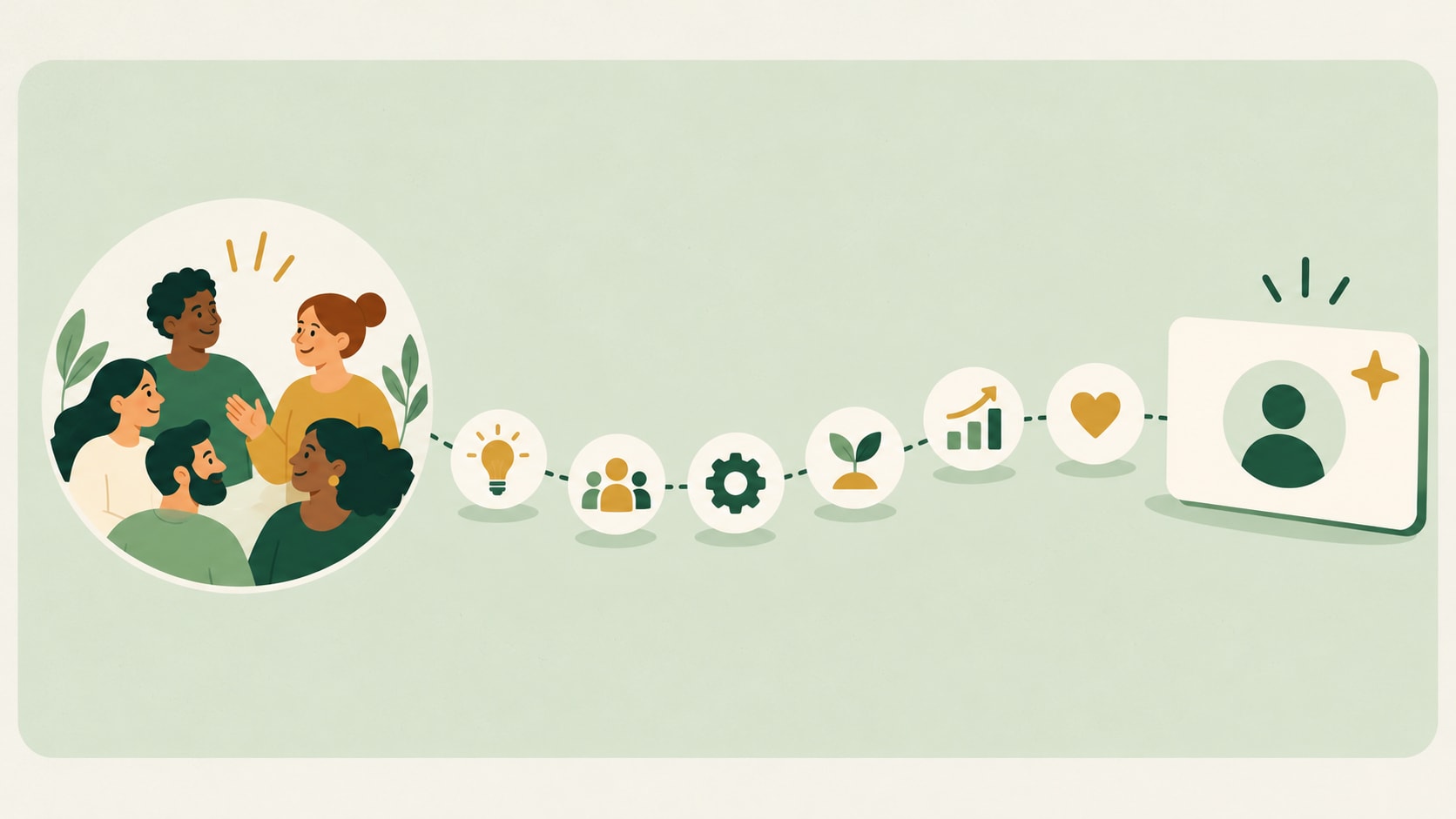
Each step below produces a decision you’ll build on in the next. Skipping ahead, especially to platform choice, is the most common reason paid communities struggle.
Step 1: Define what members are paying for
Start with the value proposition, not the platform. People pay for a community when it gives them something they can’t easily get elsewhere: access to you or other experts, a specific outcome, accountability, exclusive content, or a network of peers.
Write it as one sentence: “Members get [outcome] through [format].” If you can’t finish that sentence, the community isn’t ready to charge yet.
Step 2: Validate demand with your existing audience
Test the offer with the people who already follow you before building anything. A waitlist, a short survey or a founding-member pre-sale shows whether interest turns into payment.
Pre-sales are the strongest signal. Ten people paying for early access tells you more than a hundred people saying they’d consider it.
Step 3: Choose a monetization model
Pick the model that matches how members get value. Ongoing value suits recurring payments; a defined outcome suits a one-off price.
Community monetization models compared
Model
How it works
Best for
Subscription
Monthly or annual fee
Ongoing access and content
One-off access
Single payment
Defined programs or archives
Tiered membership
Several price levels
Mixed audiences
Cohort programs
Fixed-length paid groups
Outcome-driven learning
Sponsorships
Brands pay to reach members
Large, focused niches
Events
Paid workshops or meetups
Communities with live energy
Many communities combine models, for example a subscription for core access plus paid events. Start with one model, then add others once members are clearly getting value.
Step 4: Pick a platform that fits the model
Choose the platform after the model, because the model decides which features you need. Platforms also handle member payments very differently, and some can’t take them at all. The platform-by-platform breakdown below covers how monetization works on Discord, Skool, Telegram and the other places communities run.
Compare them on the points that matter once members pay:
- Built-in payments and subscriptions, or a separate payment tool.
- Support for courses, events and content libraries if your model needs them.
- Ownership of member data and the ability to export it.
- Mobile app quality, since members often engage on phones.
- Fees, including transaction fees on member payments.
If your community runs on Discord, our guide to building Discord chatbots covers automating onboarding and moderation.
Step 5: Set your price and launch to founding members
Price against the value members get and the alternatives they have, not against other communities’ prices. A community that saves members hours a week or helps them earn more can charge more than one built around casual conversation.
Launch to a small founding group first, often at a lower, locked-in price in exchange for feedback. Founding members shape the culture, test your programming and become your best source of referrals.
Step 6: Plan the ongoing workload
Running a community that members pay for is an ongoing commitment. Members who pay expect regular programming, quick answers, active moderation and a welcoming experience for new joiners, every week.
Map the recurring tasks before launch: onboarding, weekly content or events, moderation, member check-ins and reporting on retention. Then decide which you’ll handle yourself and which to hand off.
How do you monetize a community on Discord, Skool, Telegram and other platforms?
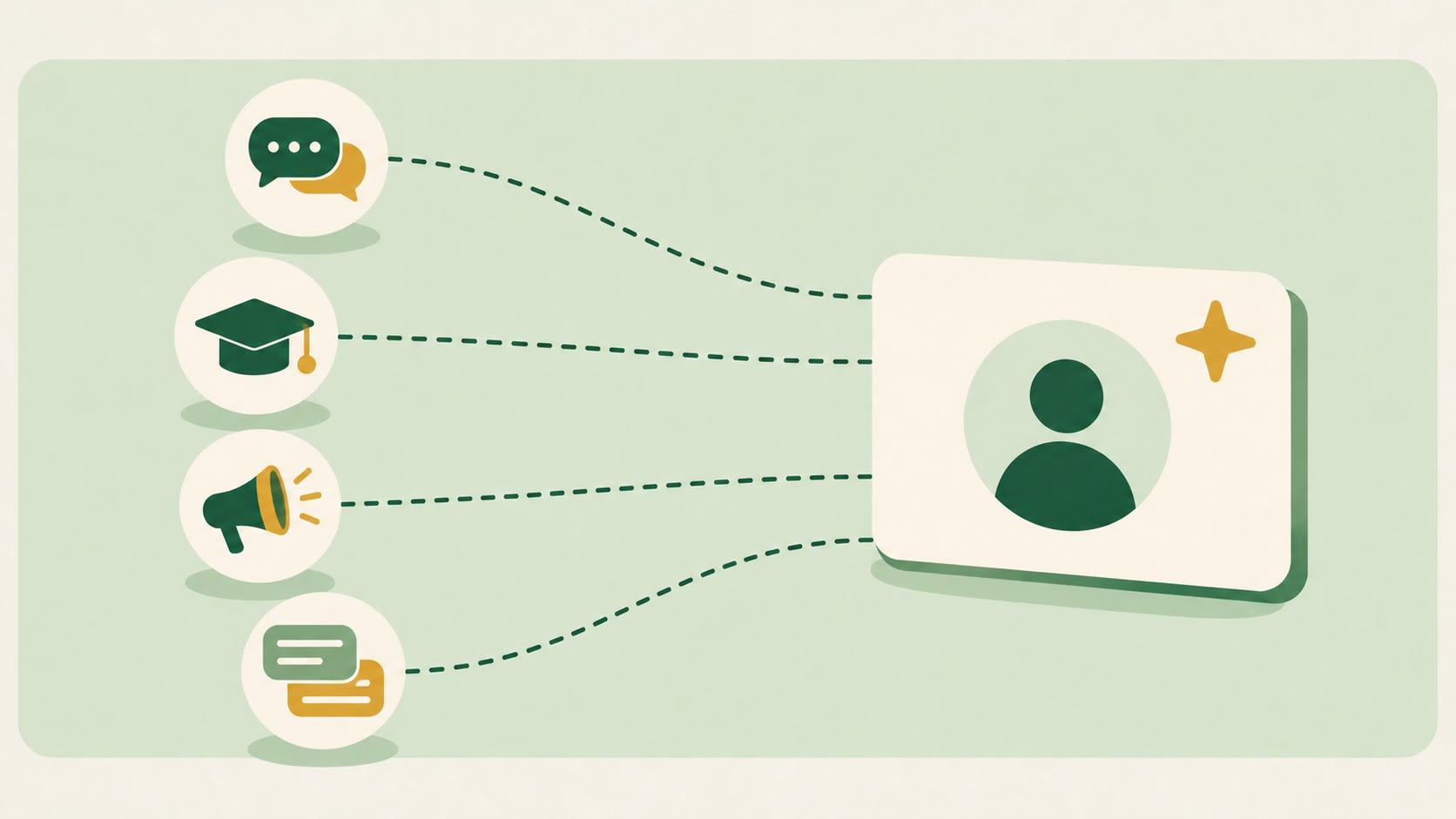
Monetization works differently on each platform, and the biggest difference is whether members can pay you inside the platform at all. Dedicated community platforms and most chat apps have paid access built in. Social networks and forums mostly work as a free first step that leads members to a paid space elsewhere.
That makes platform choice a question about how money moves, not only about features. The groups below cover what each type of platform can and can’t do once you start charging.
On Fiverr, Discord was the platform named most often on the online community services clients ordered over the past 12 months. It accounted for 55% of orders, followed by Telegram at 18% and Skool at 9%. Chat apps as a group account for about three in four orders, and about 8% named no specific platform. That mix reflects where community owners most often bring in outside help.
Community platforms and how members pay
Platform
Format
Paid access built in
Main way to earn
Skool
Community platform
Yes
Subscriptions, courses
Circle
Community platform
Yes
Memberships, events
Patreon
Membership tool
Yes
Tiered memberships
Discord
Chat server
Eligible servers
Server Subscriptions
Telegram
Channel or group
Yes
Paid subscriptions
Broadcast channel
Rolling out
Channel Subscriptions
TikTok
Creator profile
Creator subscriptions
Subscriber-only content
Group
No
Funnel to paid space
Group
No
Funnel, events
Subreddit
No
Audience building
Quora
Space
Limited
Audience building
Fees, eligibility rules and availability change often, so check each platform’s current terms before you commit, especially the share it takes from member payments.
Dedicated community platforms: Skool, Circle and Patreon
Dedicated platforms are built for communities that are the product. Payments, member management and, on most of them, courses and events sit in one place, so members pay and get access without extra tools.
- Skool combines a discussion feed, courses and an events calendar, with points and leaderboards that reward active members. You pay a monthly plan, and Skool takes a percentage of each member payment.
- Circle offers discussion spaces, courses, events and paid memberships, with plans priced by features and a transaction fee on member payments.
- Patreon runs tiered memberships and connects to Discord, so paying members can get access to private channels automatically.
These platforms suit outcome-driven communities, cohort programs and memberships that bundle courses with discussion. The trade-off is that members have to adopt a new app, and the plan cost starts before your first member pays.
They also take more work to set up. On Fiverr, 89% of orders for services built around dedicated platforms such as Skool and Circle were for planning, strategy and setup. For chat apps, the figure was about 62%.
Chat apps: Discord, Telegram and WhatsApp
Chat apps let you charge members inside an app they already open every day, which removes the friction of asking them to join something new.
- Discord Server Subscriptions let members pay monthly for paid roles, exclusive channels and perks, with Discord handling billing. Native monetization is limited to eligible servers and owners, so many communities manage paid roles through Patreon or another membership tool instead.
- Telegram lets channel owners create invite links that give access in exchange for a monthly payment in Telegram Stars, the app’s in-app currency. Owners can also sell individual paid posts.
- WhatsApp is rolling out Channel Subscriptions, which let followers pay a monthly fee for exclusive updates. Channels are one-way broadcasts, so this works more like a paid newsletter than a two-way community.
Chat apps suit communities that run on real-time conversation, quick answers and frequent updates. The watch-out is structure: long chats bury useful content, so plan pinned resources, clear channels and moderation from day one.
If you plan to automate onboarding or paid roles, our guide to what it costs to hire a Discord bot developer explains what that work involves.
Social networks: Facebook, LinkedIn and TikTok
Social networks are where most communities start, because discovery is built in and joining is free. They’re less suited to charging for community access directly.
- Facebook Groups are free to create and run, and they don’t give admins a widely available way to charge for access. Most admins earn through what the group leads to, such as a paid community, a course or sponsored content.
- LinkedIn Groups have no paid membership option. They work well for professional and B2B communities as a place to build trust before selling events, programs or services.
- TikTok Subscriptions let followers pay monthly for subscriber-only videos, subscriber-only LIVE chat and badges. It’s a way to earn from a creator audience rather than a space where members talk to each other.
Social networks suit the free tier of a community and the top of your funnel. You don’t control the feed or own the member list, so move your most engaged members somewhere you can reach them directly.
Our guide to making money on social media covers other ways to earn from these audiences.
Forums and Q&A sites: Reddit and Quora
Reddit and Quora are places to build authority rather than to charge for access. Subreddits can’t be put behind a paywall today, and Quora Spaces haven’t become a mainstream way to run a paid community.
- Reddit rewards genuinely helpful participation. Most subreddits limit self-promotion, so read each community’s rules before mentioning your own space.
- Quora works for answering questions in your niche and pointing readers to your community when it’s directly relevant to what they asked.
Both are also useful for research. The questions people ask again and again are a strong signal of what members would pay to get help with.
How to combine a free platform with a paid one
Most paid communities don’t live on a single platform. A common setup pairs a free space for discovery with a paid space for the deeper value:
- Build a free audience on a social network, forum or open chat server.
- Share useful content there that shows what the paid community offers.
- Invite engaged members into a paid space on a dedicated platform or a paid chat tier.
- Keep the free space active, since that’s where new members find you.
The handoff between the two is where communities lose people. Keep it simple: one link, one clear offer and a welcome sequence waiting on the other side.
Fiverr’s community professionals can handle platform setup, member migration and onboarding automation, so the move from free to paid feels like one experience for members.
Common problems and how to fix them
Most paid communities run into the same few problems in their first months. Each has a practical fix.
Members join but don’t participate
Low participation usually means members don’t know what to do first. Add a short onboarding sequence, a weekly prompt or thread, and personal welcomes for new members in their first week.
Members cancel after the first month
Early cancellations often signal that the value wasn’t visible quickly enough. Deliver a concrete win in the first two weeks, such as a resource, an introduction or a live session, and ask leavers why they went.
Free followers push back on the paywall
Keep a free space or free content that shows what the paid community offers, and explain clearly what paying members get. Most resistance comes from unclear value, not from the price itself.
Moderation takes more time than expected
Write clear rules, use the platform’s moderation tools, and appoint trusted members as moderators. If the load still grows faster than you can handle, that’s the point to bring in help.
When to bring in a community manager

Bring in help when the community’s needs outgrow the time you can give it, or when you need skills you don’t have, such as launch planning, engagement programming or partnership deals.
Setup is where most businesses bring in outside help. On Fiverr, planning, strategy and setup made up about 60% of online community projects over the past 12 months, followed by growth, partnerships and monetization at about 21% and management and engagement at about 14%. Setup work moves quickly, with a median delivery time of 1 day and most projects delivered within 1 to 3 days.
Ongoing support is a smaller, more committed group. About 1.6% of clients kept the same community professional for three or more months, placing a median of 4 orders each. For most owners, that means the day-to-day work is theirs to plan for, with outside help brought in for launches, growth pushes or specific projects.
Our guide to community management covers the day-to-day work in more detail, and our guide to hiring a social media manager helps if your community lives on social platforms.
Grow your community with Fiverr
Fiverr connects creators and brands with community professionals who plan launches, design engagement programs, set up platforms and manage communities day to day. You can compare portfolios, discuss your model and agree on scope before any work begins.
Start with a focused project, such as setting up your platform or planning your founding-member launch, and bring in ongoing support as the community grows.
Find a community manager on Fiverr
Hire community pros to launch, engage and grow.

FAQs
A paid community is an online group where members pay for access, through a subscription, a one-off fee or a tiered membership. In return they get something free spaces don’t offer, such as expert access, structured programs, exclusive content or a vetted peer network. Paid communities run on dedicated platforms, chat tools or membership services.
Related Guides




About the author
Tal GonenMarketing & Branding Expert
Tal Gonen is a Marketing & Branding expert with 10 years of experience working with 15+ global brands across 20+ EMEA markets. She specializes in building growth strategies for SaaS startups, combining consumer insights with data-driven creativity to help entrepreneurs build brands and secure funding.
